Published
October's updates help you act faster on research, spend more dialing time on real conversations, and keep Searcher, Workflows, and your AI assistant tied to how your team already works.
Here's what's new:
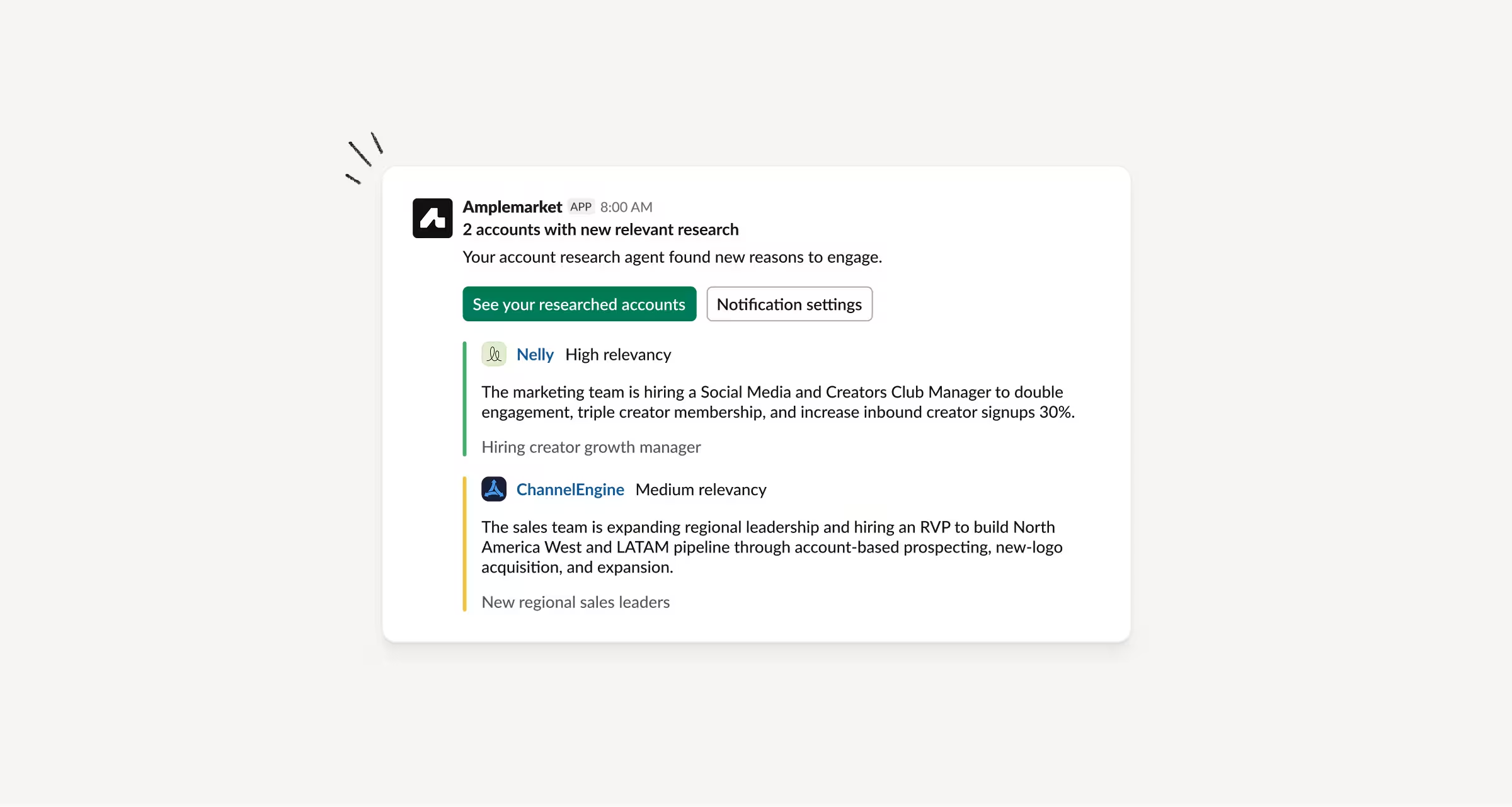
Get notified when Duo Accounts finds new research
When Duo Accounts finds new research on your tracked accounts, Amplemarket can email you and send a Slack DM with the most relevant examples from that day.
Each one includes a short summary of the main reasons to engage and the signals behind it.
How this helps you:
- Hear about new research without checking Duo Accounts every day
- See a short summary before deciding which accounts to open
- Get the same digest by email or Slack DM
Join Parallel Dialer calls faster with Live Transcript and Force Connect
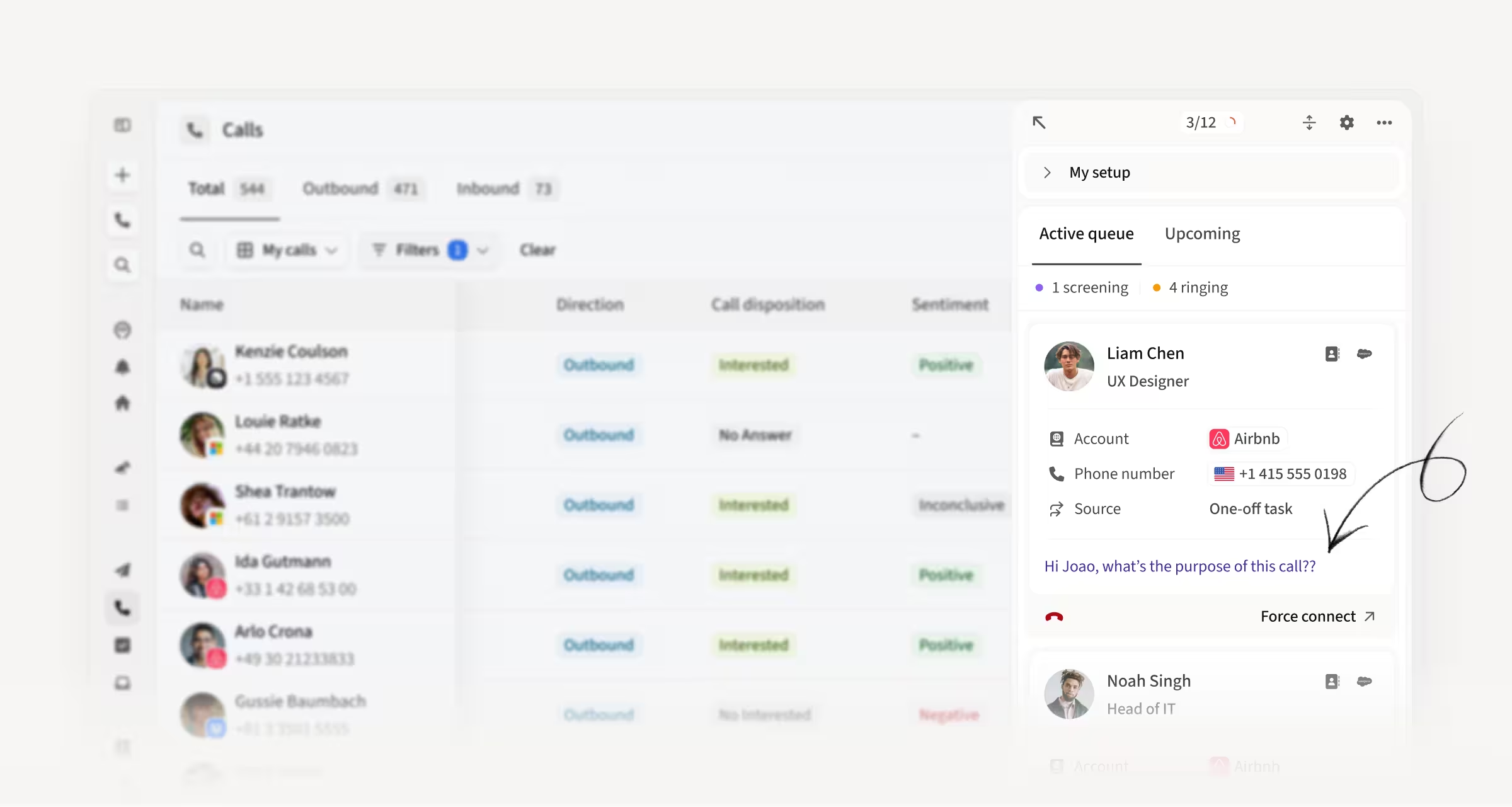
As a prospect answers, Parallel Dialer now shows a live transcript so you can tell a real person from a voicemail greeting.
Click Force Connect to join right away, without waiting for screening to finish, and follow the conversation live once you're on the call.
How this helps you:
- Spot a real answer faster and join the call sooner
- Follow the conversation as you connect
- Spend more dialing time on live conversations
Skip Call and Remove from Sequence, right from the Parallel Dialer queue
Every card in the Parallel Dialer Active queue and Upcoming now has two actions. Skip call takes the contact out of this session and keeps their task open.
Remove from sequence removes them from the sequence and the queue, including while a call is ringing.
How this helps you:
- Clean your call list as you dial
- Skip contacts that aren't worth a call right now
- Remove the wrong people without switching screens
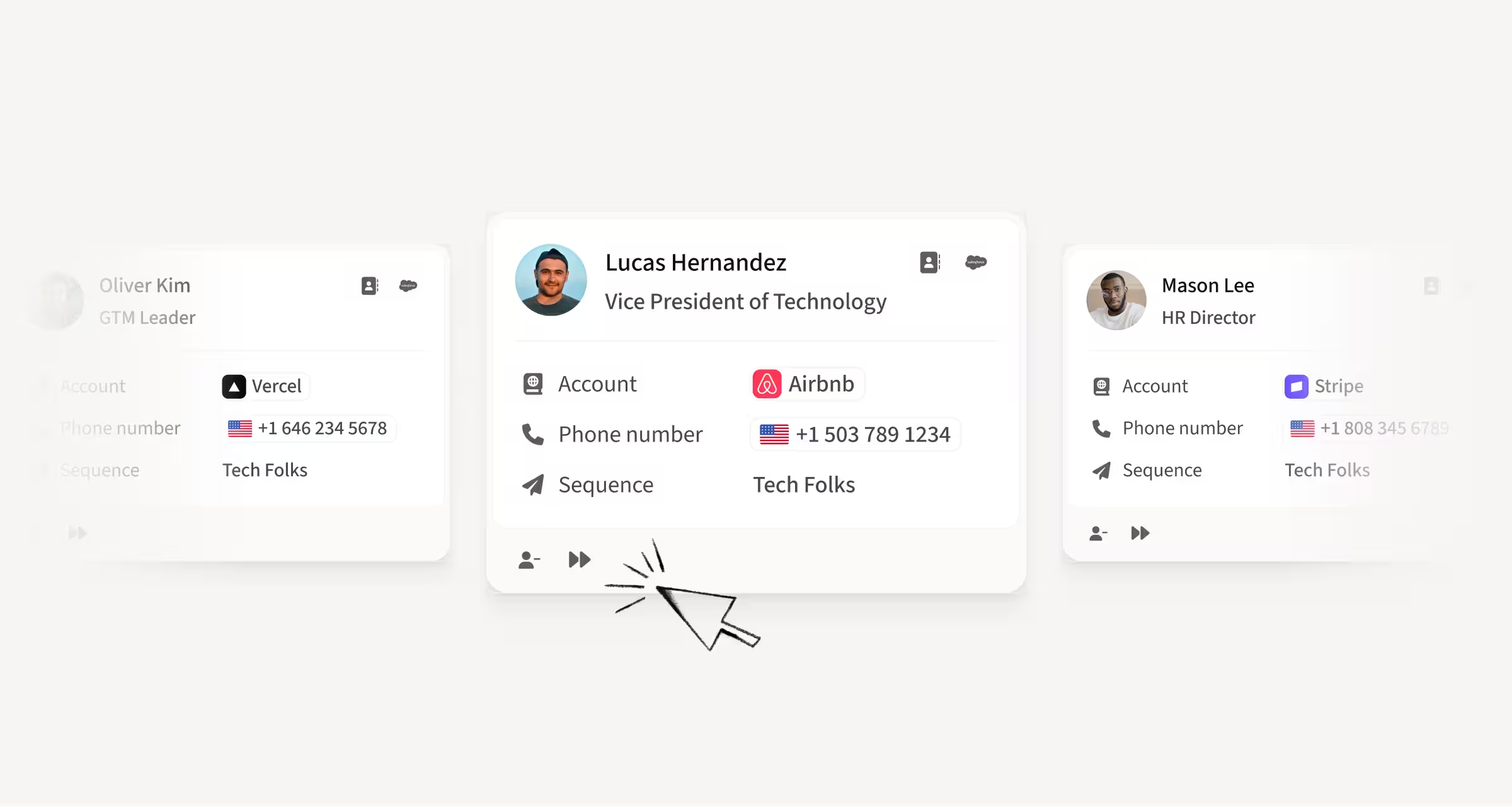
Use your CRM fields in Searcher, as columns and as filters
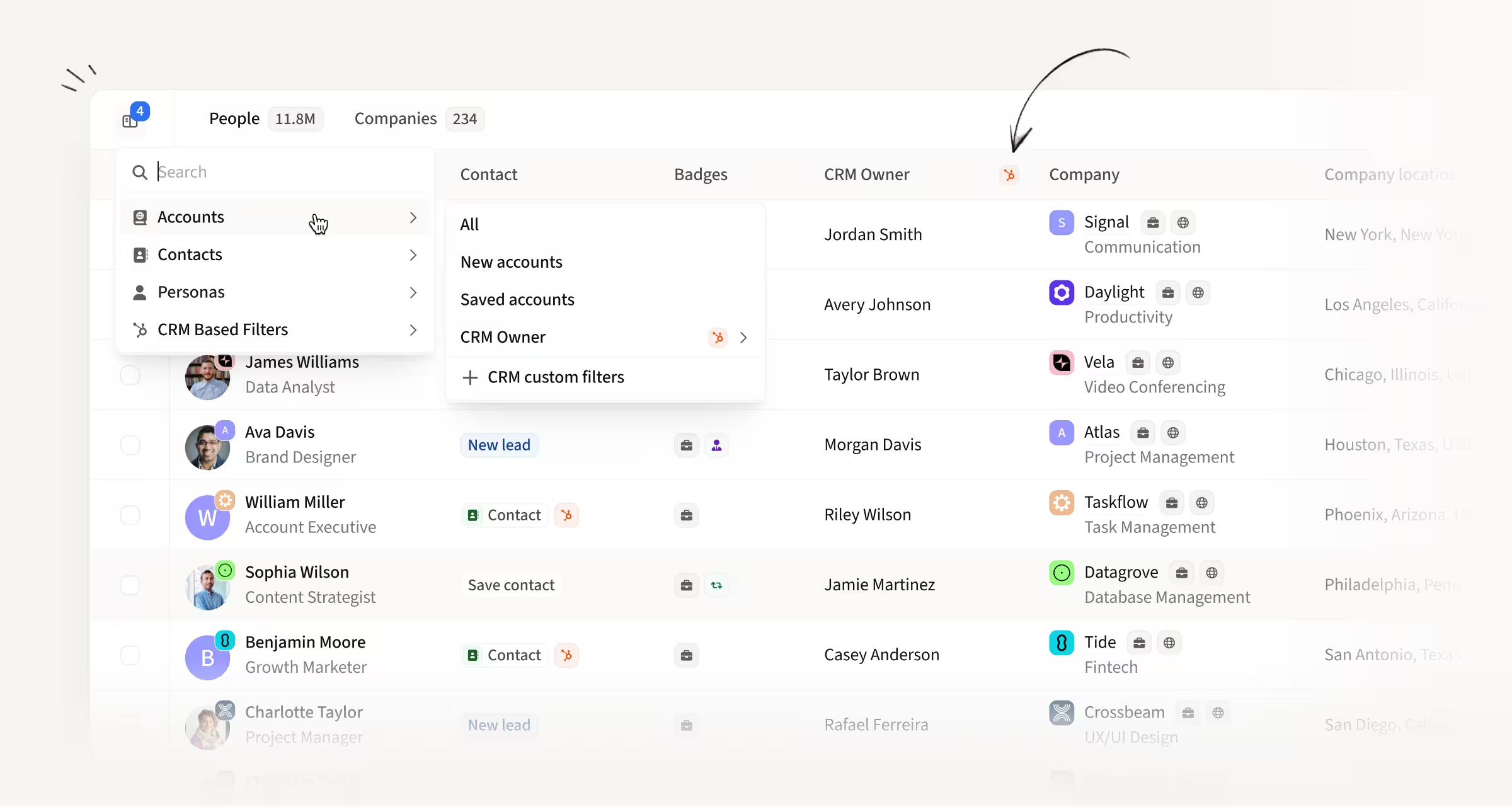
The custom CRM fields you already use on Account and Contact pages now work in Searcher.
Add them as columns from Display, or filter Accounts and Contacts with Add custom filter, using the values from your CRM.
How this helps you:
- Target lists using the CRM fields your team already trusts
- See those fields next to Searcher results without leaving the page
- Build searches around the same data you use in Salesforce or HubSpot
Discover accounts by what Duo Accounts research found
On the Accounts page, a new Signal title filter lets you discover accounts by the specific signals the Duo Accounts research agent found.
Type part of a signal title and save the view to come back as research refreshes.
How this helps you:
- Find accounts with the exact signals you care about
- Turn a pattern you noticed on one account into a list you can sequence
- Keep a saved view that updates as research refreshes

AI-generated email follow-ups after calls
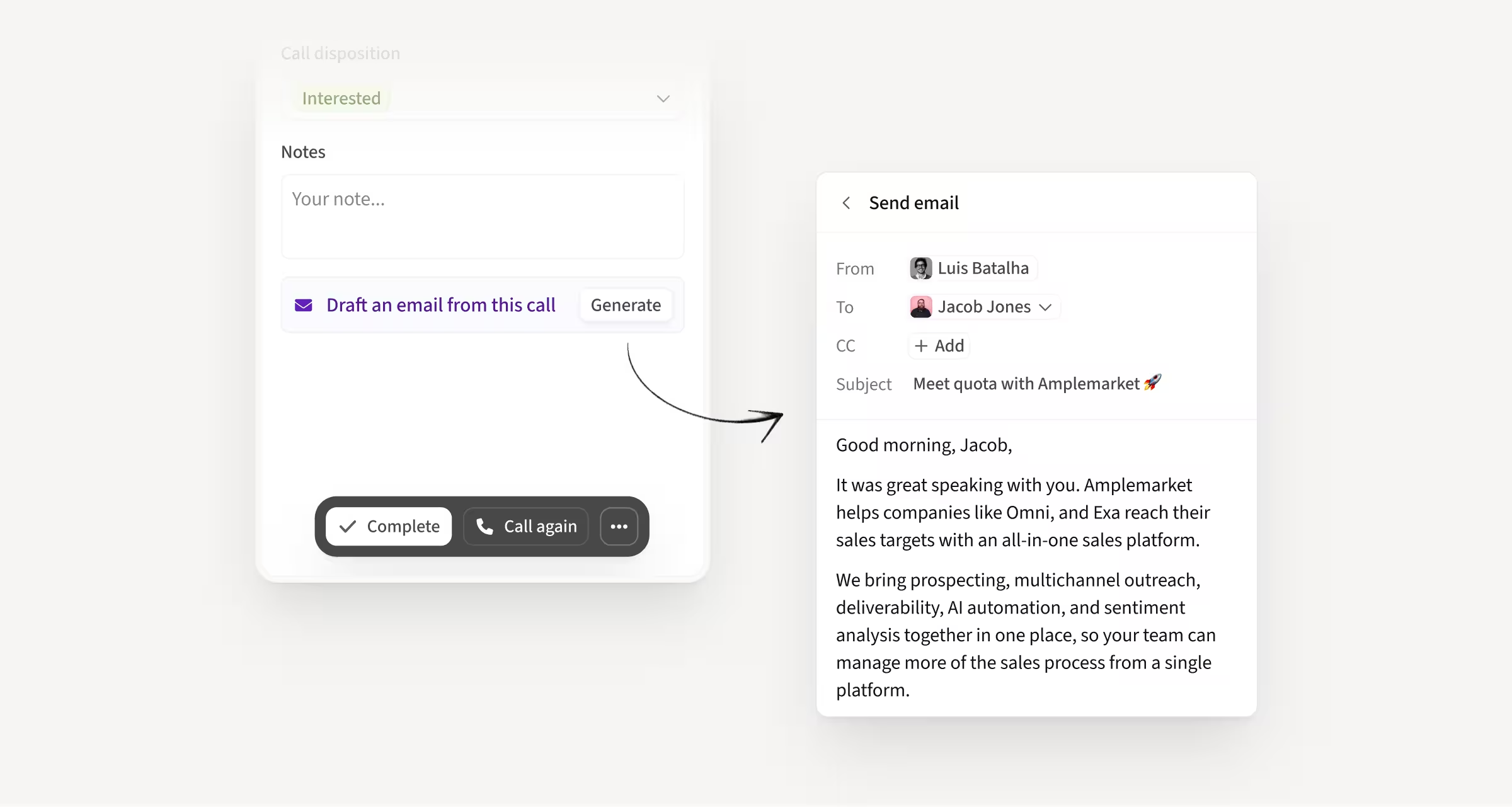
After a call, you can generate a personalized follow-up email in one click. The draft uses the call transcript, your value proposition, and tone of voice, and it's available from the Dialer task view and the Calls page.
Review it, edit it, and send when you're ready.
How this helps you:
- Follow up while the conversation is still fresh
- Address what was discussed, including questions and objections
- Go from a completed call to a ready-to-send email without starting from a blank page
Headcount Trends on Account and Company pages
Account and Company pages now show a headcount chart in the Employees tab for the last 12 months, for the company and each department, with 6-month and 1-year growth.
A Headcount section in the sidebar highlights the departments that matter based on your blueprint.
How this helps you:
- Qualify accounts by the team you sell to, not just total headcount
- See if that team is growing before you reach out
- Click a department on the chart to narrow the employee list

Advanced and Dynamic Sequence Selection in Workflows
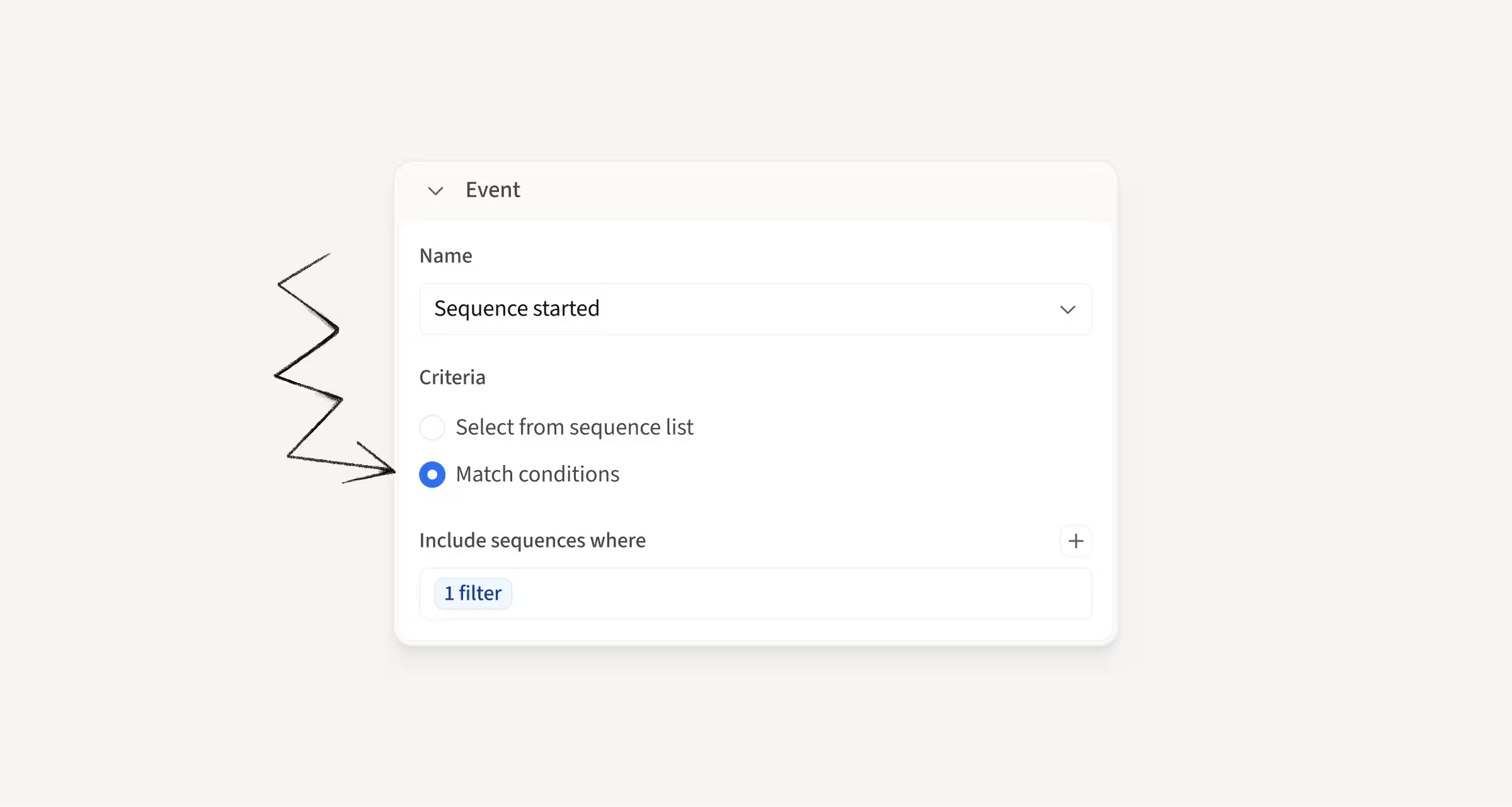
In Workflow triggers, you can now select sequences dynamically with filters such as tags or owners, instead of picking them one by one.
New sequences that match those filters are included automatically, and existing workflows can keep using static selection.
How this helps you:
- Target sequences by tag or owner without constant manual updates
- Automatically include new matching sequences as they're created
- Keep workflows easier to maintain across a growing sequence library
Do more from your AI assistant with the Amplemarket MCP
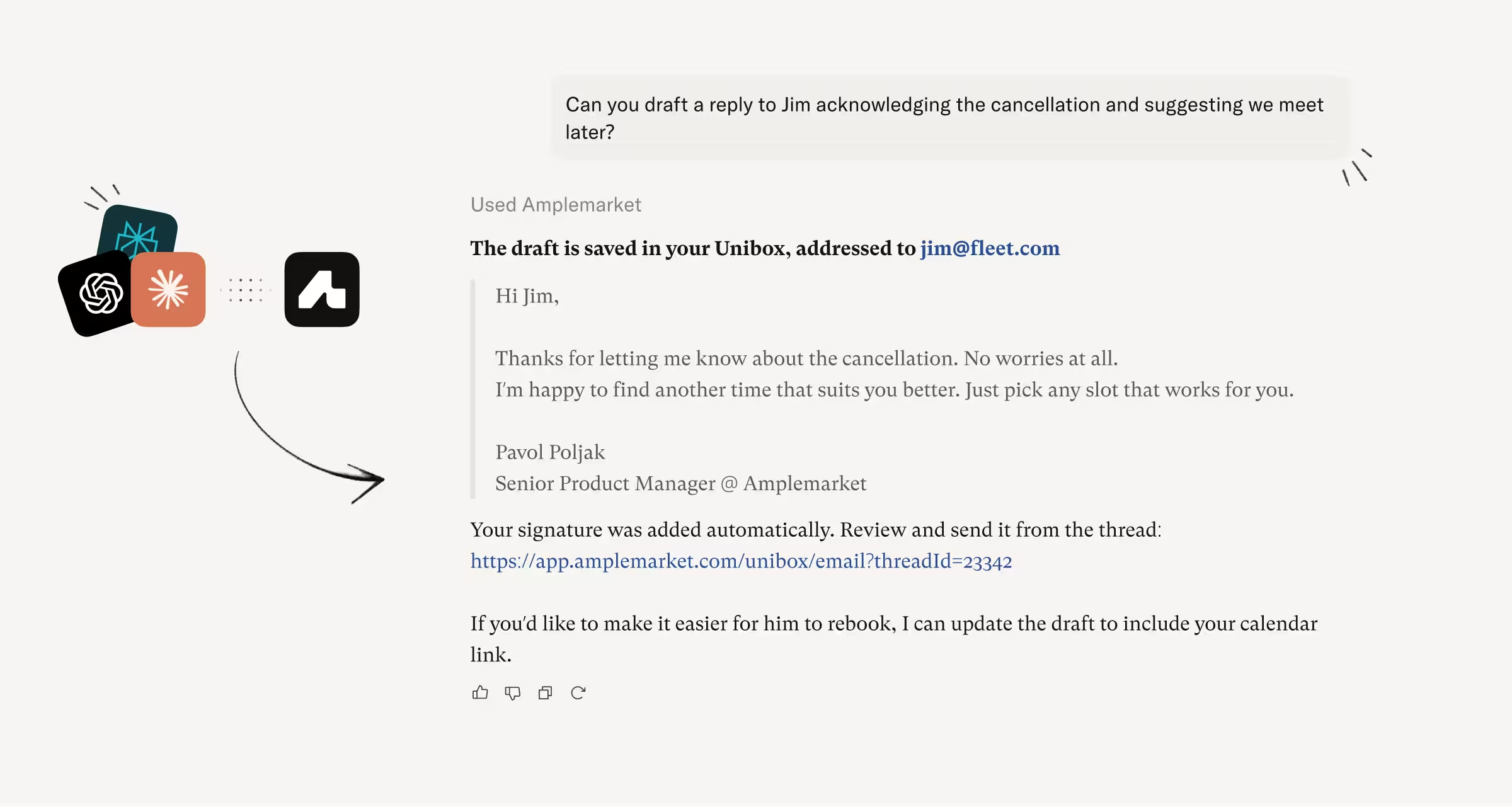
Draft Unibox replies
Your AI assistant can create and edit email drafts in Unibox through Amplemarket MCP.
It returns a link to the draft so you can review and send from Unibox.
Edit your AI messaging settings
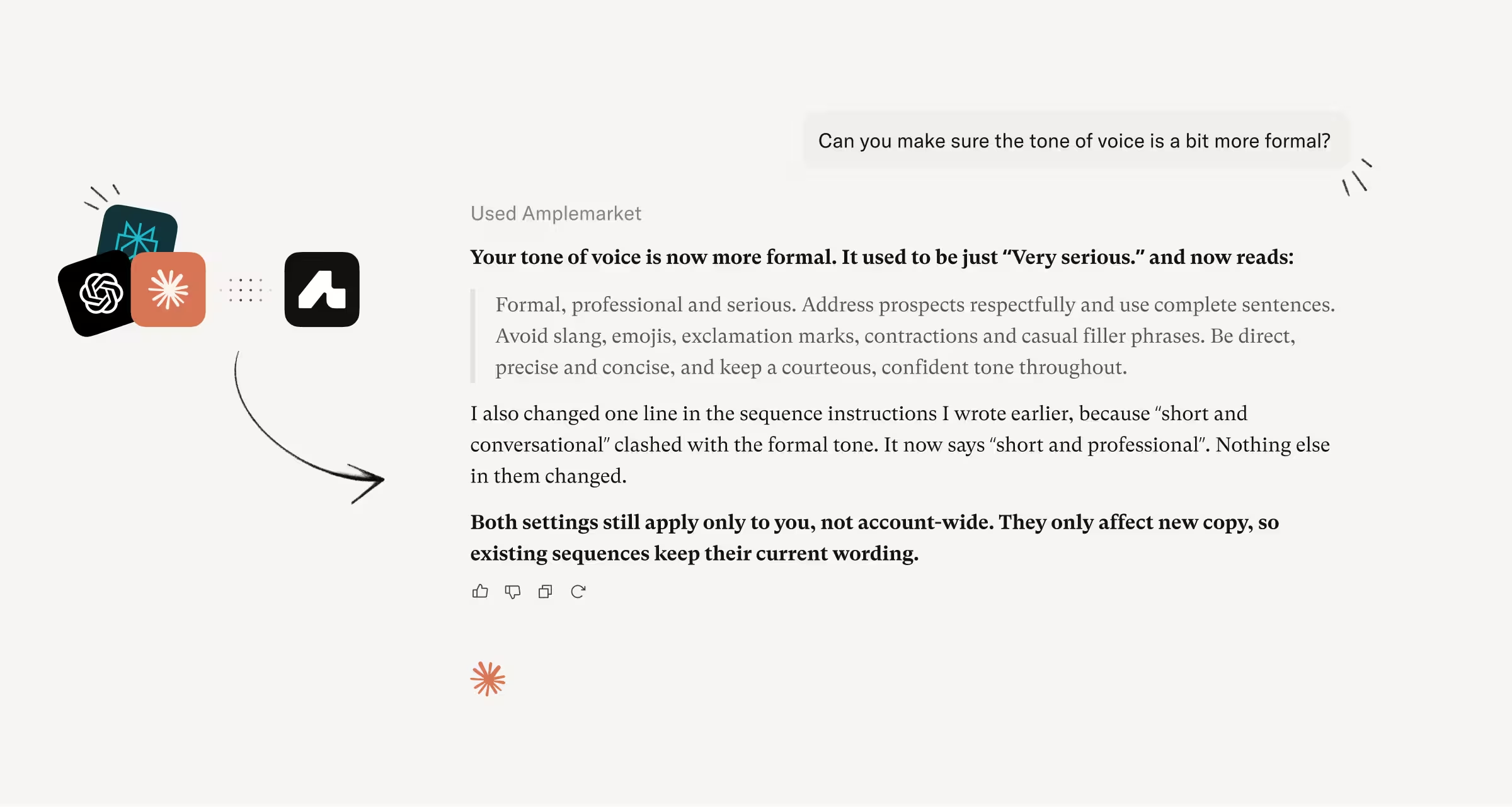
You can also update your value propositions, tone of voice, and sequence instructions through MCP.
Changes follow the same rules as the Messaging Settings page, including locked fields that need the Manage AI messaging settings permission.
How this helps you:
- Draft inbox replies without leaving your AI assistant
- Keep messaging settings current from the same place you already work
- Feed better instructions into Duo Copywriter and sequence drafts
Hope these updates make your experience with Amplemarket even better!
Have feedback? Submit it here.
Questions? You can always reach out to support@amplemarket.com