

















“There's something about the way Amplemarket retrieves and validates data that puts it way ahead of competitors like Apollo and ZoomInfo.”

Martin Lamberti
Founder & Managing Director

Proven data quality, full control, one platform
Better CRM data, fewer tools to manage

B2B data you can trust
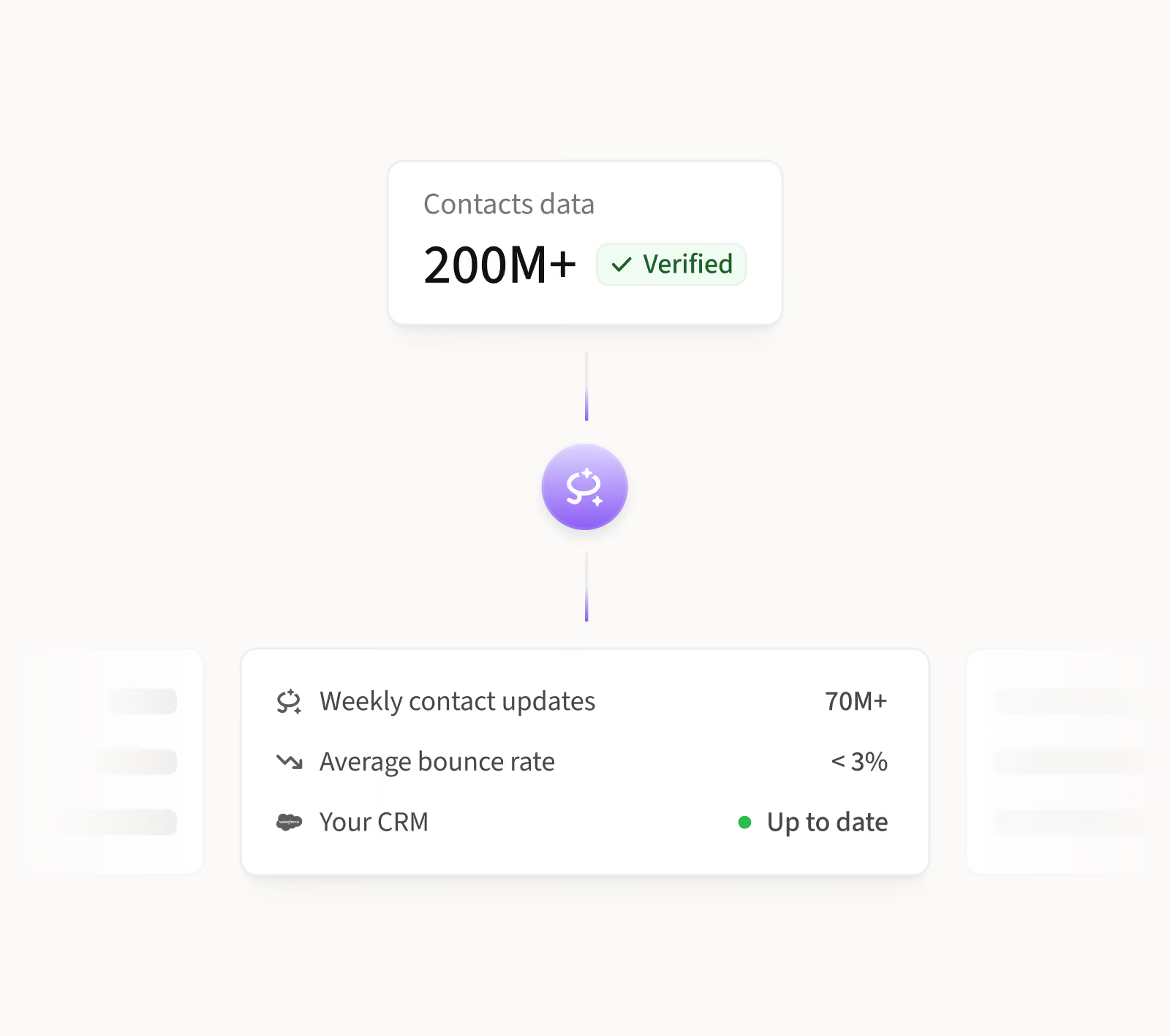
Records stay accurate with 200M+ verified contacts, 70M+ data updates a week and under 3% bounce, so you can trust what you see.

One data source
Keep your CRM on the same data your reps prospect with, without paying a second data vendor.

No more manual updates
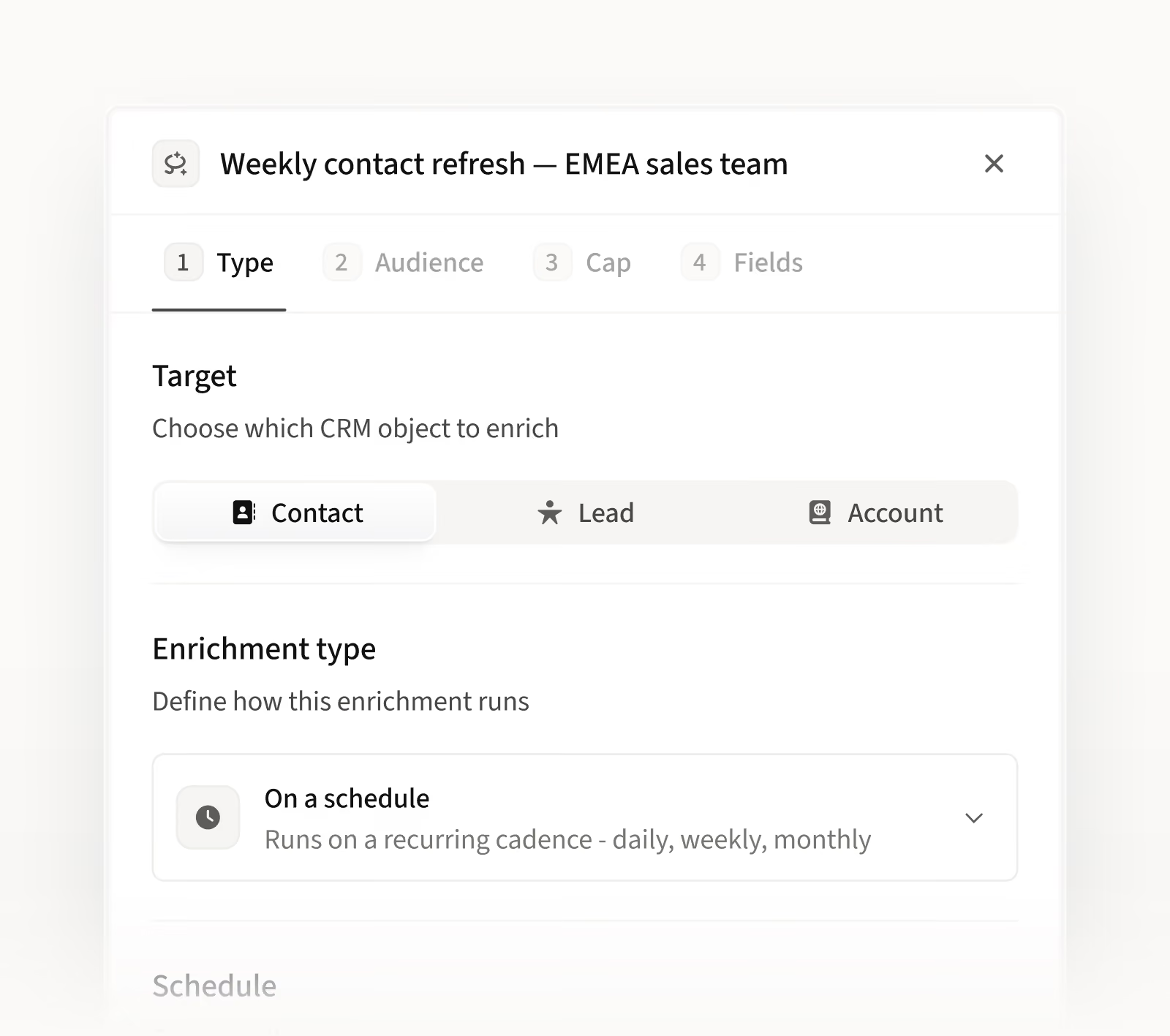
Pick a schedule once, and records stay current without reps or RevOps touching them.


Audience targeting
Filter records by region, industry or segment to focus on the accounts your team sells to.

Field-level control
Choose which fields to update and leave the rest of your data unchanged.

Efficient credit use
Enrich company data without using credits. Credits are only used when we find new contact details.

No overspending
See credit costs up front and set a limit for each run to keep spend predictable.
.avif)

“The real USP of Amplemarket is the quality of the data. You know what they say: pay peanuts, get monkeys! Anyone who has used Apollo email data will tell you that the bounce rate is a problem.”

Leon Whyte
Co-Founder & CSO


CRM hygiene without the manual work
Scheduled refreshes

No more stale records
People change roles all the time. Regular refreshes keep titles and companies current, so your outreach reaches the right people.
Inbound leads

Outreach-ready leads
Leads that arrive with just an email are filled in automatically, so you can act right away, without looking anything up.
Targeted enrichment

Enrich with confidence
Revert any run yourself, and records go back to how they were, so you have all the control and none of the worry.
Full visibility

No guesswork
Every run shows what changed, what was missed, and what was skipped, so you always know where your data stands.

“Not only were we uncovering a large number of leads, but the bounce rate was incredibly low. The high accuracy of its data sets Amplemarket apart.”

Jonathan Tavella
Sr. Manager of Sales Operations
Frequently asked questions
1
What is CRM Enrichment?
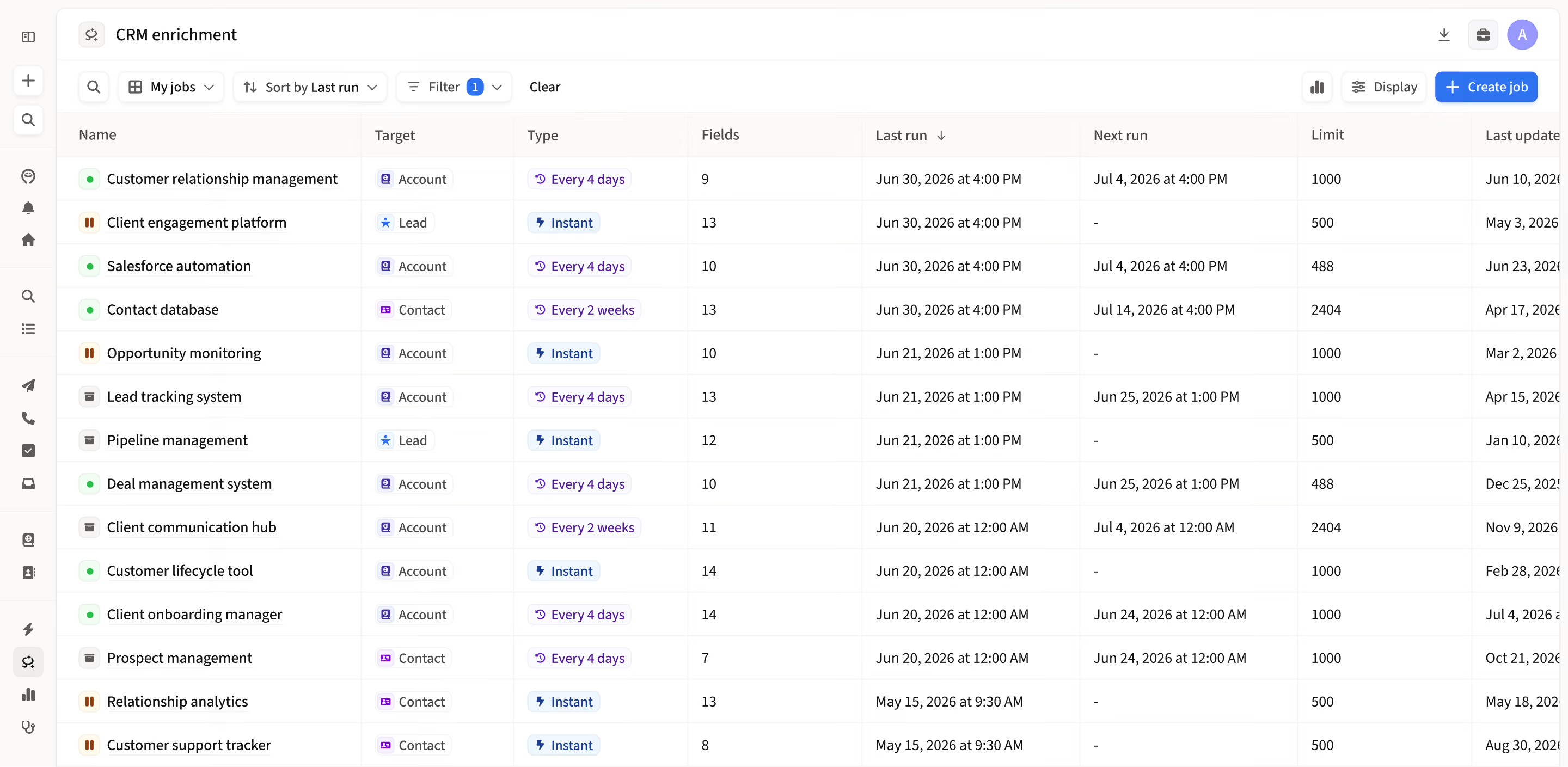
CRM Enrichment writes Amplemarket data straight into your CRM, with a job that runs in the background. It fills in missing fields like company size, industry and contact details, and keeps titles and companies up to date. You choose when it runs, which records and fields it covers, and set a cap on the credits it can use.
2
Do I need IT or RevOps to set it up?
No. Once your Salesforce is connected to Amplemarket, setup takes a few clicks: pick when and what, pick who, pick the fields, check the cost and launch. There are no scripts to write or maintain. Admins have access by default and can give it to other roles.
3
Will it overwrite data I already trust?
Only where you want it to. CRM Enrichment updates Amplemarket's standard fields and follows your field mapping. For each field you decide whether Amplemarket data keeps it current or only fills it in when it's empty. It works on records already in your CRM and doesn't create new ones. As a safety net, you can revert any run once and your records go back to how they were. Fields edited since then keep their newer value, and credits used in that run aren't returned.
4
What if Amplemarket doesn't have the data?
Then you see it, and you don't pay for it. Each record shows which fields were enriched and which couldn't be. Records that couldn't be enriched are tried again on the next scheduled run if they still match your filters.
5
Will it work with a large CRM?
Yes. CRM Enrichment uses Salesforce's bulk API, so large runs stay light on your API limits. Record-level detail is kept for 90 days, and run totals are kept after that.
6
Why use CRM Enrichment instead of a separate enrichment vendor?
If your team already prospects in Amplemarket, CRM Enrichment puts that same data into your CRM. That means one data source for prospecting and your CRM, with no second vendor to manage. It runs on the CRM integration you already have, and every run comes with proof you can check.
.png)