























“The Parallel Dialer is the ideal addition to an already powerful and well-designed tool like Amplemarket. Having a unified platform consolidates all outreach workflows, saves valuable time and completely removes the friction from high-volume outreach.”

Giovanni Abreu
VDR Consultant

A better way to call
Less time waiting on the line,
more time selling

More conversations, less dialing
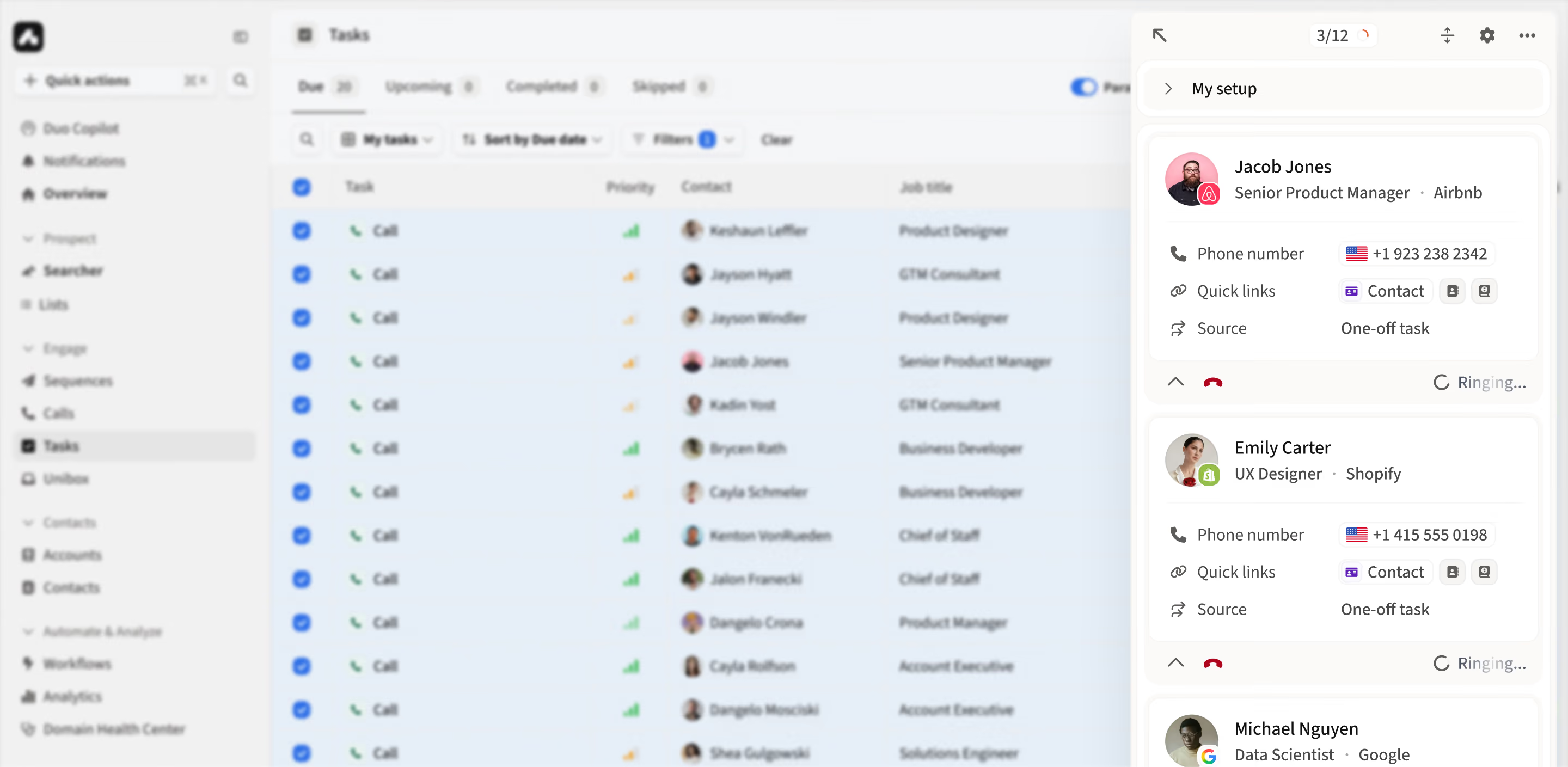
Select the call tasks you want to work through and run up to 5 lines at once. When a person picks up, the other calls stop automatically.

No more listening to ringing
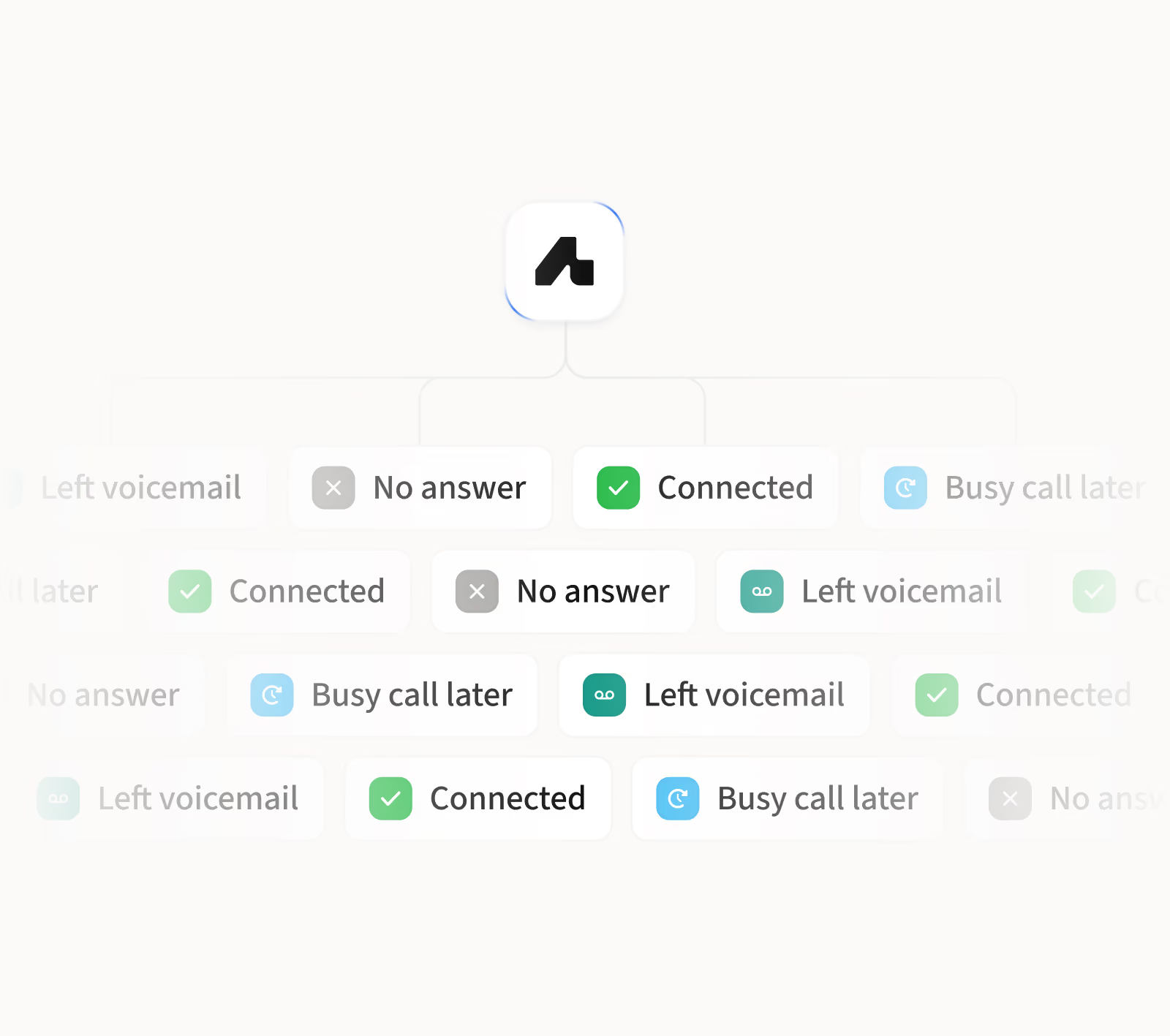
Amplemarket handles everything between dialing and a real answer, like voicemails and no-answers, so you can focus on the conversation, not the wait.

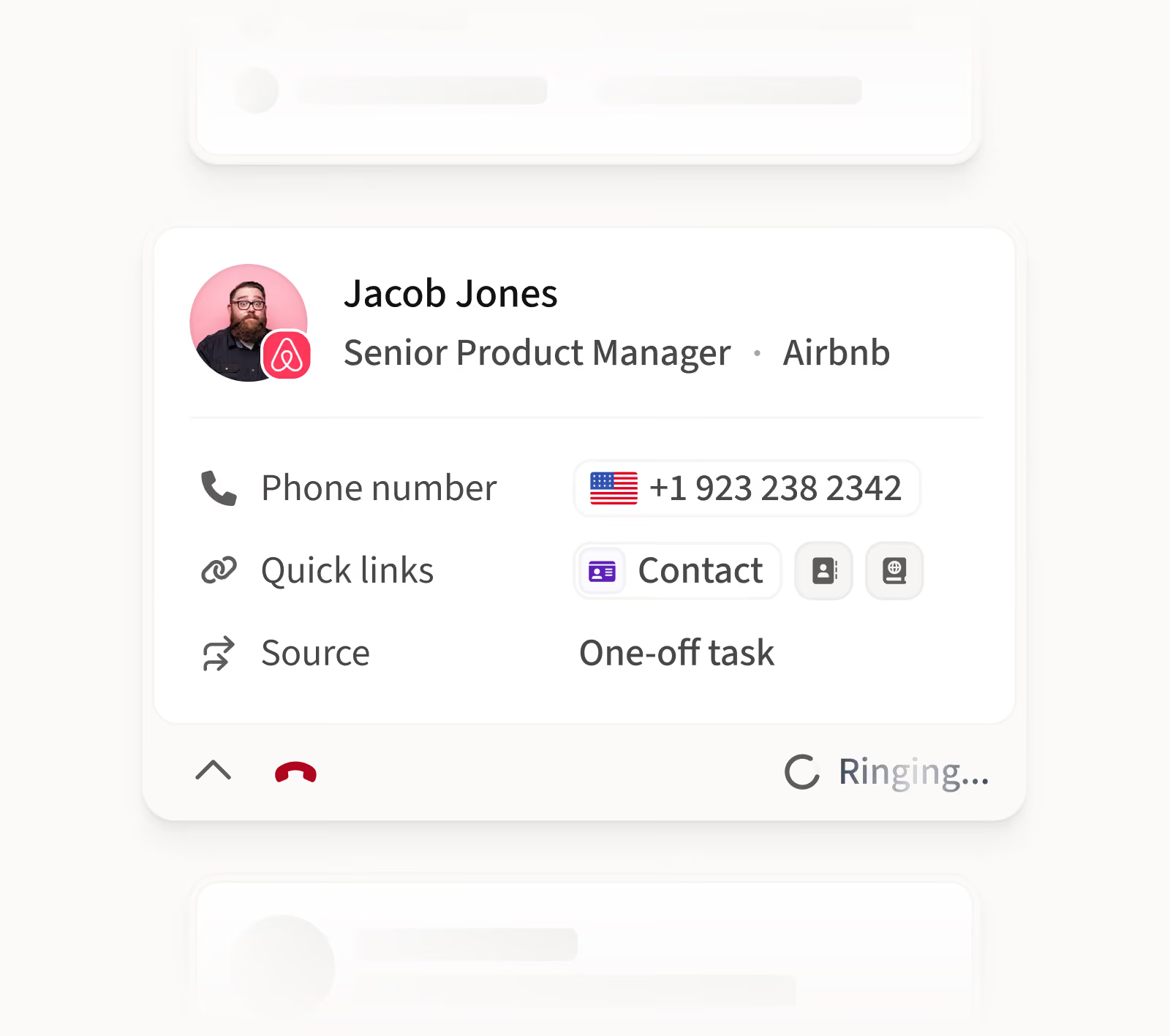
Walk into every call with context
The contact's page opens automatically, giving you the context you need to start the conversation and keep your outbound moving .


“With Amplemarket’s Parallel Dialer, I am spending less time dialing and reach far more people than I could with 1:1 calling.”

Niccolò Dupré
Sales Development Representative
Parallel dialing, built into your outbound workflow
Consolidation
.avif)
From prospect to call without switching tools
Find the right people, access verified phone numbers, and start calling without exporting lists or syncing data from another provider.
Connected workflow

One workflow before, during, and after the call
Get prospect context when someone answers, then log the outcome and keep follow-up, sequences, and CRM activity moving in the same place.
Call intelligence

Turn every conversation into intelligence
Capture transcripts, summaries, insights, and coaching, so reps spend less time on admin and managers get more from every conversation.
Better reach

Reach the right person, from the right number
Verified phone data, Smart Rotation, and Local Presence help you reach the right people from the right numbers, while keeping your numbers healthy.
“We also moved the outreach and dialing directly into Amplemarket to save SDRs time, instead of having them call through HubSpot.”

Tom Boerstra
VP of Sales
Get more from every dialing session
~
5
x
more calls
~
3
x
more meaningful conversations
~
75
%
less time dialing
~
3
x
higher meeting rate as multichannel step
96.5
%
phone number accuracy


Frequently asked questions
1
What is a parallel dialer and how does Amplemarket's work?
A parallel dialer calls several prospects at the same time and connects the rep to the first person who answers. Amplemarket's Parallel Dialer runs from your existing call tasks: you choose up to 5 lines, Amplemarket detects on each line whether it reached a person, a voicemail or no answer, connects you to the live one, stops the others, and opens the contact's page so you have context for the conversation.
2
What is the difference between parallel dialing and power dialing?
Both use the same engine. Power dialing runs one line at a time, so you can research the contact while the call connects; outcomes are still detected and logged automatically and the dialer moves on to the next contact. Parallel dialing runs 2 to 5 lines at once. In Amplemarket, 1 line is labelled Power and 2 to 5 lines Parallel in the dialer settings. Click-to-call is still there for hot leads you want to research and take notes on before calling.
3
Does the Parallel Dialer work with multichannel sequences?
Yes. Calling is a step inside Amplemarket's multichannel sequences, so you can combine calls with email and social steps, work from the same prospect data, and keep every touchpoint in one outbound motion without exporting lists or switching tools.
4
What happens to the other calls while I’m parallel dialing?
Amplemarket detects call outcomes in real time and quickly identifies the first qualified live answer, so you’re connected as soon as a real person picks up. The remaining calls stop automatically, while voicemail, no-answer, busy, and failed calls are handled in the background—so you can stay focused on the conversation that matters.
5
Can I still filter my call tasks before dialing?
Yes. Parallel dialing works with your existing call tasks, filters, phone numbers, dispositions, sequences and call analytics. Filter your tasks by sequence, local time, account or any other criteria before you start, and only those tasks go into the session.
.jpg)
.png)