Published
August was about doing more without switching screens.
Reply to a thread, fix a contact, or run your tasks right where you already are, so you spend less time navigating and more time selling.
Here's what's new:
Research accounts and find prospects from inside Grok
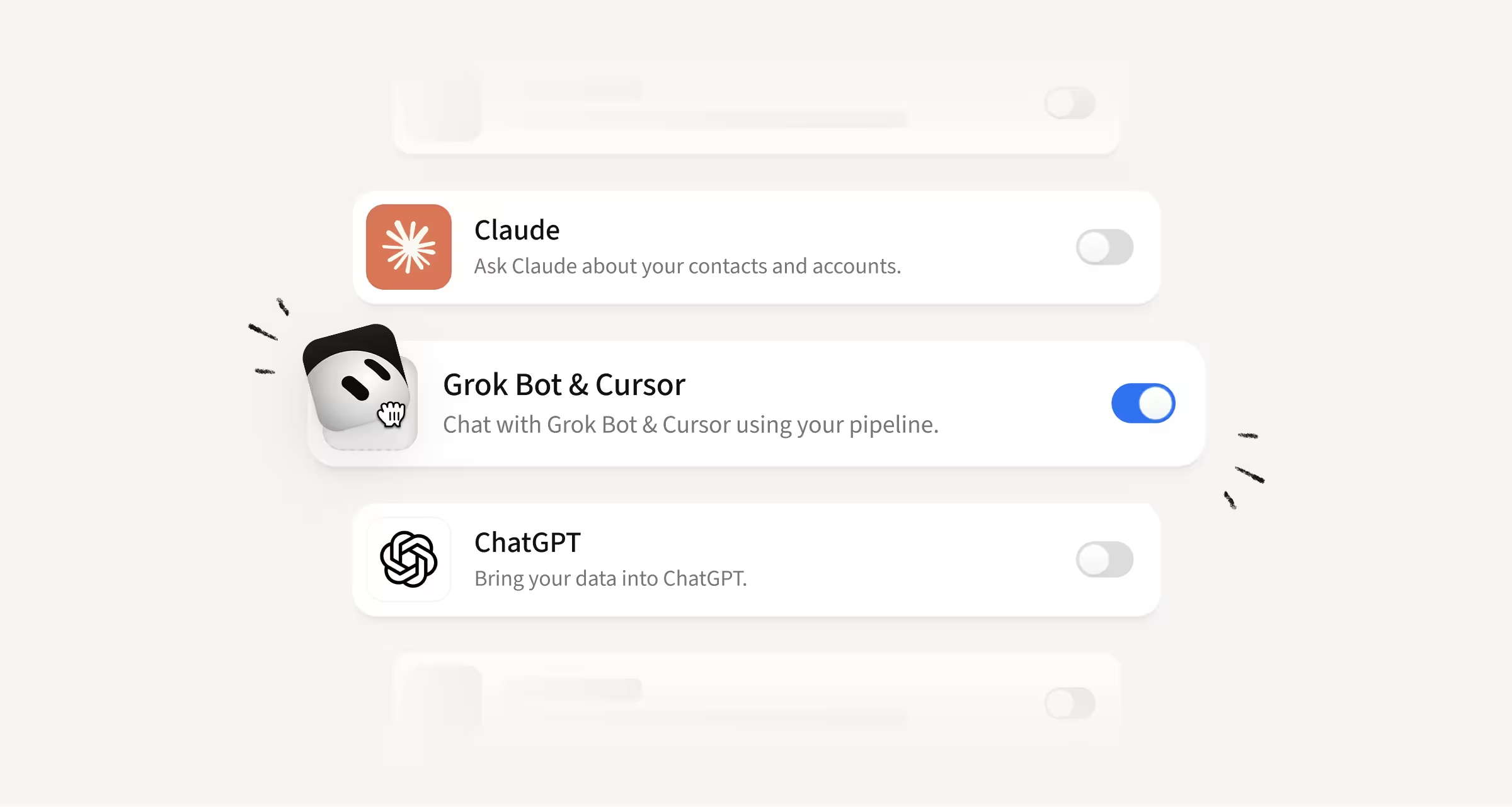
Amplemarket is now available as a connector for Grok, xAI's AI agent.
Add it in your Grok Bot plugin settings and your prospect search, buying intent signals, enrichment, sequences, and inbox are all reachable from the conversation you're already in.
How this helps you:
- Search for prospects by role, industry, or location without opening the platform
- Pull enrichment and buying intent signals into your research as you go
- Draft multichannel sequences with Duo and review them before anything goes out
Nothing is sent or enrolled until you approve the exact recipients and the full message. The connector also won't invent contact data or act against your do-not-contact lists.
Reach more live conversations with Amplemarket's Parallel Dialer
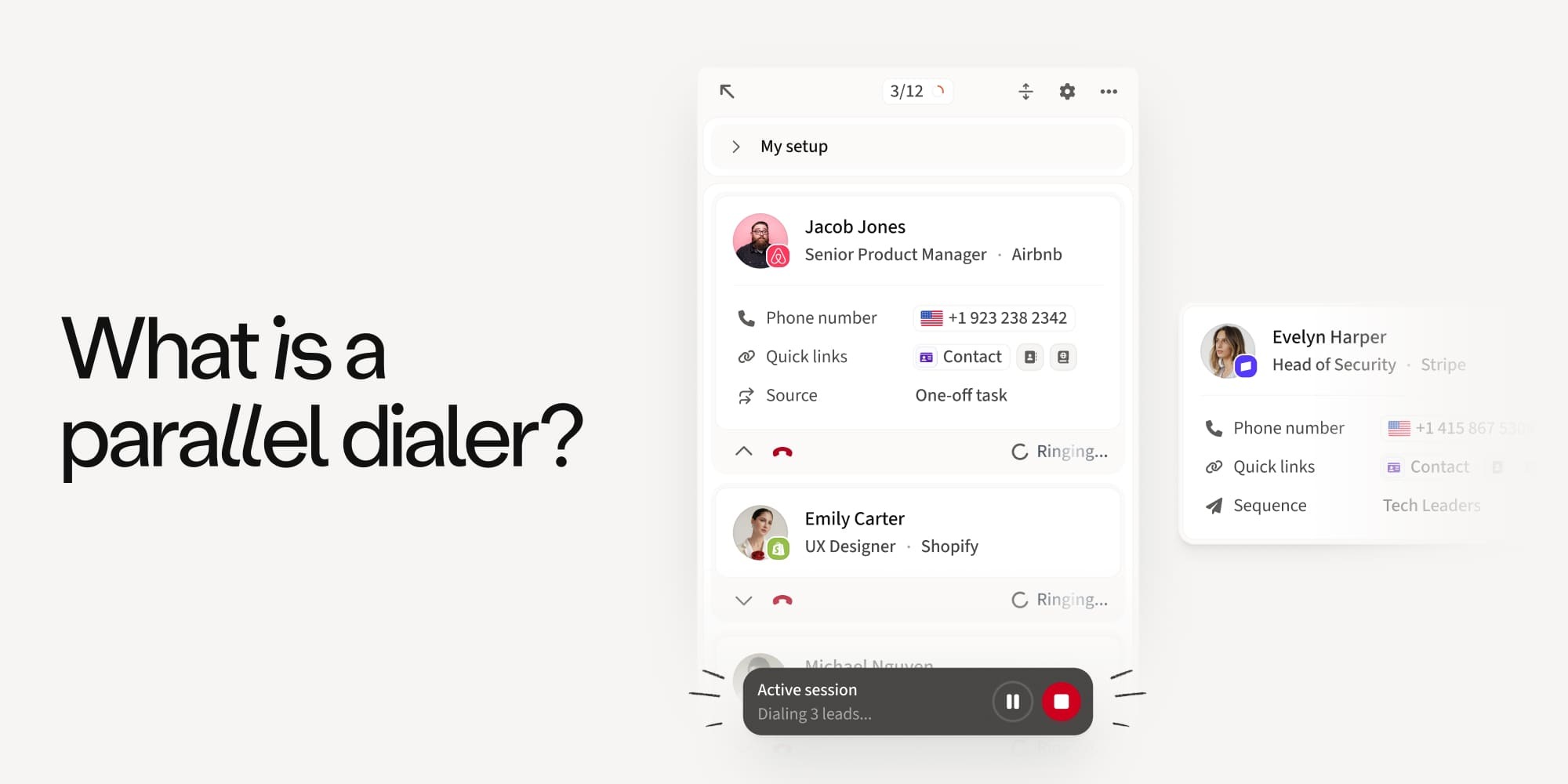
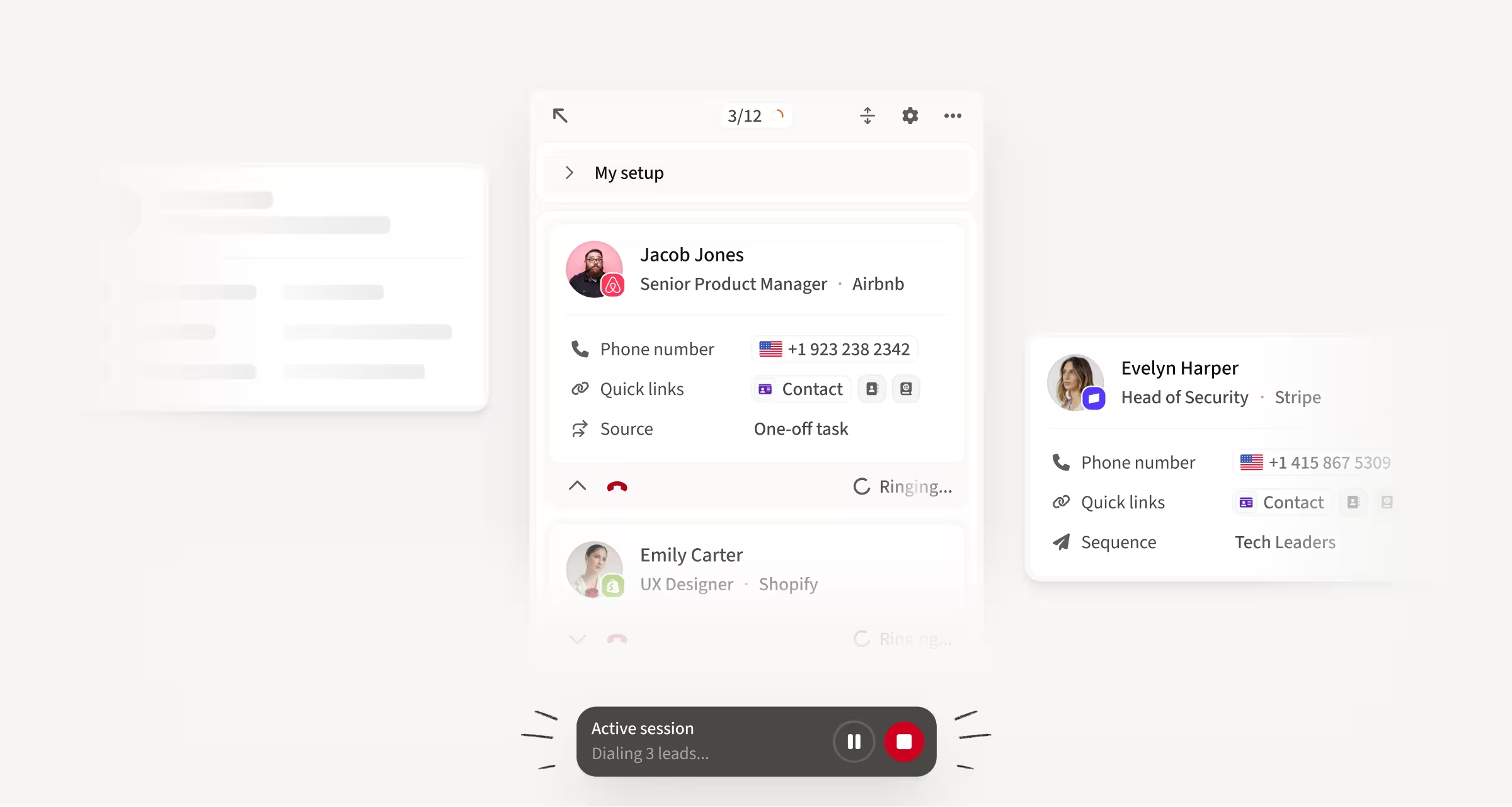
Amplemarket has its own Parallel Dialer. It calls several prospects at the same time, drops the other calls the moment someone picks up, and connects you to the live conversation with your usual Amplemarket context, dispositions and tasks included.
How this helps you:
- Reach more live conversations by calling several prospects at the same time
- Set simultaneous lines to 1 for a power dialer style flow on warmer lists and callbacks
Read the full details in the Parallel Dialer blog.
Reply to any thread straight from the contact's activity feed
You can now reply to any email activity from the contact's activity feed, including a thread started by a teammate's sequence and even an older message inside it. The reply goes over the top into the existing thread and is logged as a manual email, associated to the sequence.
How this helps you:
- Jump into any conversation without leaving the contact's activity feed
- Keep your reply stats accurate: the prospect's answer still counts as a sequence reply and completes the lead
%20Email%20Replies%20in%20Activity%20Feed.avif)
Fix contact data in Contacts & Accounts and keep your CRM in sync
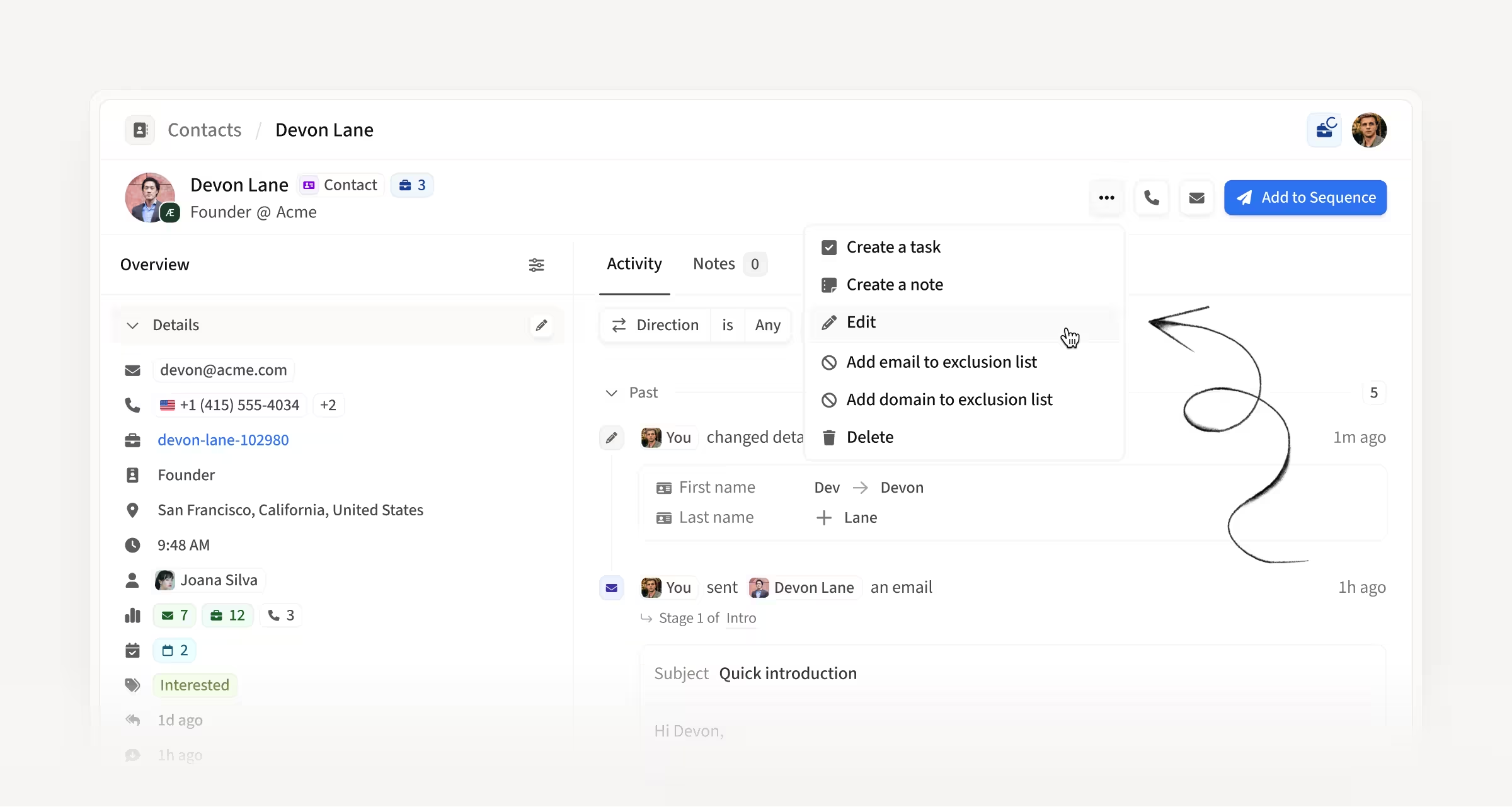
Reps can now edit contacts directly in Contacts & Accounts. Edited data flows back to Salesforce or HubSpot, Contacts & Accounts, and sequences when needed, with sequence updates respecting your existing sequence data edit rules.
How this helps you:
- Correct a misspelled name, the wrong Social profile, or a changed email without leaving Amplemarket
- Push the fix to your CRM instead of updating the same record in two places
- Validate an older CRM-sourced email to trigger a re-reveal, replacing it if we find a better one
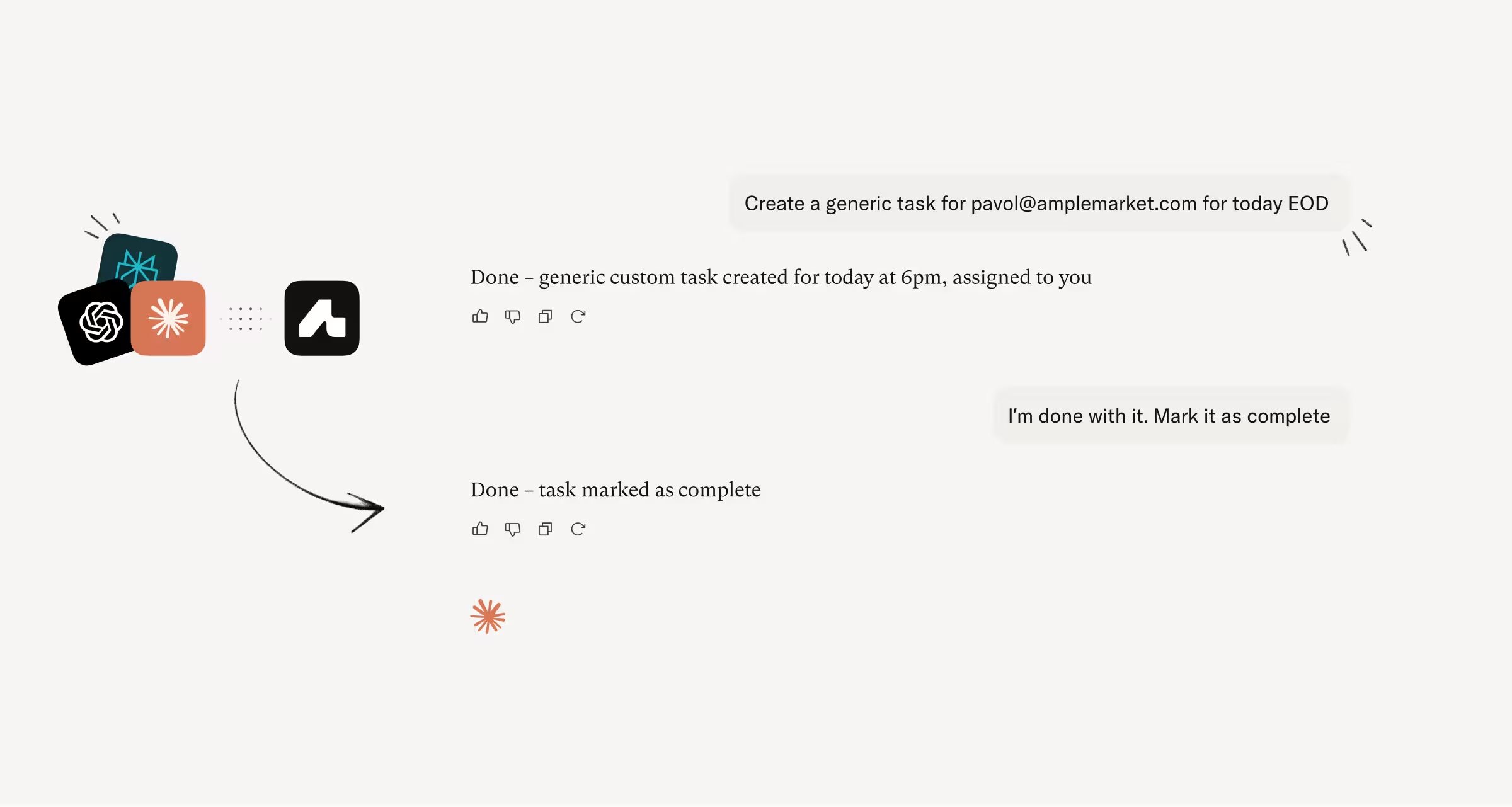
Work through your tasks from your AI agent
Tasks are now fully accessible via MCP. List, complete, skip, and create tasks without opening the platform, filtering by status, type, sequence, or rep.
How this helps you:
- Ask for your overdue call tasks instead of switching to the platform to check
- Review and manage tasks across your team by filtering by rep, if you're an admin
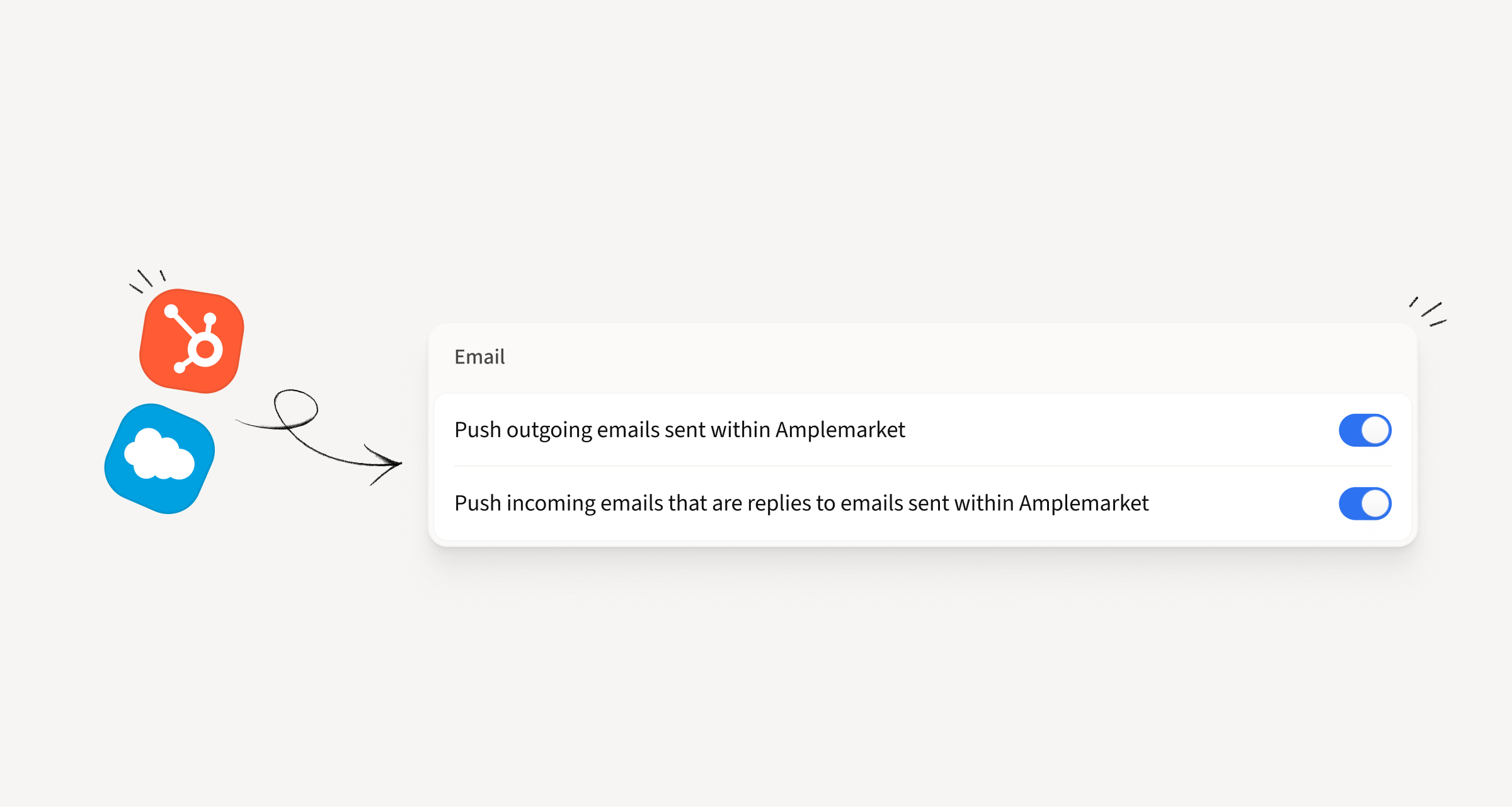
See one-off emails and replies in your CRM
One-off sends and replies now push to Salesforce and HubSpot as activities, the same way sequence emails always have. This covers the Contact page, Unibox replies, and one-offs sent from the Extension and Searcher.
How this helps you:
- Get a complete view of rep activity in the CRM, not just sequence sends
- Spot one-off activity at a glance: Salesforce tasks come prefixed with Email [one-off] and Reply [one-off]
- Keep your current setup, since we respect each account's existing push settings
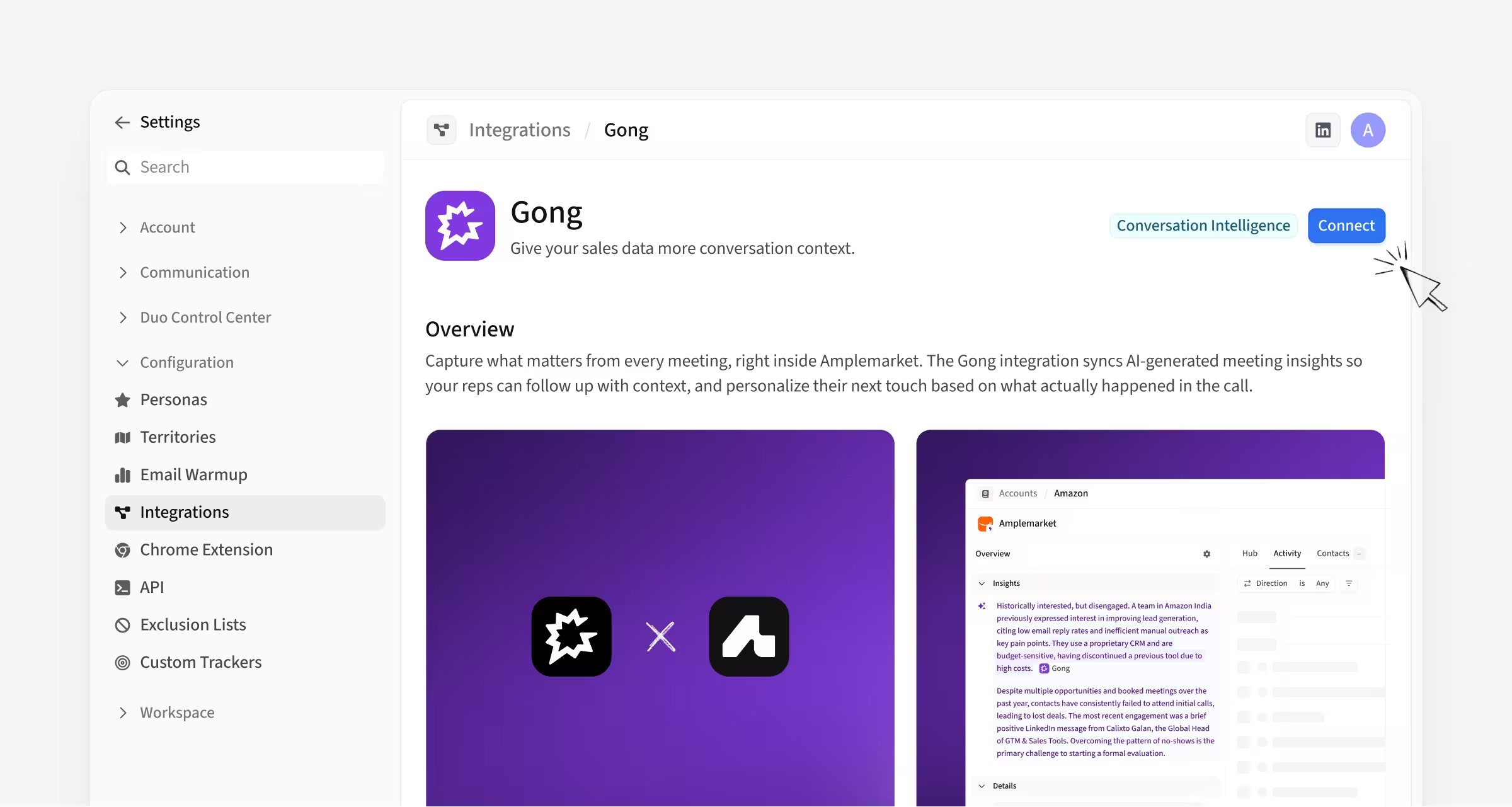
Connect Gong and get meeting context on your timeline
Gong is now available as a conversation intelligence integration, alongside Attention and Fathom. Connect it in Integration Settings with an API key and Amplemarket pulls in meeting enrichments automatically.
How this helps you:
- Go from a booked meeting in the activity feed straight to the recording in Gong
- See which meetings have been enriched, with a new icon on the timeline
- Get richer Account Insights, with meeting context feeding the AI summaries
Hope these updates make your experience with Amplemarket even better!
Have feedback? Submit it here.
Questions? You can always reach out to support@amplemarket.com
.jpg)
.png)