
Published
This February, we shipped updates to help you get more from your calls, move faster through your workflows, and stay in control of your outreach.
Here's what's new:
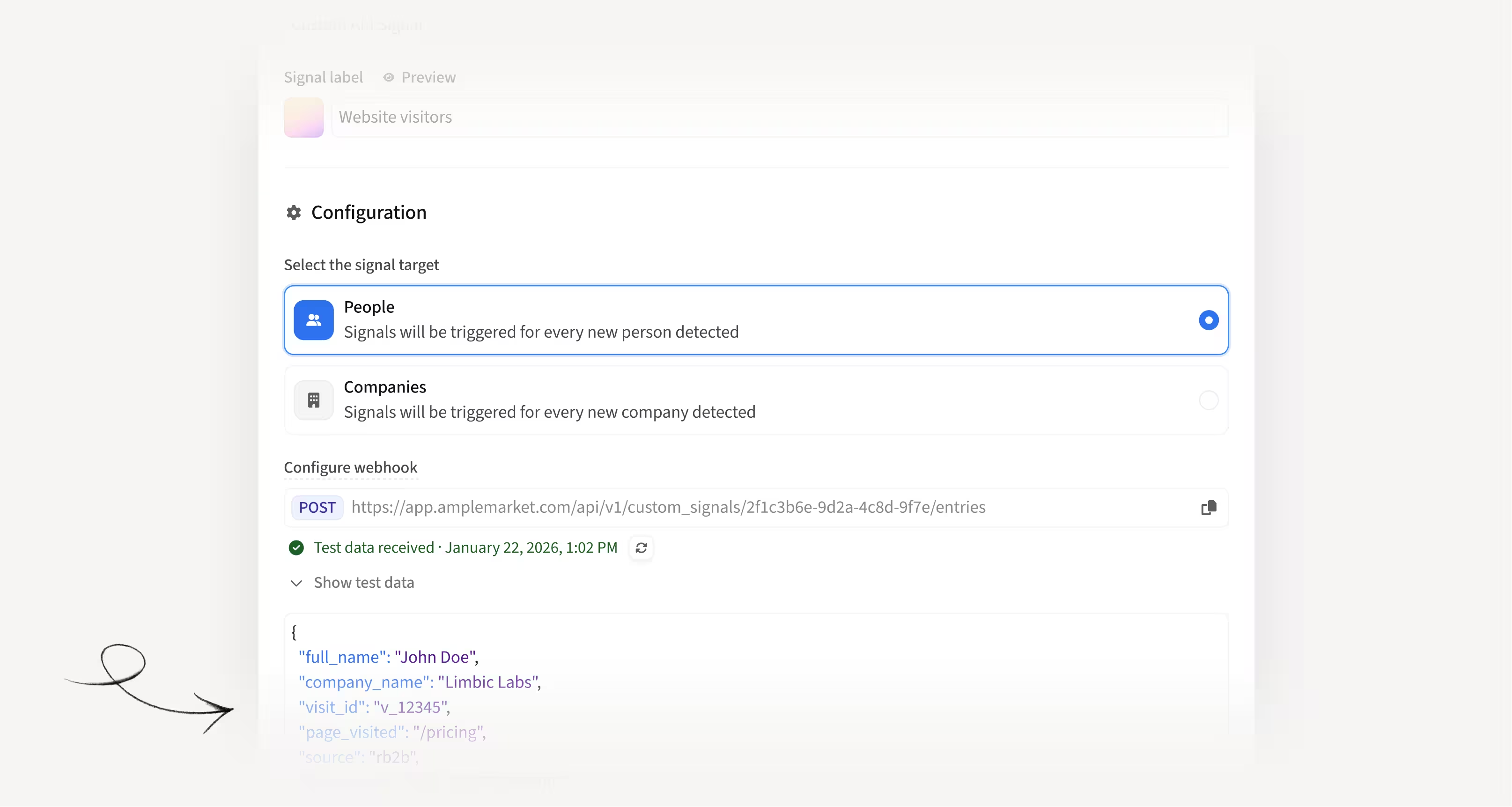
Feed Duo directly with Custom API Signals
You can now create Custom API Signals that accept person or company-level information directly from your favorite tools (Clay, Zapier, RB2B, Vector, and more) without needing to route it through your CRM first.
How this helps you:
- Skip the CRM middleware and send signal data straight to Duo
- Avoid creating extra CRM fields, reports, and syncs just to trigger signals
- Use the same filtering, distribution, and sequencing rules you already know from Custom CRM Signals
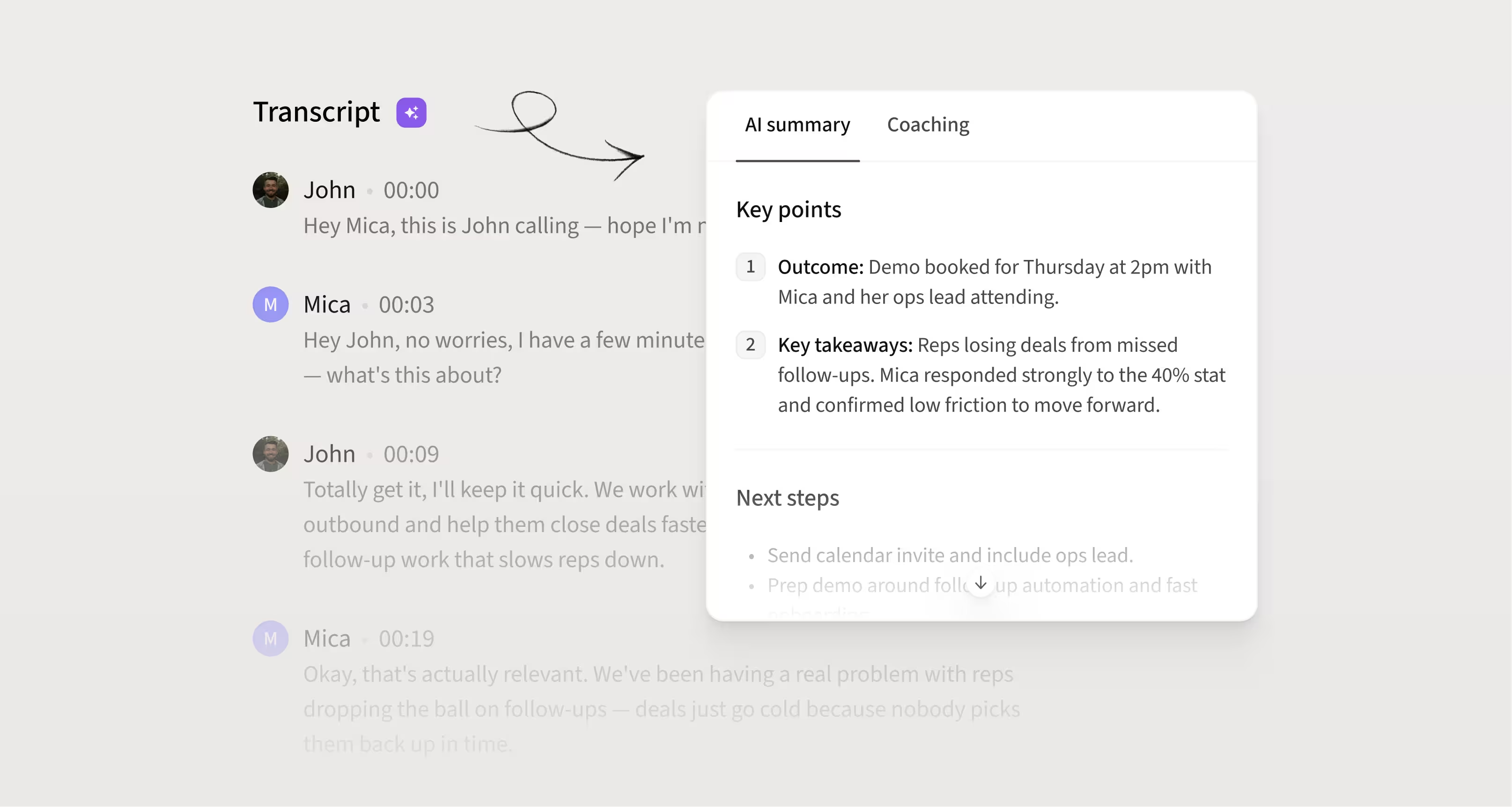
Get AI transcripts, summaries, and coaching insights for every call
Calls made via Amplemarket now include full AI transcripts, summaries, and coaching analysis directly on the Calls page. Right after a call ends, reps get an instant summary and coaching snippets so there's no need to write notes manually.
How this helps you:
- Revisit any conversation with a full transcript instead of relying on memory
- Understand what went well and what to improve with a coaching score for every call
- Spot common objections, pricing pushback, and timing patterns across calls
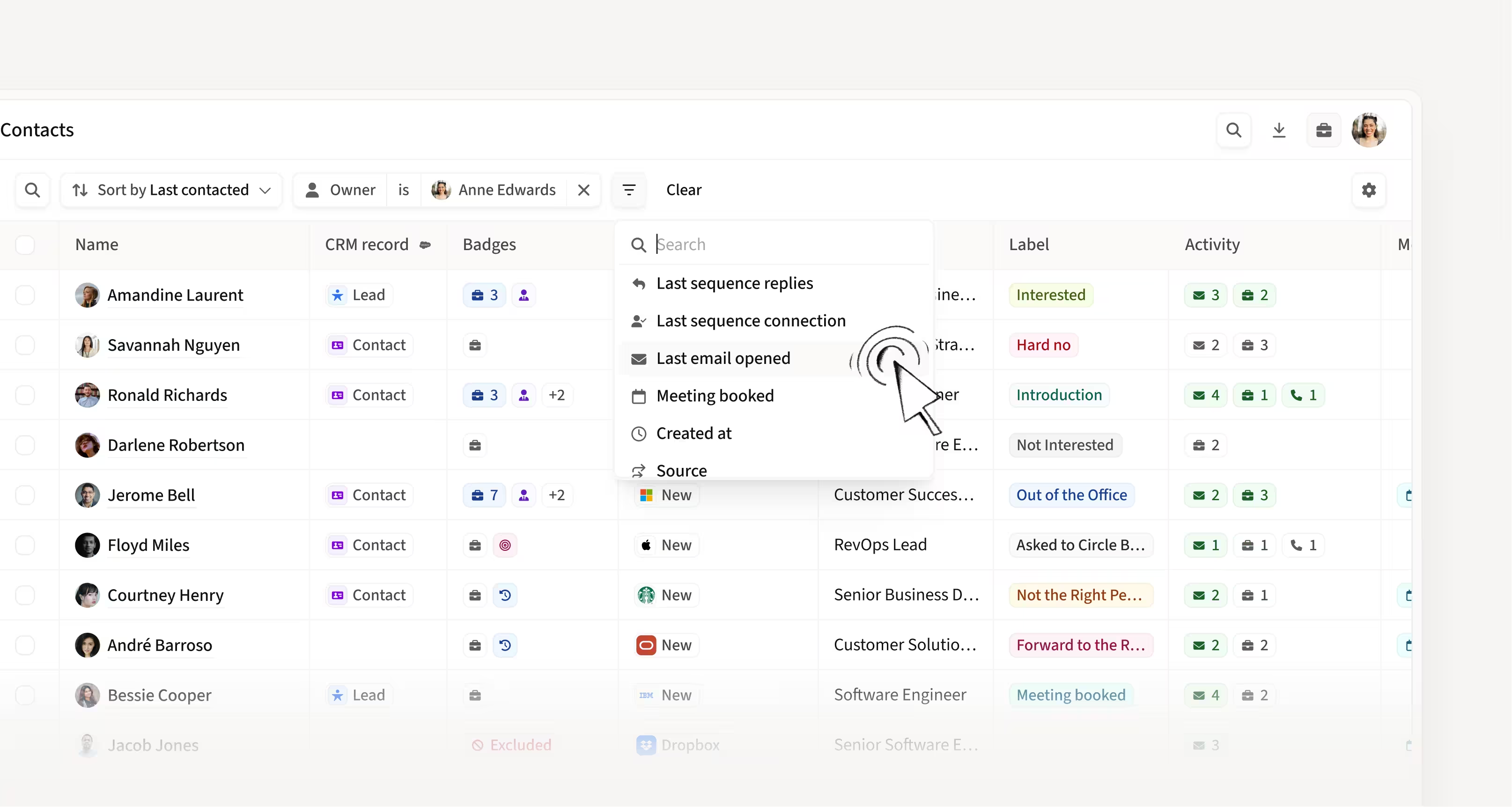
See when a contact last opened your email
A new "Last Email Open" column is now available in Contacts views. Sort and filter by it to quickly find leads showing recent interest. For example, filter for leads with 3+ opens in the last 7 days, then sort by most recent open.
How this helps you:
- Focus on leads showing recent engagement, not just high open counts
- Build smarter calling views by sorting contacts by last open time
- Time your follow-ups when interest is highest
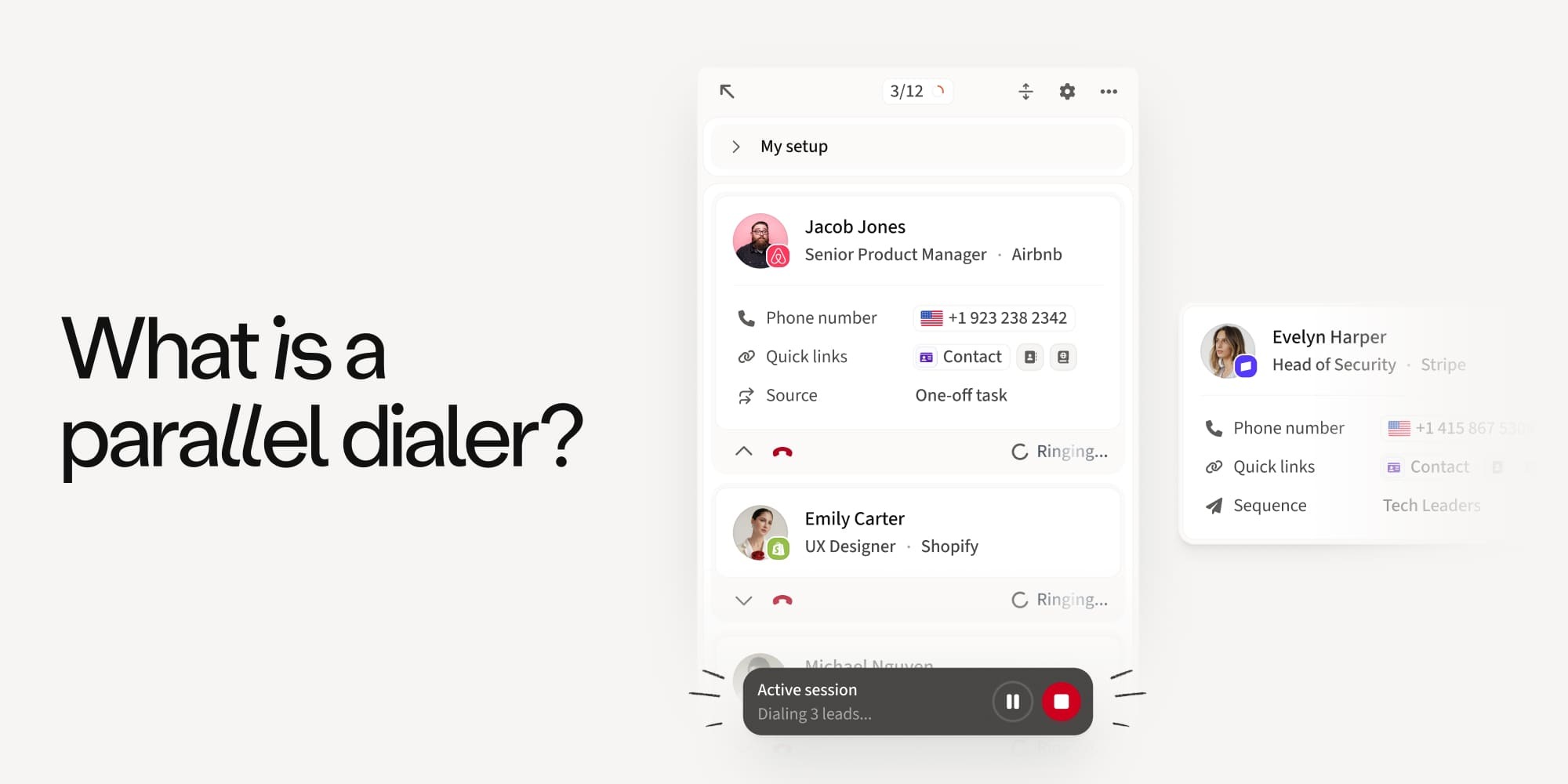
Make one-off calls without leaving your task session
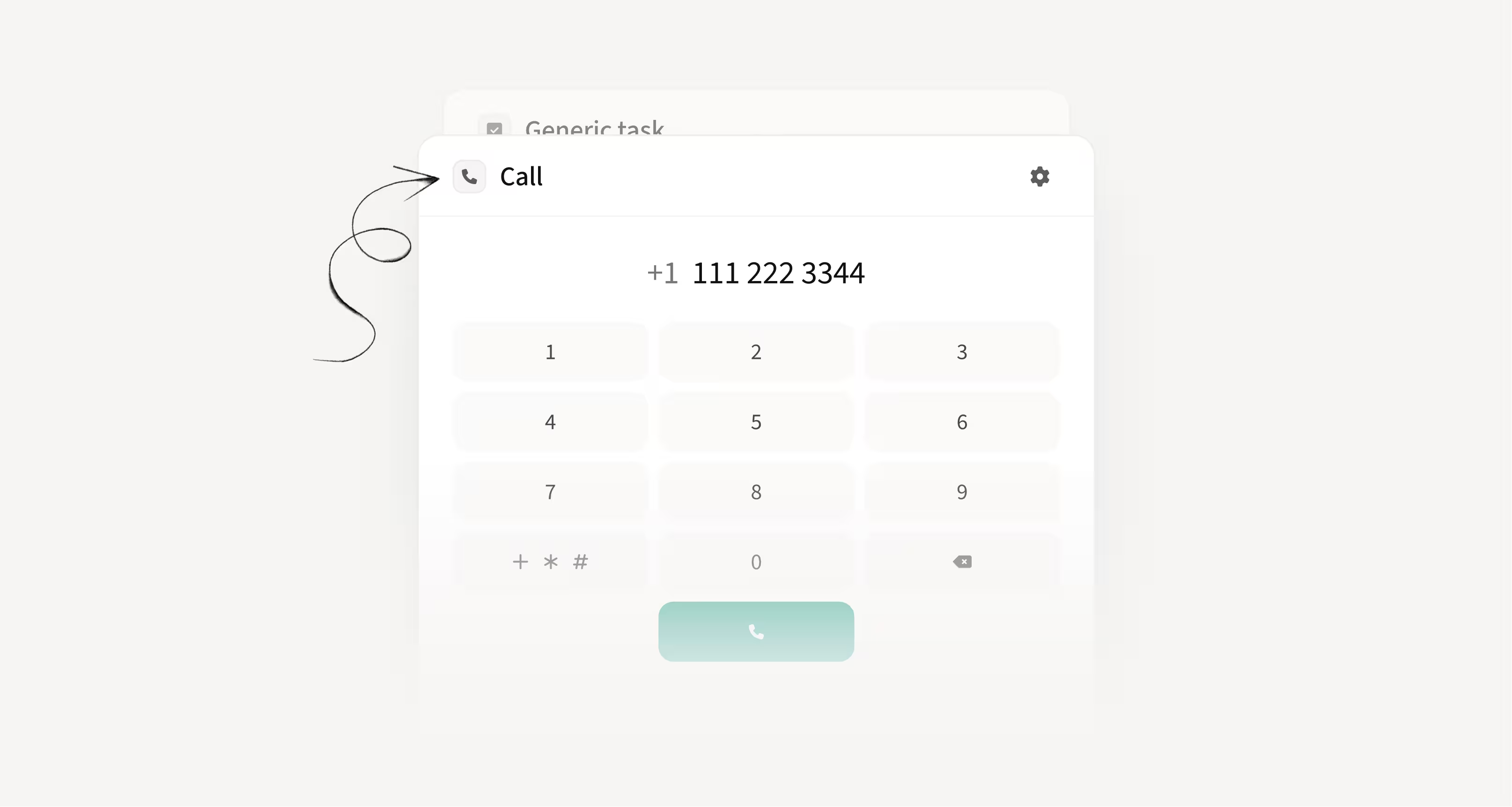
You can now place ad-hoc calls while in the middle of a task session without losing your progress. No need to exit and restart your session just to make a quick call.
How this helps you:
- Stay in flow while working through your task queue
- Place quick calls without losing progress on active sessions
- Remove the frustration of restarting sessions for a single call
Filter Unibox conversations by team
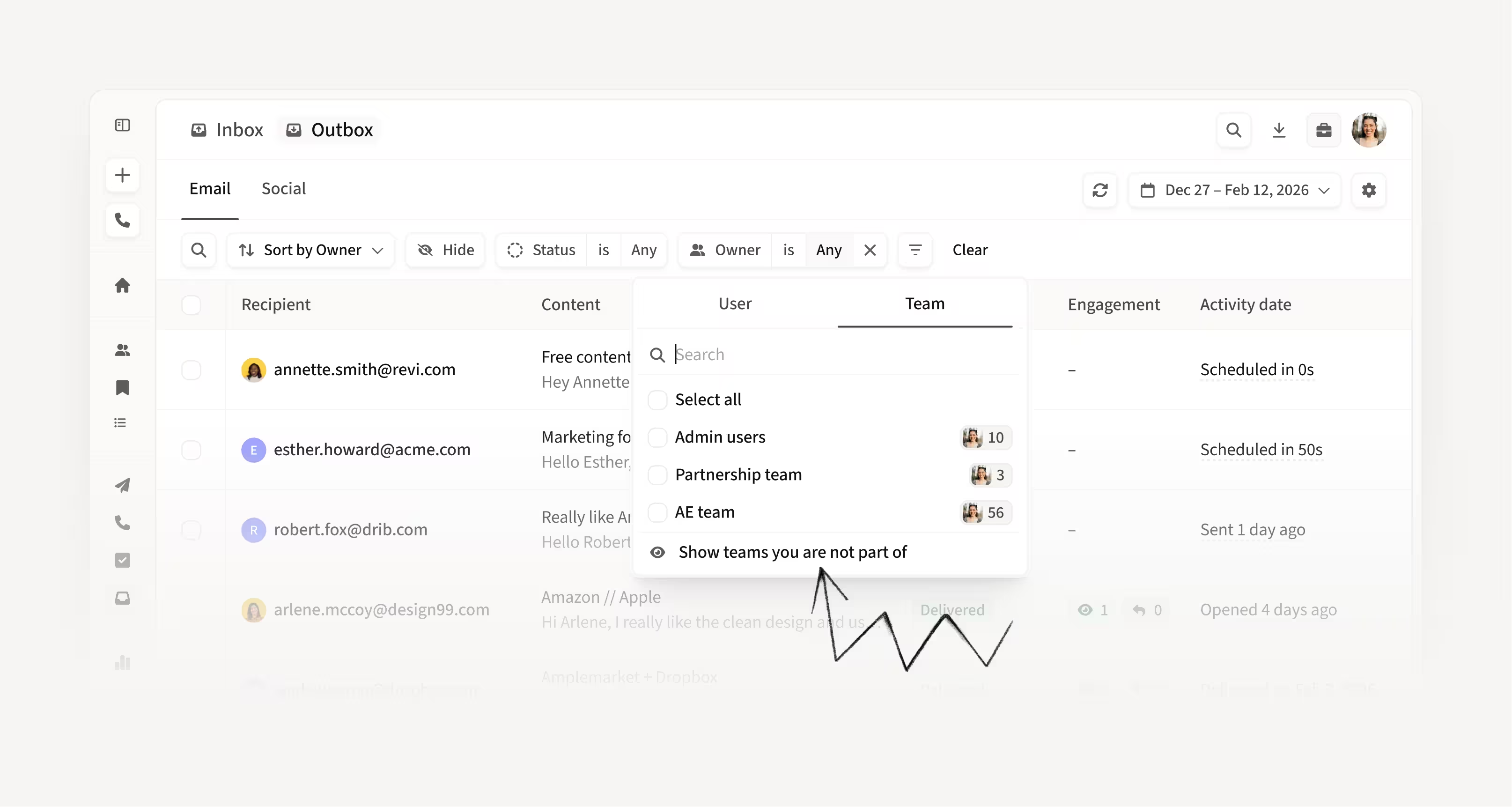
You can now filter the Unibox by team instead of selecting individual owners one by one. Quickly view and manage conversations owned by any team and act on their behalf.
How this helps you:
- Save time by filtering entire teams in one click
- Manage conversations on behalf of your team without manual selection
- Get a clear view of team-level outreach and replies
Redesigned Calls page built for speed and clarity
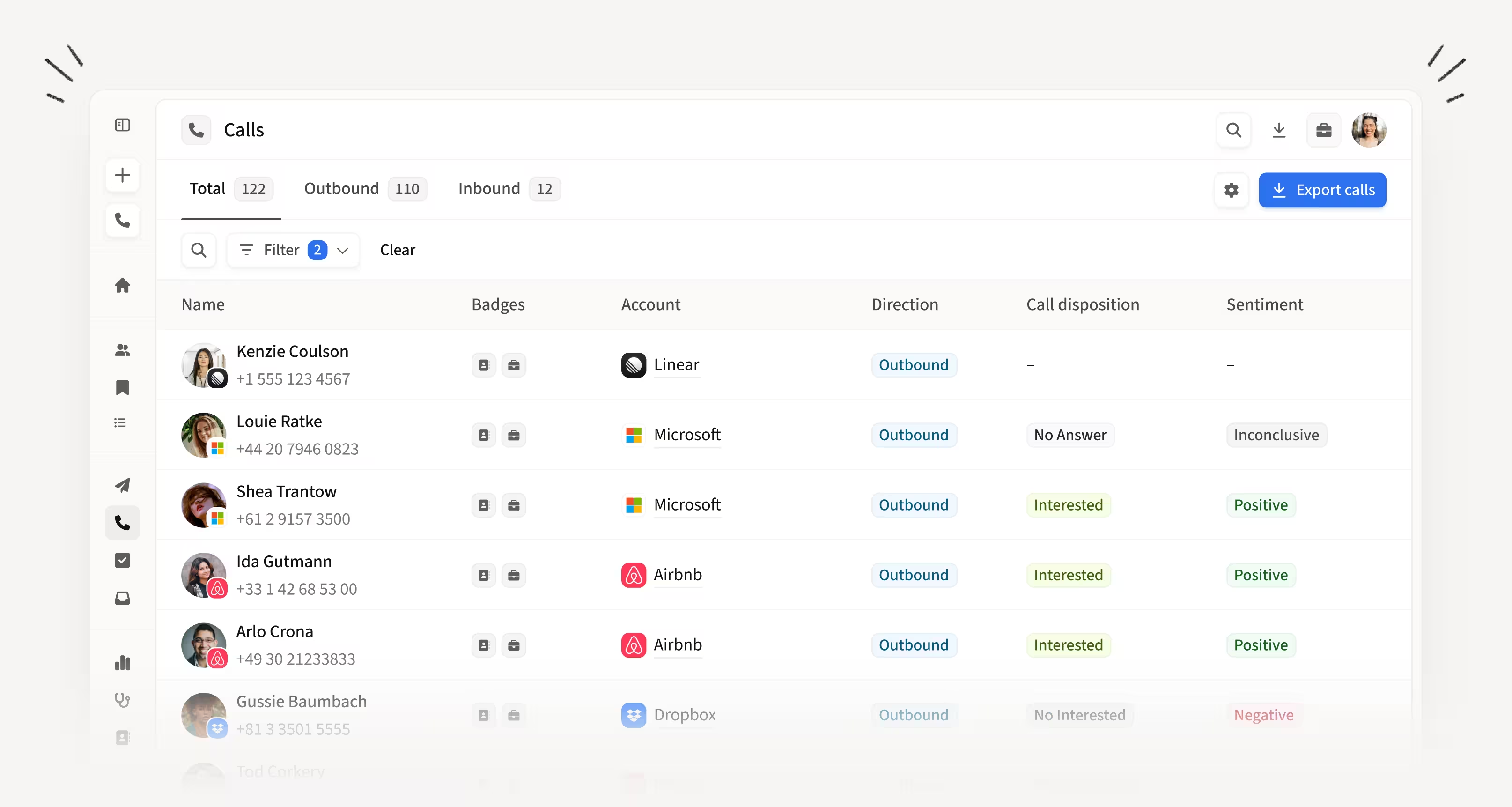
The Calls page has been rebuilt with a cleaner layout, better filtering, and faster loading. Scanning call outcomes, ownership, and next actions is now easier, even when reviewing hundreds of calls.
How this helps you:
- Find what you need faster with reorganized filters and table structure
- Scan call data at scale without getting lost in dense tables
- Spend less time navigating and more time acting on call outcomes
See all industries a company operates in from Searcher
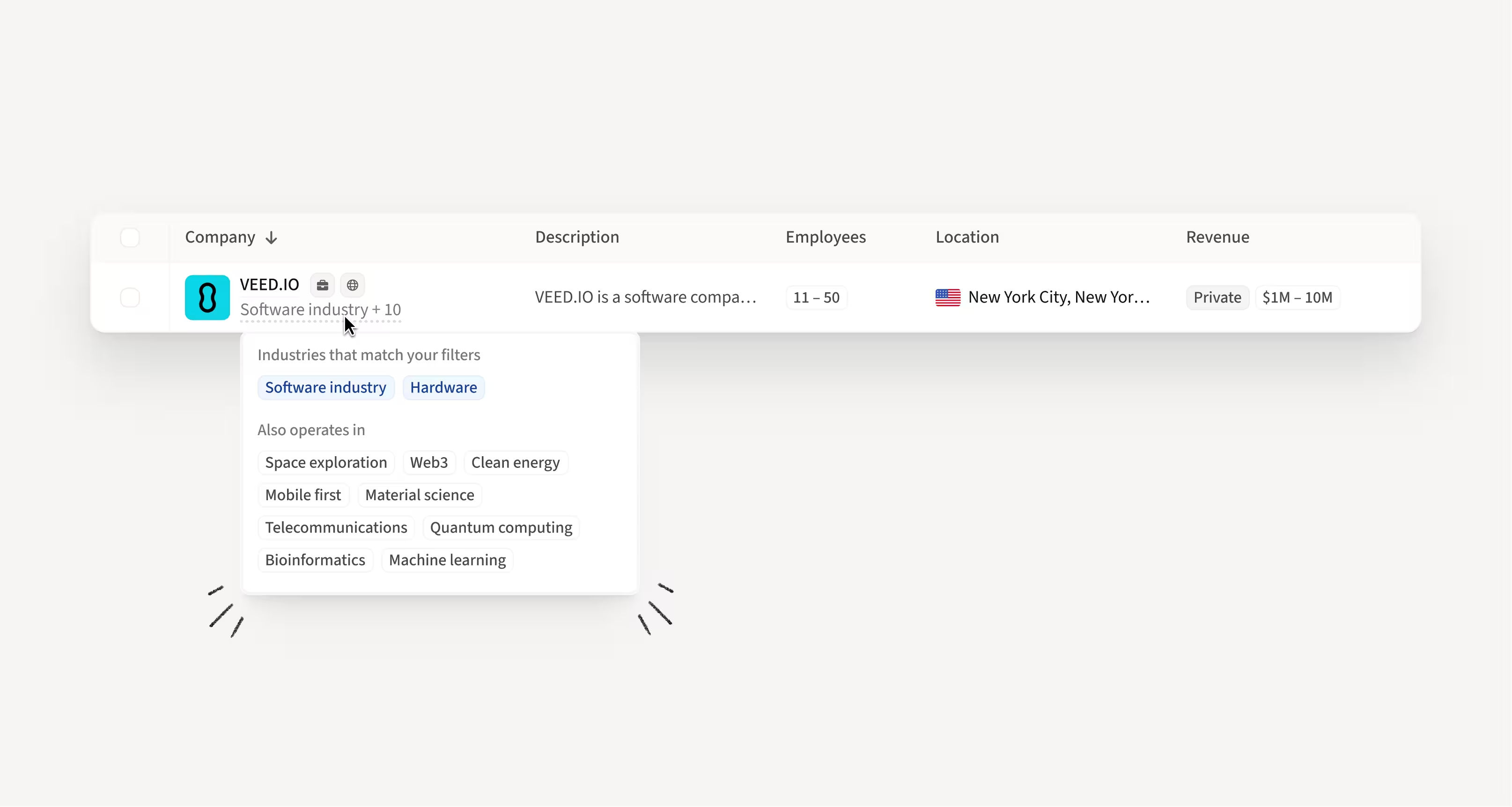
Building on our recently introduced industry labels, Searcher now surfaces all relevant industries for a company directly in results. When filtering by industry, you see the top match as the label, and on hover, you can view all matching industries plus others the company operates in.
How this helps you:
- Understand why a company appears in your results when filtering by industry
- Discover multi-industry companies you might have missed with a single label
- Trust your search results with full visibility into how companies are classified
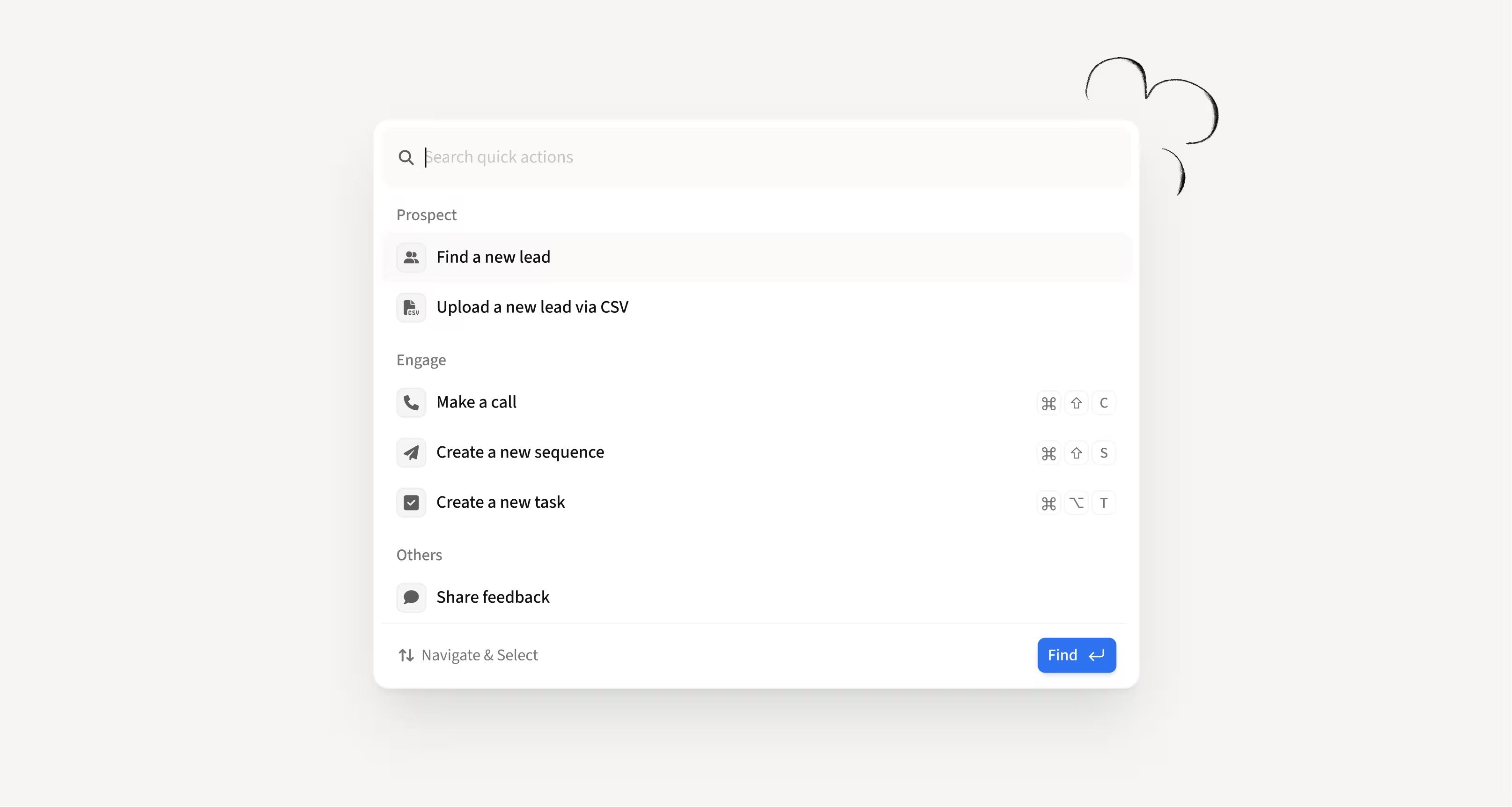
Revamped quick actions across the platform
Quick actions have been redesigned for a more consistent experience across all surfaces. Actions are now easier to find and use, with a cleaner layout that works the same way wherever you are in the platform.
How this helps you:
- Get a consistent experience with quick actions no matter where you are
- Find the right action faster with a cleaner, more intuitive layout
- Expect smarter, context-aware actions in future updates
Hope these updates make your experience with Amplemarket even better!
Have feedback? Submit it here.
Questions? You can always reach out to support@amplemarket.com