Published
We recently ran a live session with 100+ sales reps and ops folks to walk through what you can actually do with Amplemarket's MCP integration.
Not the theory. Not another "what is MCP" explainer.
The actual prompts, the live results, and the five use cases that had people asking for more in the chat.
This post covers each use case with the exact prompts so you can try them yourself today.
If you prefer watching, the full recording is here.
A quick note before we dive in: the MCP works with both Claude and ChatGPT.
The examples below were demoed in Claude, but the prompts work the same way in ChatGPT.
If you have not set it up yet, our knowledge base has step-by-step setup instructions for both platforms.
And if you want to skip straight to ready-made prompt templates, we have published 36 sales and GTM skills in our Skills Library that you can add to Claude or ChatGPT in one click.
Think of them as pre-built prompt templates for specific workflows, from pre-call research briefs to competitive account research to podcast personalization.
Here are the five use cases we covered.
Before you start
These prompts use Amplemarket's MCP integration, which lets Claude and ChatGPT access your Amplemarket data directly in the conversation.
If you have not set it up yet, our MCP overview covers what it is and how to connect in two minutes.
Quick reference: which use case should you try first?
Use case 1: Turn any web source into a personalized lead list
This was the use case that got the most reactions in the live session.
It shows what happens when you combine Claude's web search capabilities with Amplemarket's database and list building.
The prompt
Check the five latest guests on [podcast name]. For each guest, extract their name, role, company, and one go-to-market insight from their episode. Then write a personalized LinkedIn connection message for each person. Add all of them to a new Amplemarket lead list called "Podcast Outreach" and include the insight, episode link, and LinkedIn message as custom fields.
What happened
Claude searched the web for the podcast episodes, identified the guests, researched each one, then used the Amplemarket MCP to create a lead list with custom fields for each person.
The list included the personalized icebreaker, the specific episode they appeared on, and a draft LinkedIn message referencing what they talked about.
Why this matters
The magic is in the combination.
Claude handles the web research and content extraction.
Amplemarket handles the data enrichment, verification, and list building.
The result is a ready-to-use prospecting list with personalization that would have taken hours to build manually.
You can adapt this for any web source: Product Hunt launches (find the founders of this week's top five launches), conference speaker lists (find the decision-makers at every sponsor company), industry award lists, hiring announcements, or funding news.
Pro tip
You can set this up as a recurring task in both ChatGPT and Claude.
Ask it to "create a recurring task to run this every month" and it will automatically update your list on schedule. In Claude, type /schedule in Cowork to set up recurring tasks on any cadence (daily, weekly, monthly).
💡 Related skill: Conference Event Lead Finder does something similar for events, and Daily Web Signal Prospector automates this for buying signals.
Want to run this kind of sourcing automatically every morning instead of prompting manually?
Our step-by-step guide shows how to build an AI lead sourcing agent that handles persona logic, list routing, and deduplication on autopilot.
Use case 2: Find prospects using natural language search
This is the simplest use case, and the one you will probably use most often.
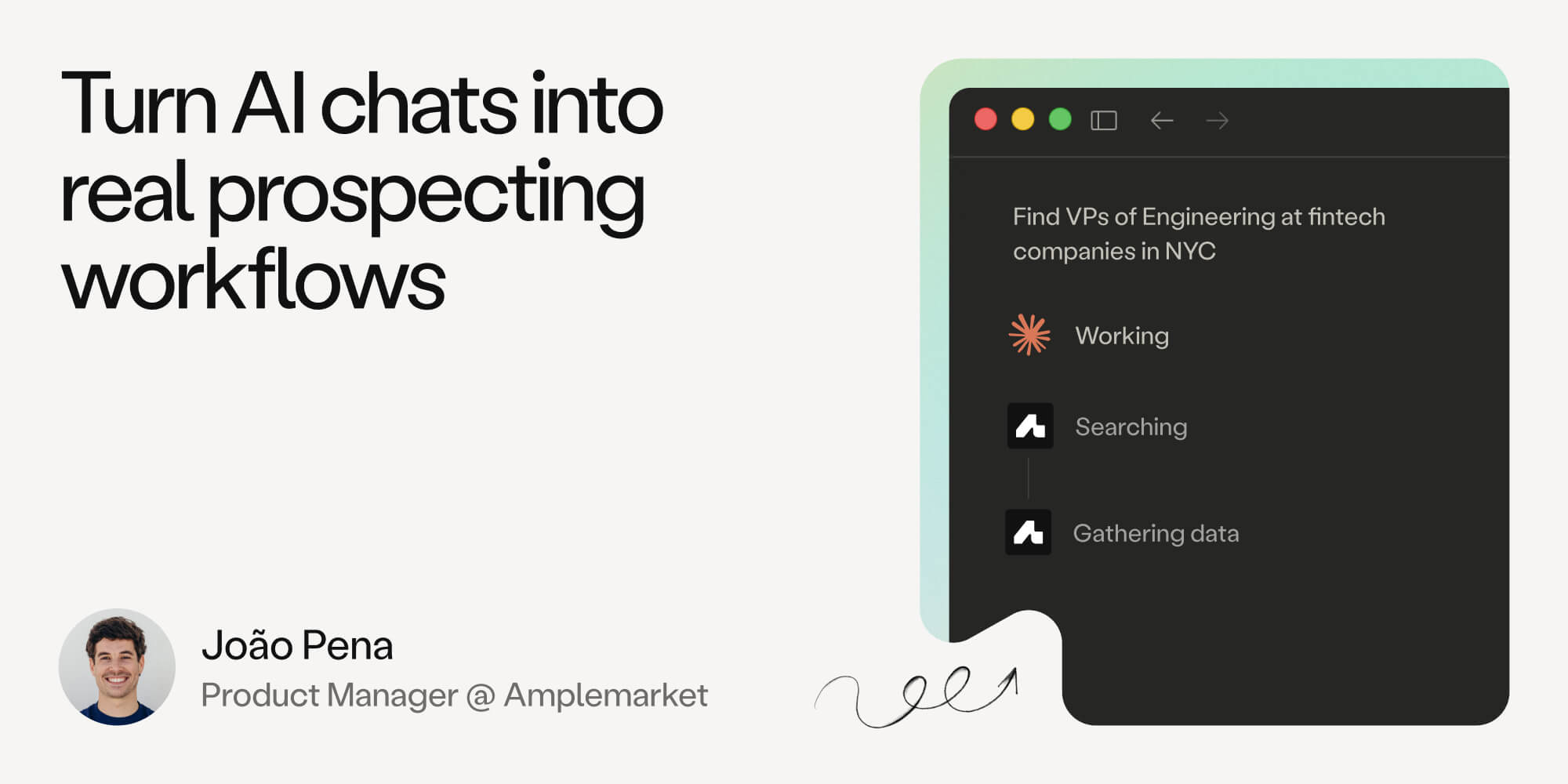
Instead of opening Amplemarket in a separate tab and configuring filters manually, you just describe who you are looking for.
The prompt
Find me VPs of sales at Series B+ companies in the US who have been in their role for less than six months.
Or: Find tech companies in Europe that have doubled their headcount recently and have between 200 and 1,000 employees.
What happened
The MCP translated the natural language query into Amplemarket's search filters and returned a list of matching contacts or companies, complete with LinkedIn profiles and enriched data.
Why this matters
This works on mobile, on desktop, on the go.
If you are waiting for a coffee and want to run a quick search, you do not need to open the Amplemarket dashboard. You just type the query into Claude or ChatGPT and get results back in seconds.
It also means you can chain searches naturally in conversation.
"Now find me the marketing directors at those same companies." "Filter to just the ones in the UK." The AI remembers the context and refines the search without you starting over.
💡 Related skill: Build Targeted Lead List and Prospect ICP Search both handle this workflow with more structured prompting.
Use case 3: Prep for a sales call in 30 seconds
This is the use case that every AE and SDR immediately understands. You have a call in 30 minutes. You want context fast.
The prompt
I have a call with [Name], Head of Sales at [Company], in 30 minutes. Use Amplemarket to research and enrich this person. Give me their background, three personalized talking points I can use, and a few discovery questions to ask.
What happened
Claude used Amplemarket's enrichment tools to pull the contact's background, current role, company details (employee count, funding, industry), and recent activity.
It then generated talking points tailored to their specific context and suggested discovery questions based on what Amplemarket knows about the company.
Why this matters
This collapses 20 minutes of pre-call research into a single prompt.
The talking points are not generic; they reference real data from Amplemarket's database, like the company's recent funding round or the contact's career history.
One of the attendees in the Q&A asked specifically about this: "Can we use the MCP to prepare an SDR talking point just to get a foot in the door?" The answer is yes.
This is exactly that use case.
💡 Related skill: Pre-Call Research Brief generates a structured research document with competitive analysis, CRM history, and recommended talking points.
Use case 4: Run an account deep dive with org chart mapping
This one is for the AEs and account managers working named accounts.
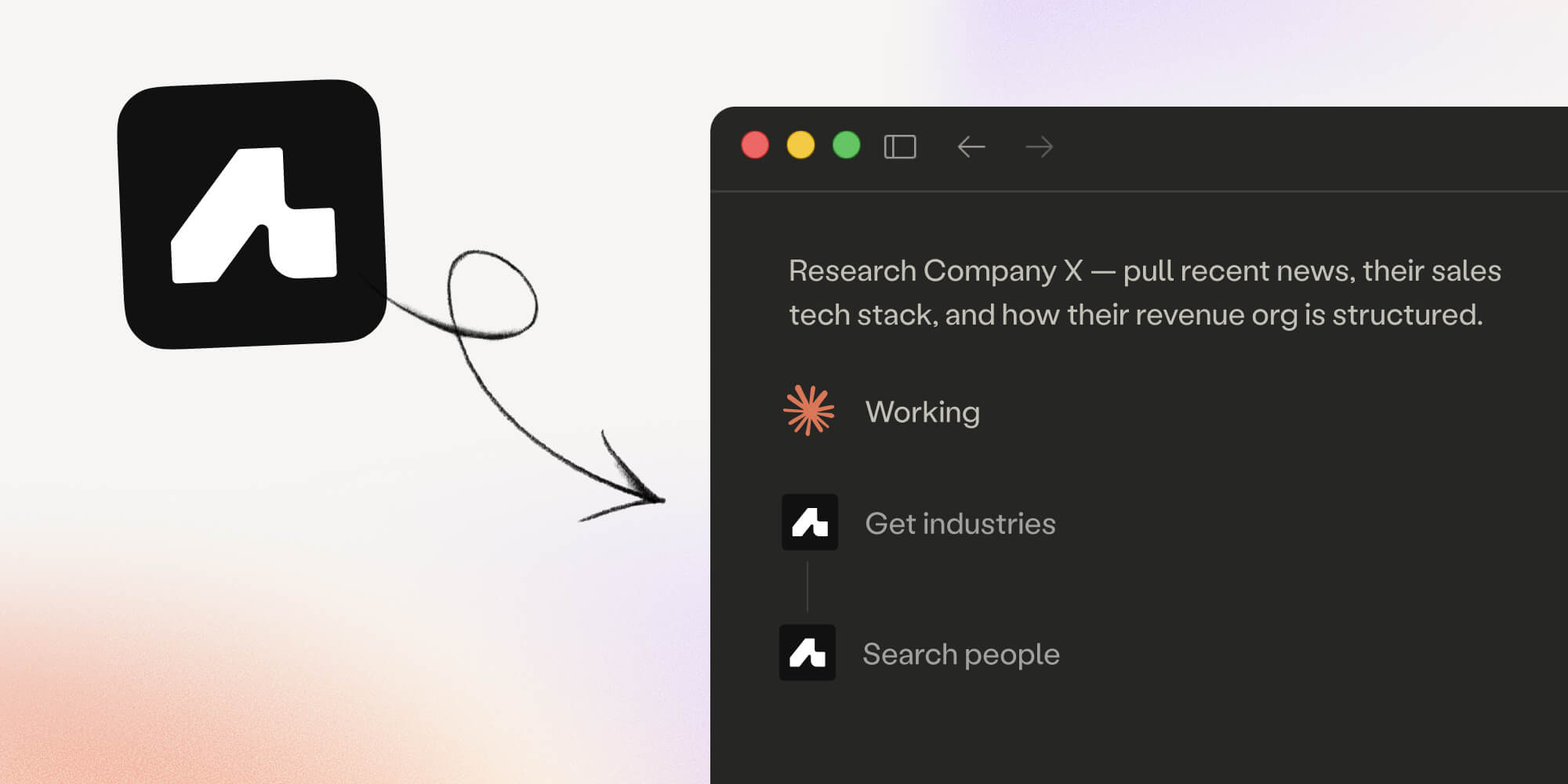
You want to understand a company's structure, tech stack, and who makes tooling decisions, all from a single prompt.
The prompt
I am selling an engineering observability platform. Research a company called [Company Name]. Check their tech stack via Amplemarket, map their engineering leadership team, and suggest who I should target first and why. Include their role, seniority, and a recommended approach angle.
What happened
The MCP enriched the company (domain, industry, funding, headcount), then searched for people in the engineering department.
It mapped the leadership structure, identified likely decision-makers, and suggested approach angles based on the company's tech stack and organizational structure.
When we ran this on Claude Opus, it even built a visual org chart as an interactive artifact, mapping out the department hierarchy with recommended entry points highlighted.
Why this matters
Account research is one of the most time-consuming parts of enterprise sales.
This prompt turns a multi-hour research project into a two-minute conversation.
And because it pulls from Amplemarket's enrichment data, the tech stack and contact information are verified, not scraped from outdated sources.
A note from the live session: for simpler queries, Claude Sonnet works fine.
For deeper research like this where you want the AI to make multiple searches, cross-reference data, and build visualizations, Opus 4.6 produces significantly better results.
💡 Related skills: Competitive Account Research generates full account briefs, and Amplemarket Org Chart builds interactive org charts with CRM data overlaid.
Use case 5: Ask your outbound data anything
This was the use case that surprised people most.
You can ask Amplemarket's analytics questions in plain English and get back not just numbers, but visualized dashboards and actionable insights.
The prompts
Show me all sequences from the BDR team this quarter that have 20 or more leads. Which ones are performing best? Rank by interested rate.Who are our top performing SDRs this month? Show me leads enrolled, emails sent, interested leads, and reply rate.Based on our team's call data from the past month, what are the best times to make calls? Show me connection rates by hour.Give me a Duo Copilot performance overview. Which signal types have the best interested rate? Which ones are reps dismissing the most, and why?
What happened
For each query, the MCP pulled data from Amplemarket's analytics and Claude built custom visualizations: bar charts, leaderboards, heatmaps, and performance tables.
It also added written analysis explaining the patterns it found.
The "best time to call" query was particularly interesting.
Claude analyzed call connection rates by hour and produced a heatmap showing peak performance windows, something that would normally require exporting data to a spreadsheet and building the analysis manually.
Why this matters
Every sales manager has questions about their team's performance that are slightly too specific for a standard dashboard.
"What's the reply rate for sequences targeting VPs versus directors?"
"Which rep has the best interested rate on Duo signals this month?"
"What are the most common dismiss reasons for our Slack community signals?"
The MCP lets you ask these ad hoc questions without building custom reports. And because Claude builds the visualizations on the fly, you can iterate: "Now break that down by persona."
"Show me the trend over the last three months." "Send this to Slack."
Yes, you can connect both the Amplemarket MCP and the Slack MCP to Claude.
That means you can generate a performance report and post it directly to a Slack channel, all from one conversation.
💡 Related skills: Sequence Performance Analyzer, Outreach Activity Dashboard, and Duo Copilot Dismiss Diagnostics cover these analytics workflows.
What's coming next
The MCP is constantly evolving based on how customers are using it.
September 2026 update: sequence creation from the MCP, which attendees asked about during the Q&A, has since shipped. You can create a sequence, add and edit stages, and enroll leads without leaving the conversation.
Launching the sequence still happens in Amplemarket, which keeps a human review step between a drafted sequence and live outreach.
The context and personalization data you build through the MCP carries straight into your sequences.
Other features on the radar based on attendee questions: call transcript analysis via the MCP (especially now that Amplemarket has launched AI call insights) and persona creation via natural language.
Tips from the live session
A few practical things that came up during the webinar:
Model selection matters: For quick searches and simple enrichment, Claude Sonnet (or any standard model) works fine.
For deeper research, multi-step analysis, or when you want Claude to build visualizations, Opus 4.6 produces noticeably better results.
You can use this on mobile: Several attendees asked about this. Yes, you can run Amplemarket searches from the Claude or ChatGPT mobile app.
It is the same MCP connection. Useful for quick lookups when you are between meetings.
Chain your MCP connections: If you have Slack's MCP connected alongside Amplemarket's, you can generate reports and send them directly to a Slack channel.
Same with other MCP-compatible tools like Notion.
Start with the Skills Library: If you are new to the MCP and want to see what is possible, browse the 37 skills in our GTM Skills Library.
Each skill is a pre-built prompt template for a specific use case, and you can add any of them to Claude or ChatGPT in one click.
Get started
If you are already an Amplemarket customer, you can set up the MCP in about two minutes:
- In Amplemarket, go to Settings, then Integrations
- Choose Claude or ChatGPT and click Connect
- You are taken to that client's own authorization page
- Approve access with your Amplemarket account. Authentication is OAuth and there are no API keys
- Start prompting.
Claude requires a Pro, Max, Team or Enterprise plan for custom connectors.
If you would rather add it manually there, the server URL is https://mcp.amplemarket.com/mcp. Full setup instructions are in our knowledge base.
The same connection also works in Cursor and Grok Bot, and the connection guide above covers both.
Not an Amplemarket customer yet? Start a free 14-day trial and you will have access to the MCP from day one.
Watch the full recording
The full webinar recording, including the live demos and Q&A session, is available here:
Further reading
- Run outbound in Claude and ChatGPT with Amplemarket: The MCP launch announcement with a product walkthrough.
- How I built an AI lead sourcing agent with Claude and Amplemarket MCP: A step-by-step tutorial for building an automated lead sourcing agent.
- Amplemarket MCP for marketing teams: How marketing teams use the same MCP for campaign targeting, ABM research, and content strategy.
- Amplemarket GTM Skills Library: 36 pre-built prompt templates for sales, account intelligence, prospecting, analytics, and more.
- Amplemarket's Duo Copilot: The AI copilot that works alongside the sales reps to automate signal-based selling.