Published
Most sales teams still treat AI as a faster way to write the same email.
The teams pulling ahead treat it as a way to build entire outbound workflows that run on their own, from finding the right people to enriching them to drafting a message built on a real signal.
The rep wakes up to a finished list instead of a blank one.
In a conversation with Anthony Enrico, founder and CEO of LeanScale, on the LeanScale podcast, Micael "Mica" Oliveira, founder and CRO of Amplemarket, demoed a series of these workflows live.
This guide breaks down five of them so you can build your own.
Each one follows the same shape: start with a signal, let an agent do the research and enrichment, and hand a rep a contact-ready list with a personalized opener.
None of them relies on a template.
What is an AI sales agent?
An AI sales agent is software that uses a large language model, web search, and a data platform to carry out sales tasks such as researching accounts, enriching contacts, personalizing outreach, and monitoring for buying signals. Unlike a static tool, an agent can complete multi-step workflows and run on a schedule with limited human input.
What can AI sales agents do for outbound?
AI sales agents automate the research and enrichment work that sits in front of every outbound message. They can turn an event list, a social feed, or a buying signal into an enriched, contact-ready list, then draft outreach personalized to each person.
This lets a single rep run the prospecting workload of a small team.
The building blocks behind every workflow
Before the workflows, it helps to see the parts. Mica describes the modern GTM stack as four building blocks: a very smart intern in the form of a large language model, web search, a data platform, and a workflow layer that ties them together.
"These are like Lego pieces," he said. "We can just build anything."
In the workflows below, the language model and web search do the reading and reasoning, Amplemarket supplies the verified contact data and the outreach layer, and a scheduler decides when it all runs. The link between your AI assistant and that data is the Amplemarket MCP, which plugs into Claude, ChatGPT, Cursor and Grok Bot, and into any MCP-compatible assistant.
Snap them together in different orders, and you get very different outcomes.
"The MCP connections to our AI tools incredibly beneficial, making it easy to work in one place. This allows me to do my research, enrich target data, search for relevant targets all using Amplemarket."
— G2 review of an Amplemarket user (Mid-Market)Workflow 1: turn a podcast guest list into a personalized outreach list
The signal: someone chose to go on a podcast and talk about their work, which tells you what they care about right now.
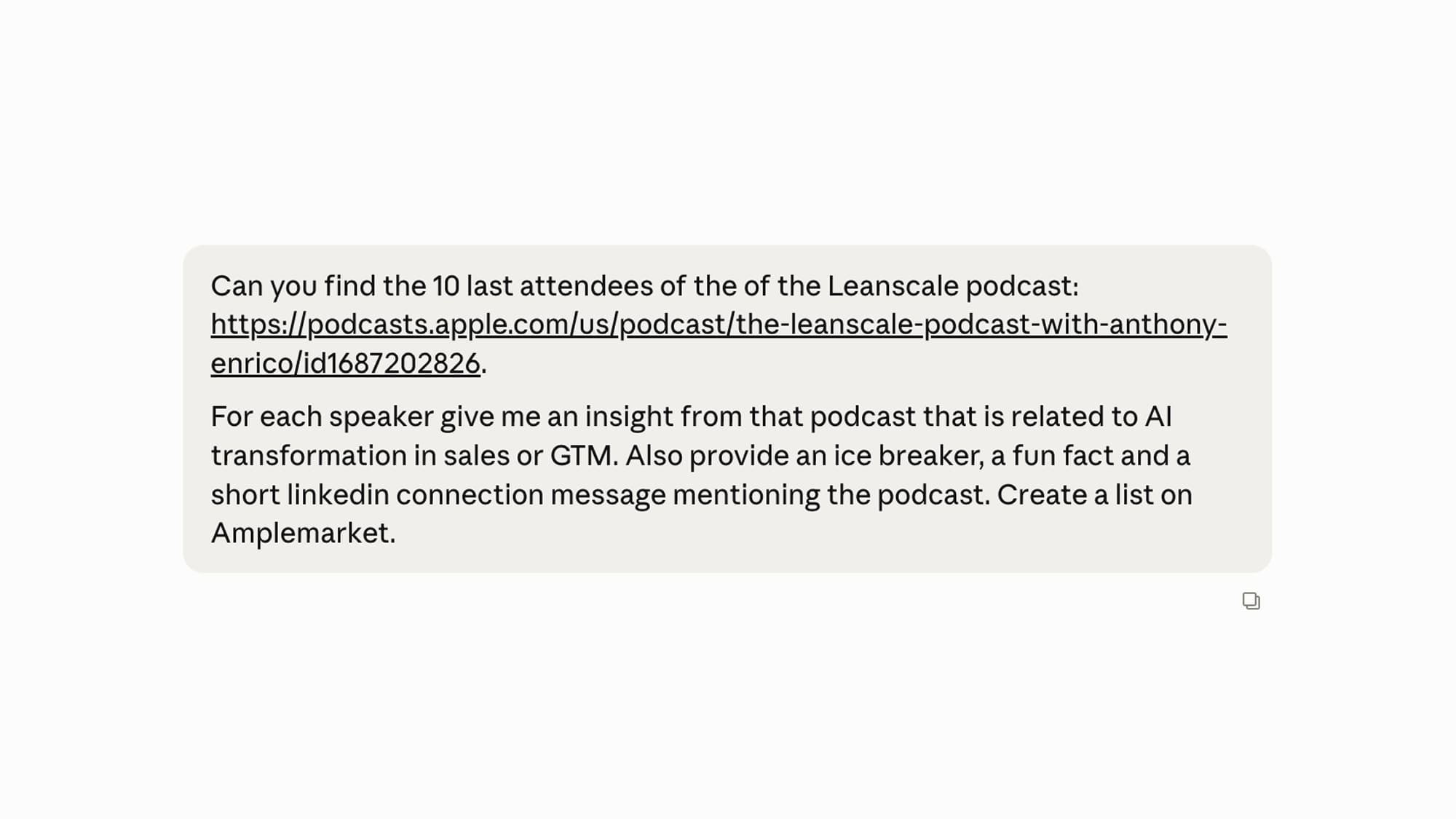
The workflow starts by pointing an agent at a relevant podcast and pulling its list of guests. The agent reads what each guest said, especially around AI and how they are changing their business, and extracts the themes worth referencing.
From there:
- It enriches each person through Amplemarket, adding verified emails and company data, and drops them into a list.
- It drafts a personalized opener and a social message for each guest, grounded in something they actually said on the show.
Why it works: the opener references a real, recent, public statement from the prospect. It cannot be mistaken for a mass send because it could only have been written for that person.
Workflow 2: turn conference sponsors into a VP-level target list
The signal: a company paid to sponsor an event in your space, which is a strong sign of budget and intent.
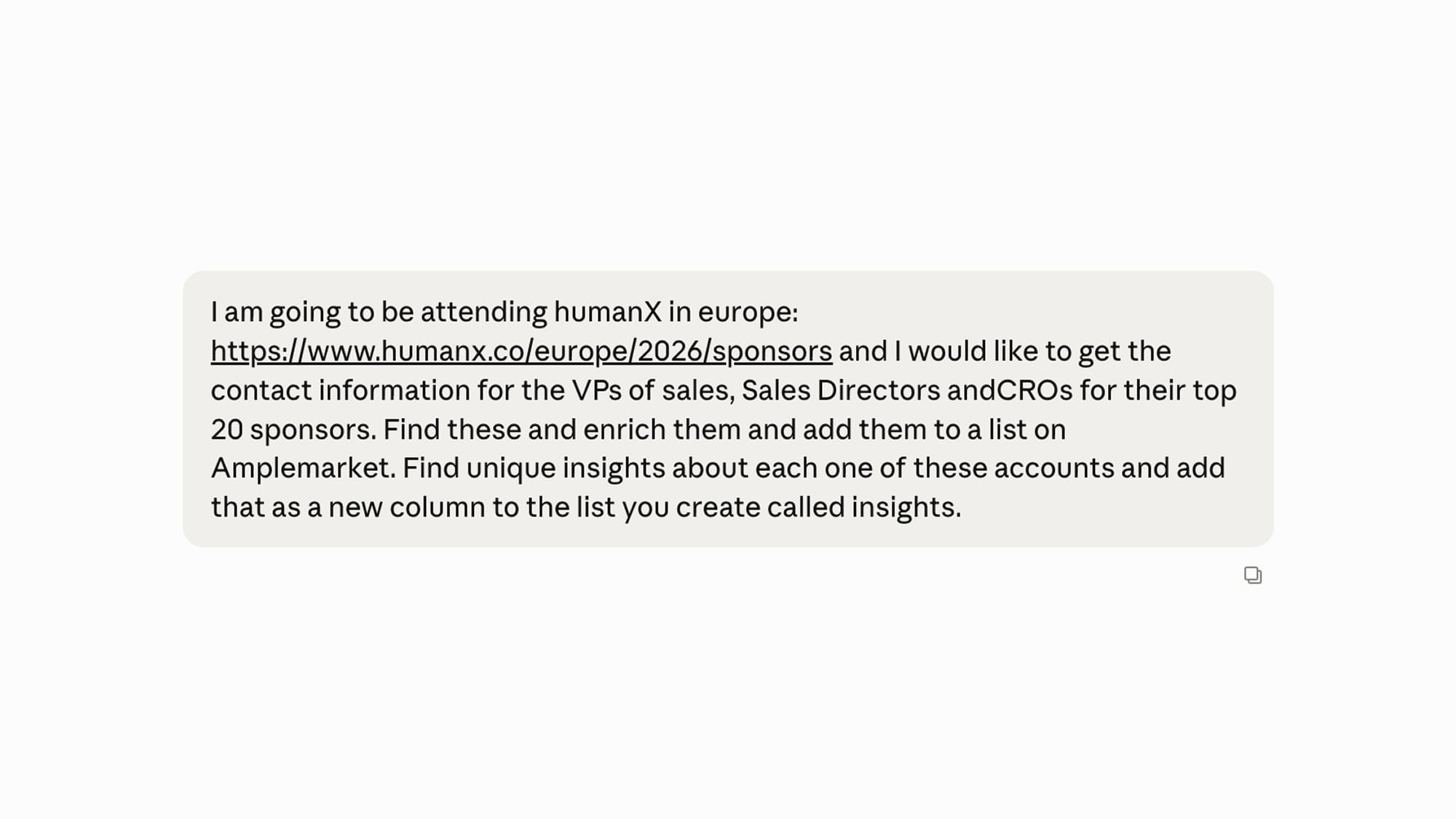
The agent starts from the event's sponsor page and identifies the top sponsors.
- It reads the logos, converts them into company records, and then searches for the right people at each one — in this case, VP-level sales leaders who would own the buying decision.
- It enriches those contacts through Amplemarket and assembles them into an outreach list, ready to sequence.
Why it works: sponsorship is a budget signal, and targeting the VP who owns the outcome beats spraying the whole company. The list is small, senior, and timely.
Workflow 3: turn social followers into enriched contacts
The signal: people following a relevant account have already shown topical interest.
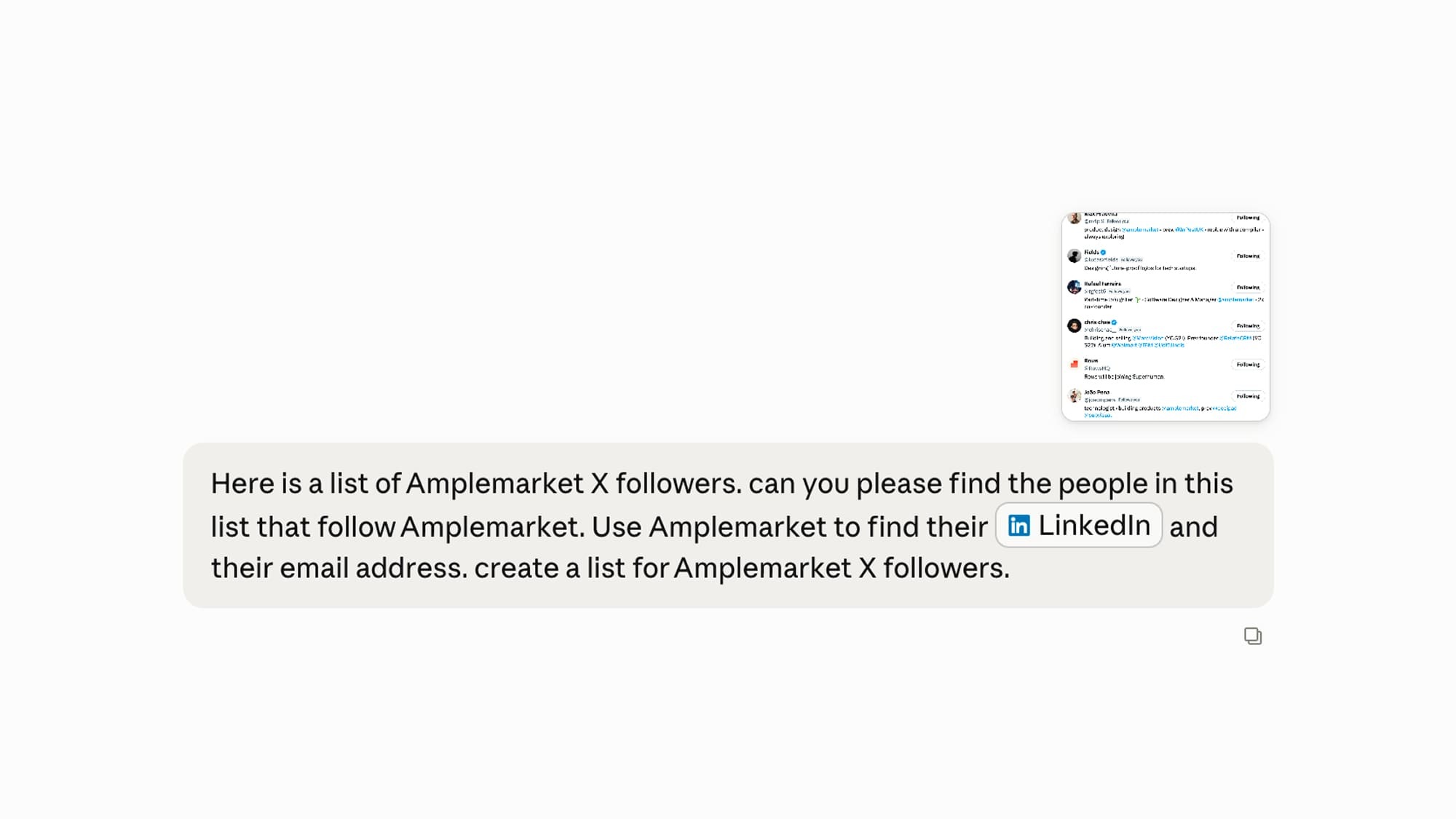
Here, the agent takes a screenshot of your follower list, reads the names and handles, and identifies the individuals.
- It matches each one to a full profile, then enriches them through the Amplemarket MCP with verified work emails and company details.
- The output is a clean, contact-ready list built from an audience that has shown intent.
Why it works: you are reaching people who have raised their hand, not a cold list pulled on firmographics alone.
"Amplemarket typically has better data than most providers I have trialed or worked with."
— Jackson Williams, Market Vice President, TenoviWorkflow 4: turn event badge photos into connection requests
The signal: you met someone in person, which is the warmest signal there is.
After a conference:
- You snap a photo of an event badge, the agent extracts the attendee's name and company, and matches them to a profile.
- It can then queue a personalized social connection request so the follow-up happens while the conversation is still fresh.
Why it works: it closes the gap between meeting someone and actually following up, which is where most in-person leads quietly die.
"The way it handles Social tasks (like voice notes and connection requests) feels much more human and reliable than other tools I've used."
— Rashmi Paniraj, Sales Manager, VWOWorkflow 5: scheduled agents that build lists before you wake up
The signal: timing. Some opportunities are only valuable if you get to them first.
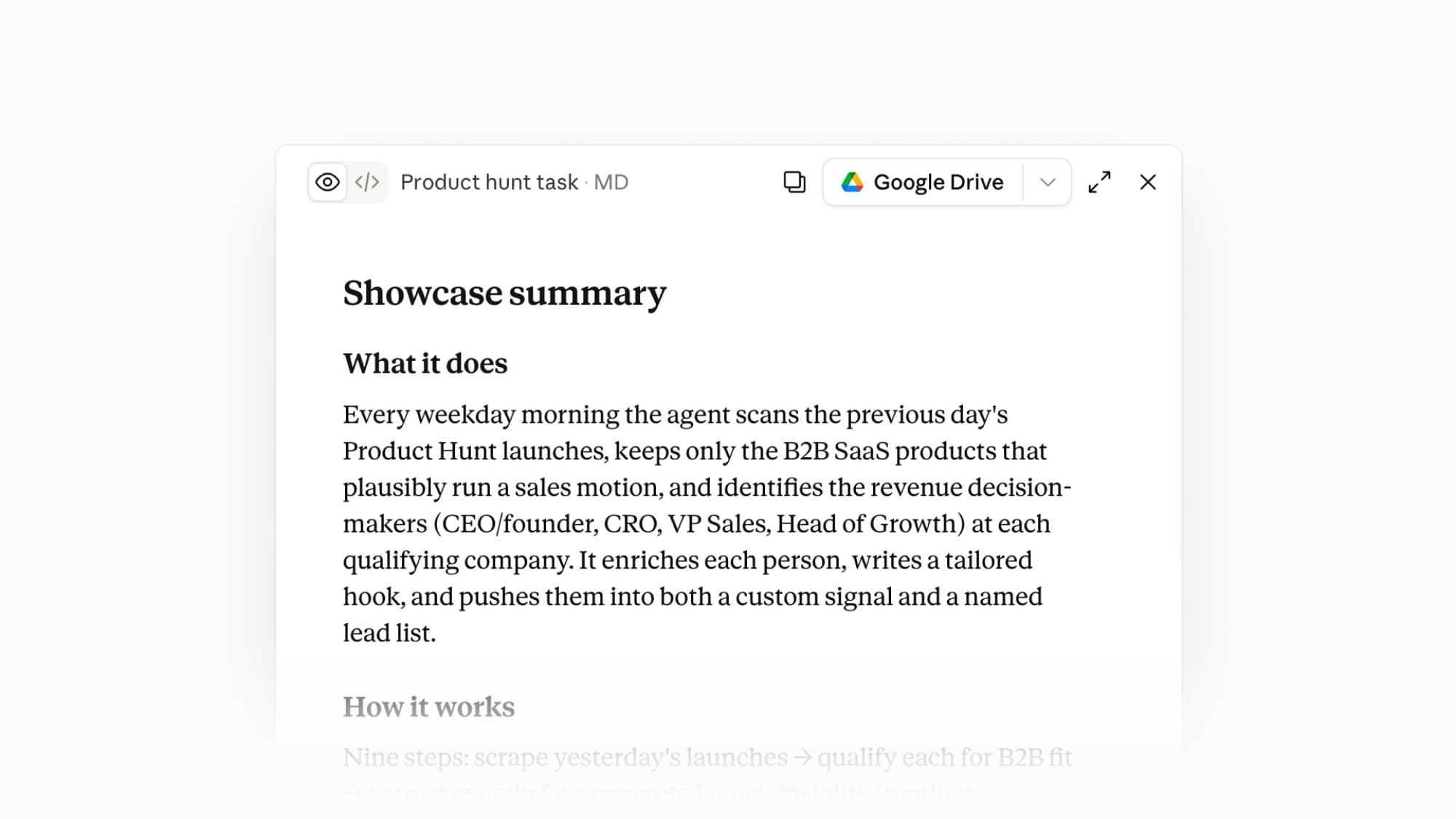
This is where workflows stop waiting for a human to press go. Here, the schedule itself is the signal:
- An agent runs at a set time
- It checks a source for whatever is new
- It enriches the matches through Amplemarket
- It drafts a personalized opener
- It drops a finished list into the platform before anyone logs on
The same pattern works for a daily scan of new product launches, a weekly sweep of a revenue podcast, or a monitor that watches inbound leads and posts them to Slack the moment they arrive.
For a full step-by-step example, the overnight Product Hunt agent Mica demoed is walked through in Is outbound dead in 2026? No, but templated outbound is!
Why it works: scheduled tasks turn outbound from a thing you start into a thing that is already done when you sit down. Mica calls this one of the highest-leverage habits in AI: "If you're using scheduled tasks, you're in the top 0.1% of AI users."
"Amplemarket is like 4 tools in 1! It’s easy to use and allows you to target the right people at the right time. I am able to work through 10x more accounts and do it in a way I know is personal every time."
— Lauren Carlson, Business Development Manager, Velocity AdvisoryHow to start building AI workflows
You do not need all five on day one. Pick the signal your team already has access to — an upcoming event, a podcast in your niche, a steady stream of inbound — and build one workflow around it.
Two habits separate the teams that get value from the teams that do not: learning what a skill is so your agents produce sharper output, and using scheduled tasks so the work runs without you.
Amplemarket's skills library is a good place to start, and it is open to everyone, customer or not. Each skill teaches your AI assistant how to run a specific sales task.
"I use their org chart skill to map out the organizational structure, especially for technology developer orgs. I then use the Torpedo feature to understand who might be the best person to outreach and start conversations."— Nick M., Account Executive, Browserbase
For the full walkthrough, watch Mica build these live in his conversation with Anthony Enrico on the LeanScale podcast, or read the argument behind the shift in Is outbound dead in 2026? No, but templated outbound is!
To go deeper on the MCP itself, see the best MCP servers for sales.
Ready to build your own? Start a 14-day free trial of Amplemarket or see how teams run multichannel outbound in the customer stories.
.jpg)