
Published
From pinpointing the right accounts to engaging leads instantly, these features remove blockers and accelerate your outreach.
Let’s dive in:
Find the right companies faster without guessing their industry
Tired of missing great accounts because their industry didn’t match what you were searching for? We’ve reclassified every company in our database with 500+ precise industry labels, giving you far more accurate results.
Now you can type the exact industry you want to target and instantly find the companies that match, without guessing where they might fall.
How this helps you:
- Search confidently with industry labels that reflect how companies actually operate
- Find ICP-fit accounts faster using both broad and niche categories
- Build higher-quality lists by combining precise industries with geo, size, and tech filters

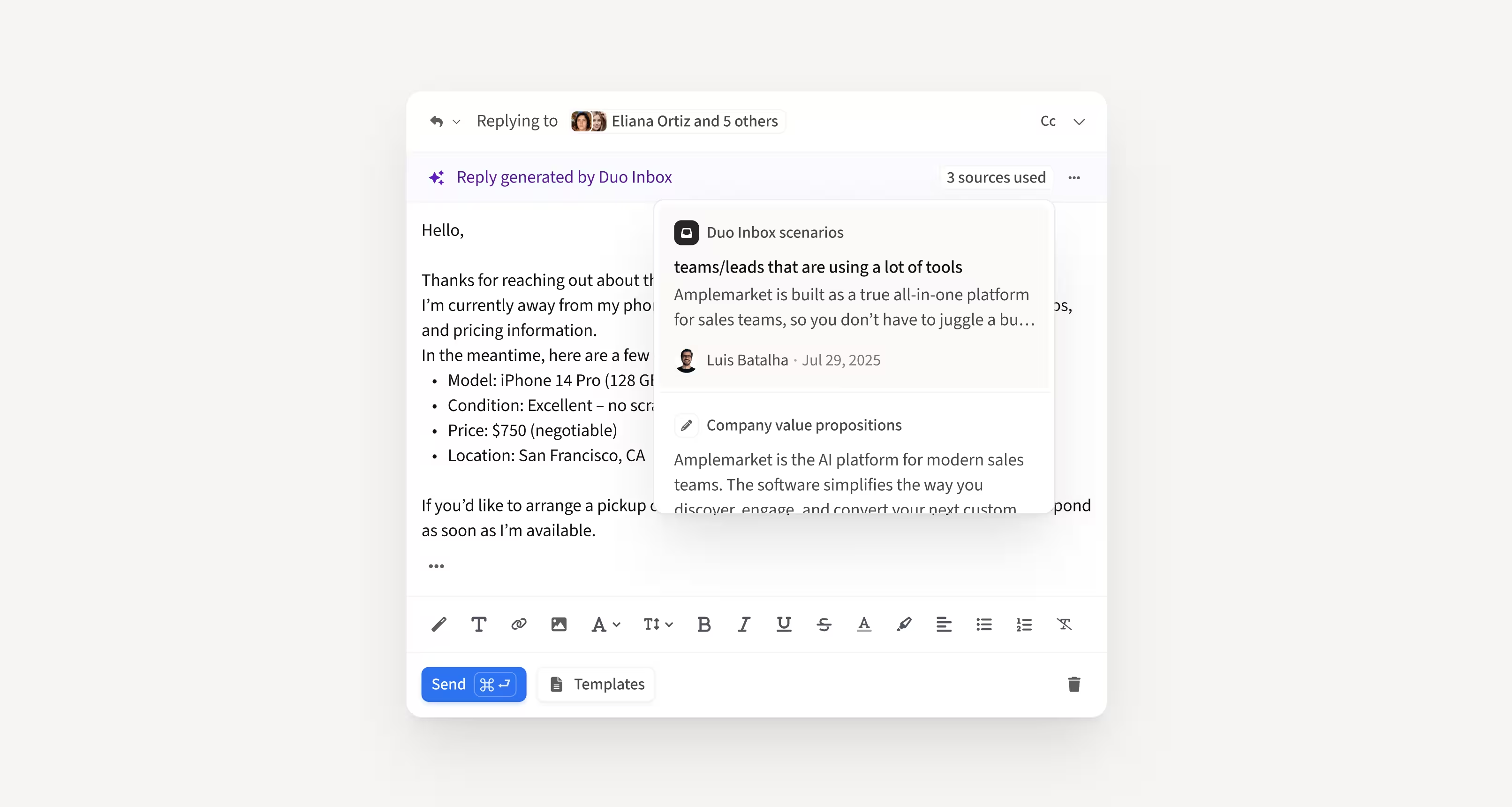
Get AI reply drafts directly inside the Unibox
Duo Inbox is now fully integrated into the Unibox, giving you instant access to AI-generated reply drafts right where you manage your outreach. Drafts sync automatically between the Unibox and your email client, so no matter where you work, you always see the latest version.
How this helps you:
- Work from one unified inbox without switching between Unibox and your email client
- Stay aligned with automatic two-way sync for all Duo-generated drafts
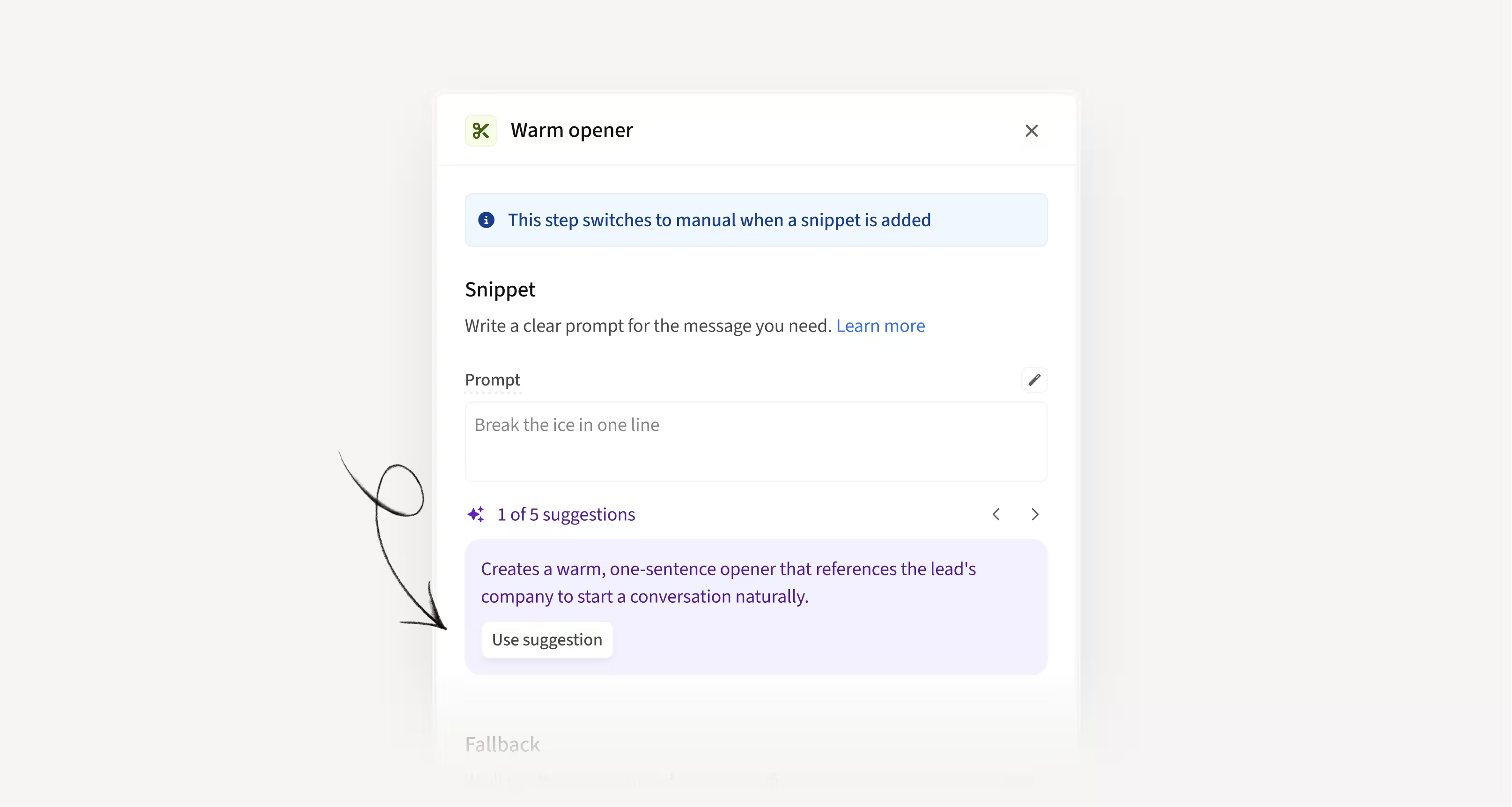
Start every AI Smart Snippet with proven, high-impact recipes
AI Smart Snippet Recipes now give users a set of the most common, effective prompt patterns so they never start from a blank page. With one click, users can auto-fill a snippet using a proven template and adapt it instantly.
How this helps you:
- Eliminate guesswork with ready-made examples of successful snippet use cases
- Create high-quality snippets faster by starting from proven prompt patterns
- Avoid blank-page friction and get value from AI Snippets right away
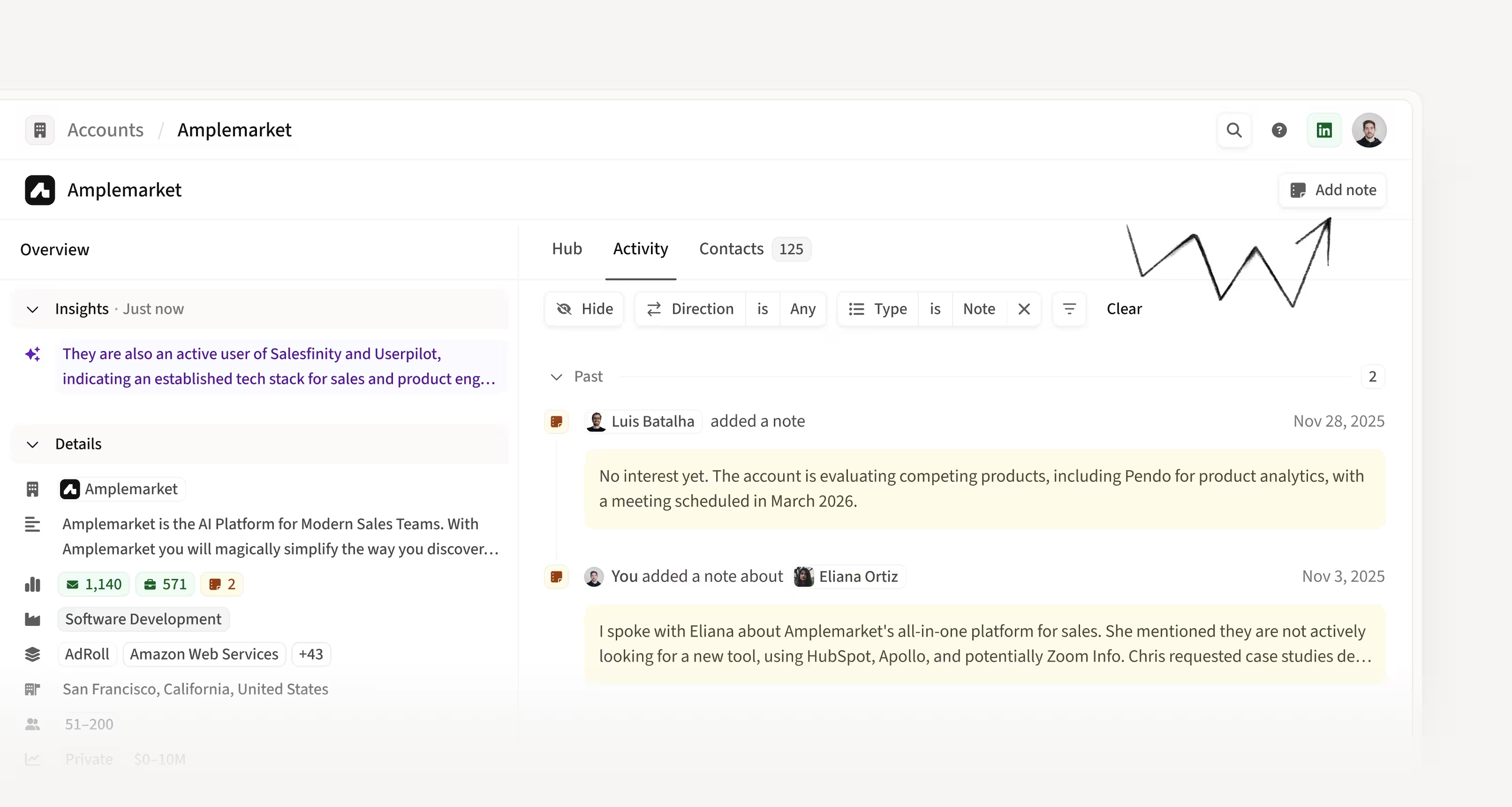
Keep critical context in one place with Account Notes
Reps can now add notes directly from the Account page, matching how most CRM workflows operate. Account Notes integrate seamlessly with existing Contact Notes and appear in the Account Listing so teams can quickly spot accounts with valuable context.
How this helps you:
- Record account-level insights without forcing notes onto individual contacts
- Keep account and contact notes unified in one consistent workflow
- Prioritize accounts more effectively with notes surfaced directly in the Account Listing
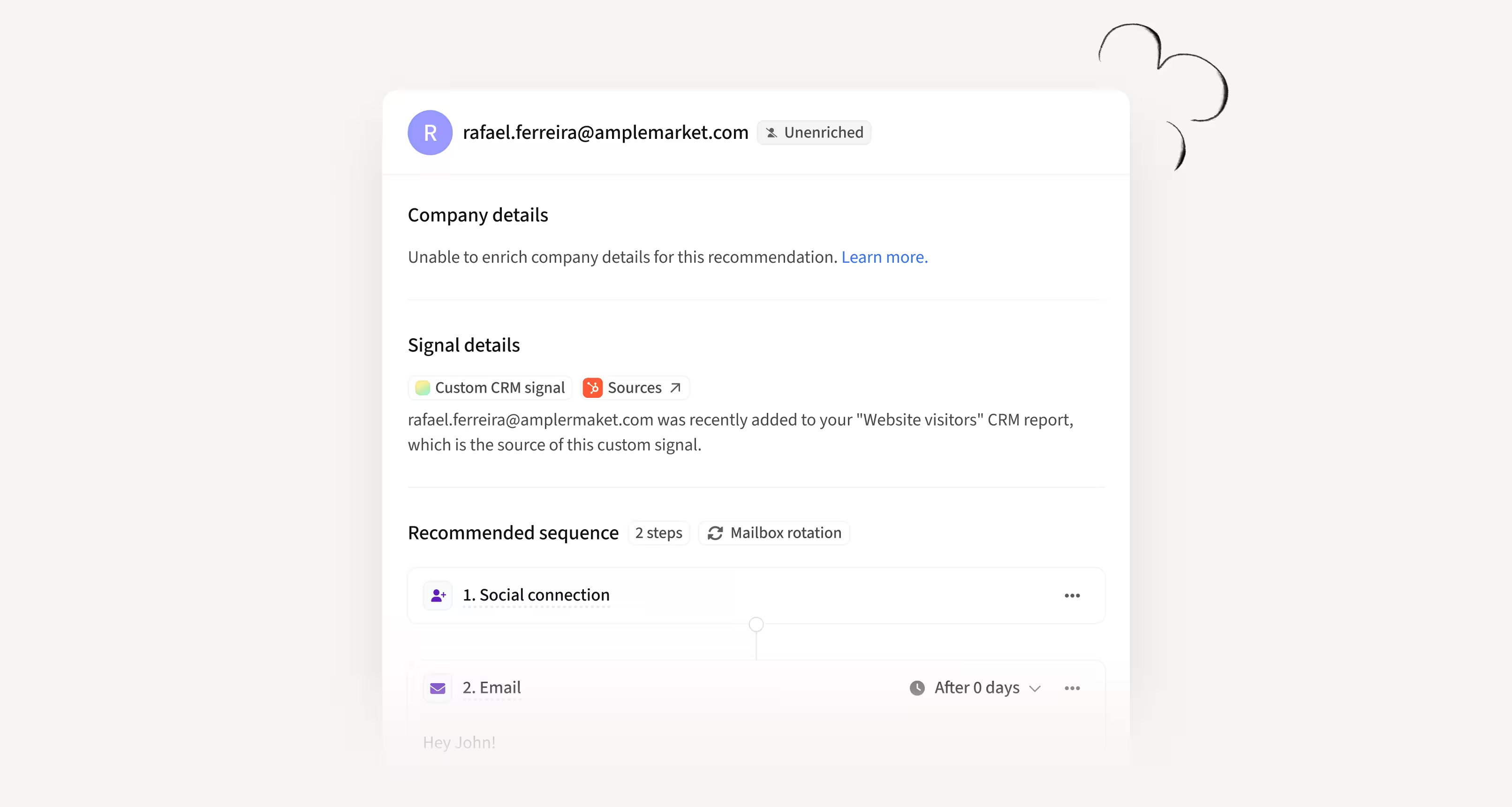
Work unenriched leads with Custom CRM Signals
Duo Copilot can now process any lead sent through Custom CRM Signals as long as it has an email, even when enrichment fails. High-intent leads like inbound, product-qualified, or third-party-filtered contacts will no longer get blocked.
How this helps you:
- Capture every valid high-intent lead instead of losing them to enrichment gaps
- See all leads in the Feed with clear indicators when information is missing
- Route unenriched leads using a simple fallback assignment when territories don’t apply
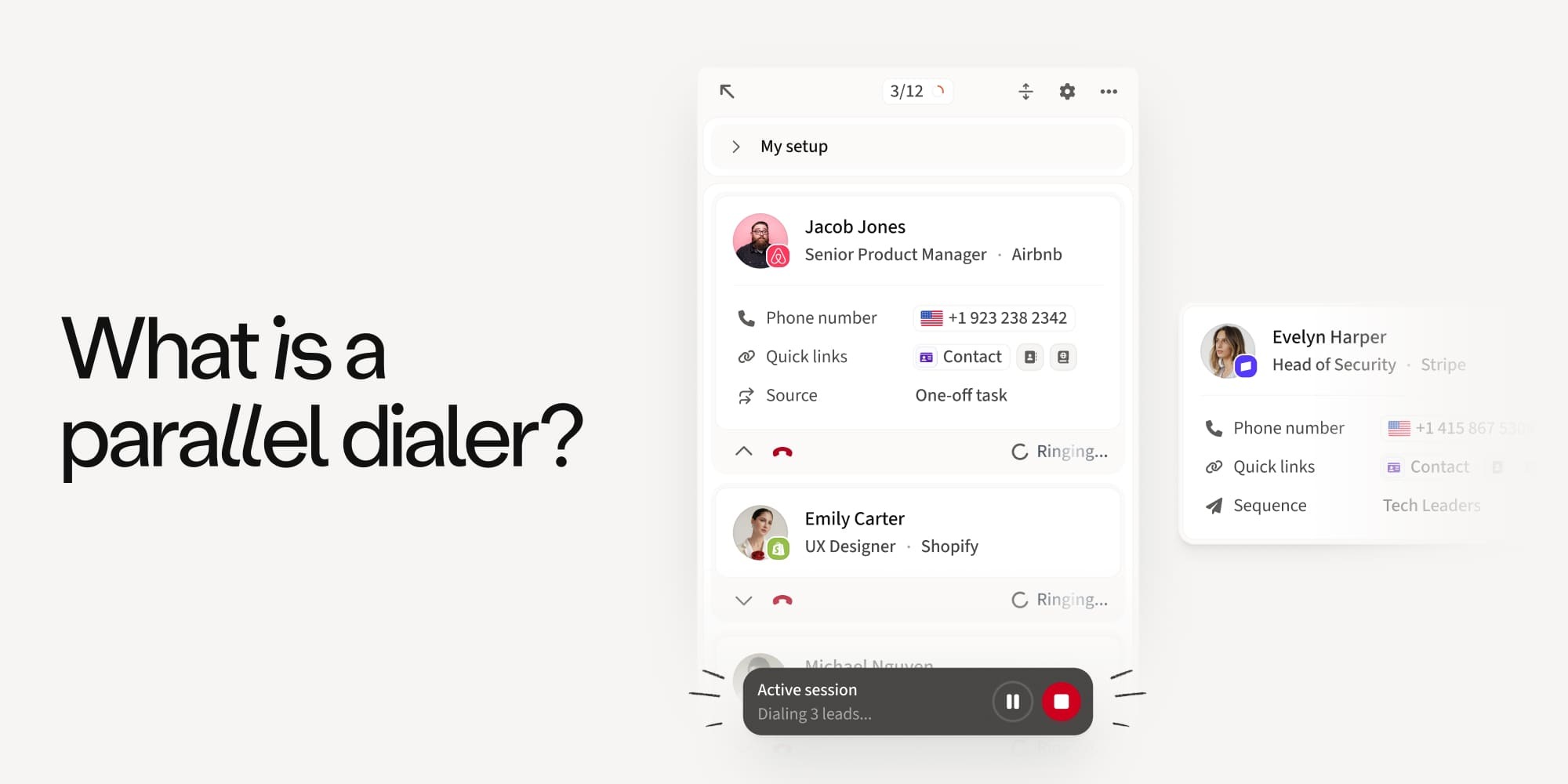
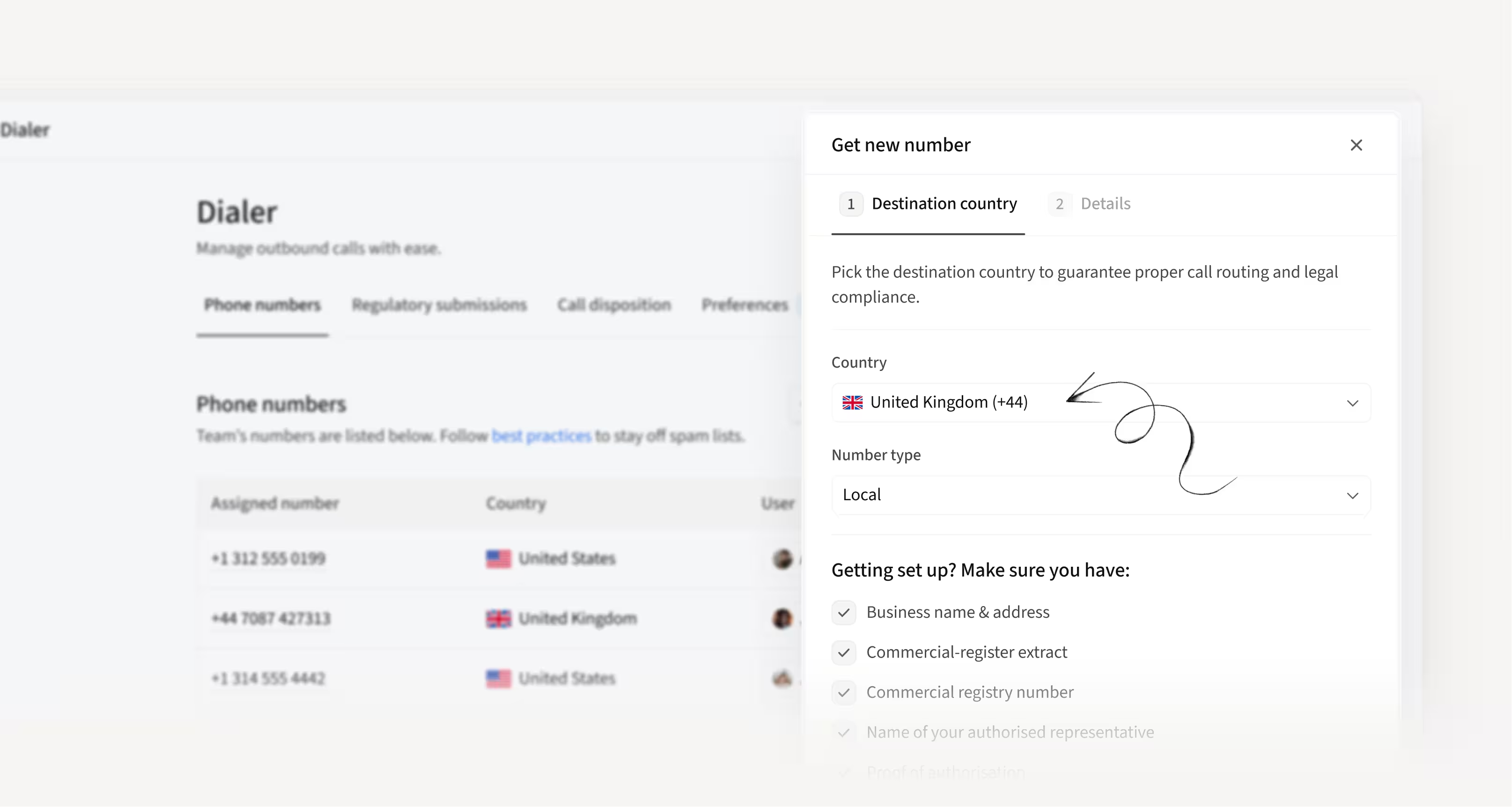
Go from “I need a number” to calling in minutes
You can now buy, verify, and assign new dialer numbers locally or internationally directly inside Amplemarket through a fast, intuitive, guided flow.
No long support threads, unclear requirements, or week-long delays. Everything lives in a modern Dialer UI that gets teams calling quickly and confidently.
How this helps you:
- Start calling faster with a self-serve flow that cuts setup time from days to minutes
- Reduce errors with guided regulatory submissions and smart number matching
- Stay in control with clearer Dialer settings, instant area-code search, and full submission visibility
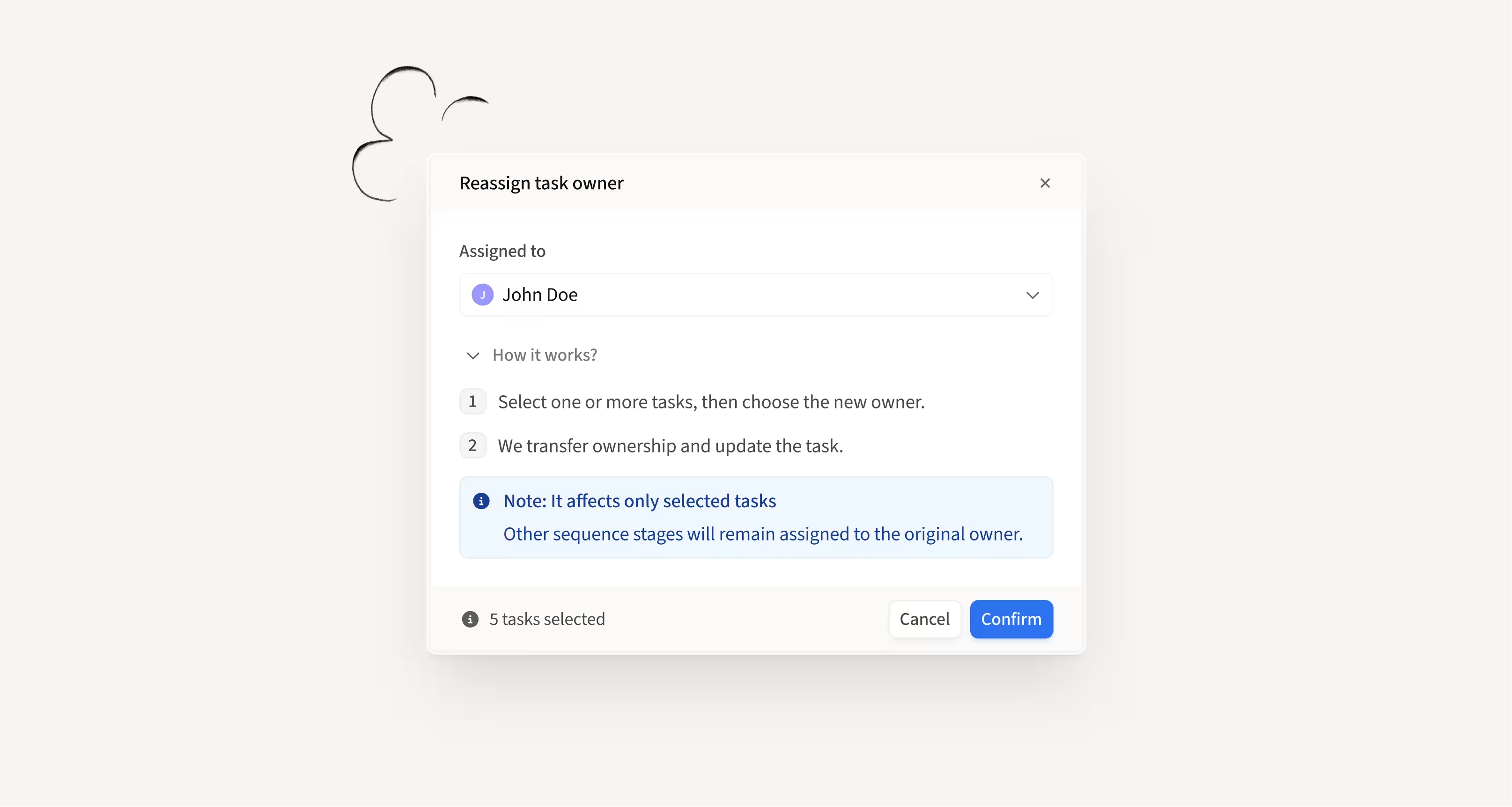
Easily delegate tasks to teammates without changing ownership
You can now reassign sequence and task execution to any teammate while keeping the original contact or sequence owner intact. Admins can manage handoffs directly from Sequence setup or the Tasks page, with clearer controls and improved bulk actions.
How this helps you:
- Delegate work for PTO coverage, handoffs, or workload balancing without breaking ownership
- Reassign tasks quickly from a single place with intuitive bulk actions
- Maintain full visibility with reassignment activity logged across Contact and Account views
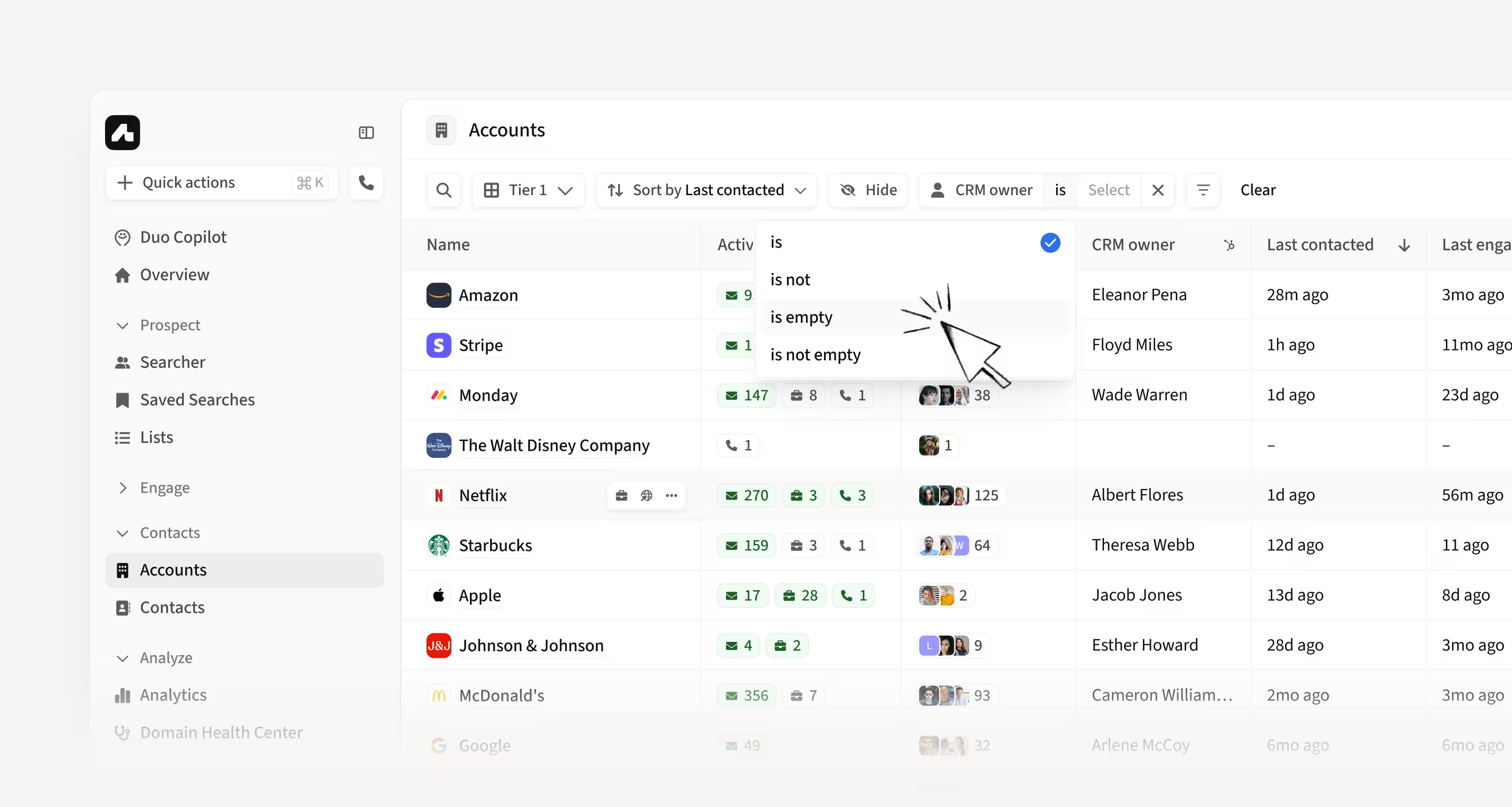
Find unassigned accounts with new CRM Owner filter options
The CRM Owner filter on the Account Listing page now supports IS NOT, IS EMPTY, and IS NOT EMPTY. This brings it in line with other filters and makes it easier to surface accounts with no owner assigned.
How this helps you:
- Quickly identify unowned or unassigned accounts that may be open for prospecting
- Filter accounts with more precision using the same logic available elsewhere
- Reduce manual review by instantly spotting gaps in CRM ownership
Hope these updates make your experience with Amplemarket even better!
Have feedback? Submit it here.
Questions? You can always reach out to support@amplemarket.com
Don't miss our upcoming product webinar!
Join us live to explore the newest Amplemarket updates, see them in action, and get your questions answered.