
Published
This January, we shipped a set of updates designed to help you prospect faster and stay in control of your workflow.
Here’s what’s new:
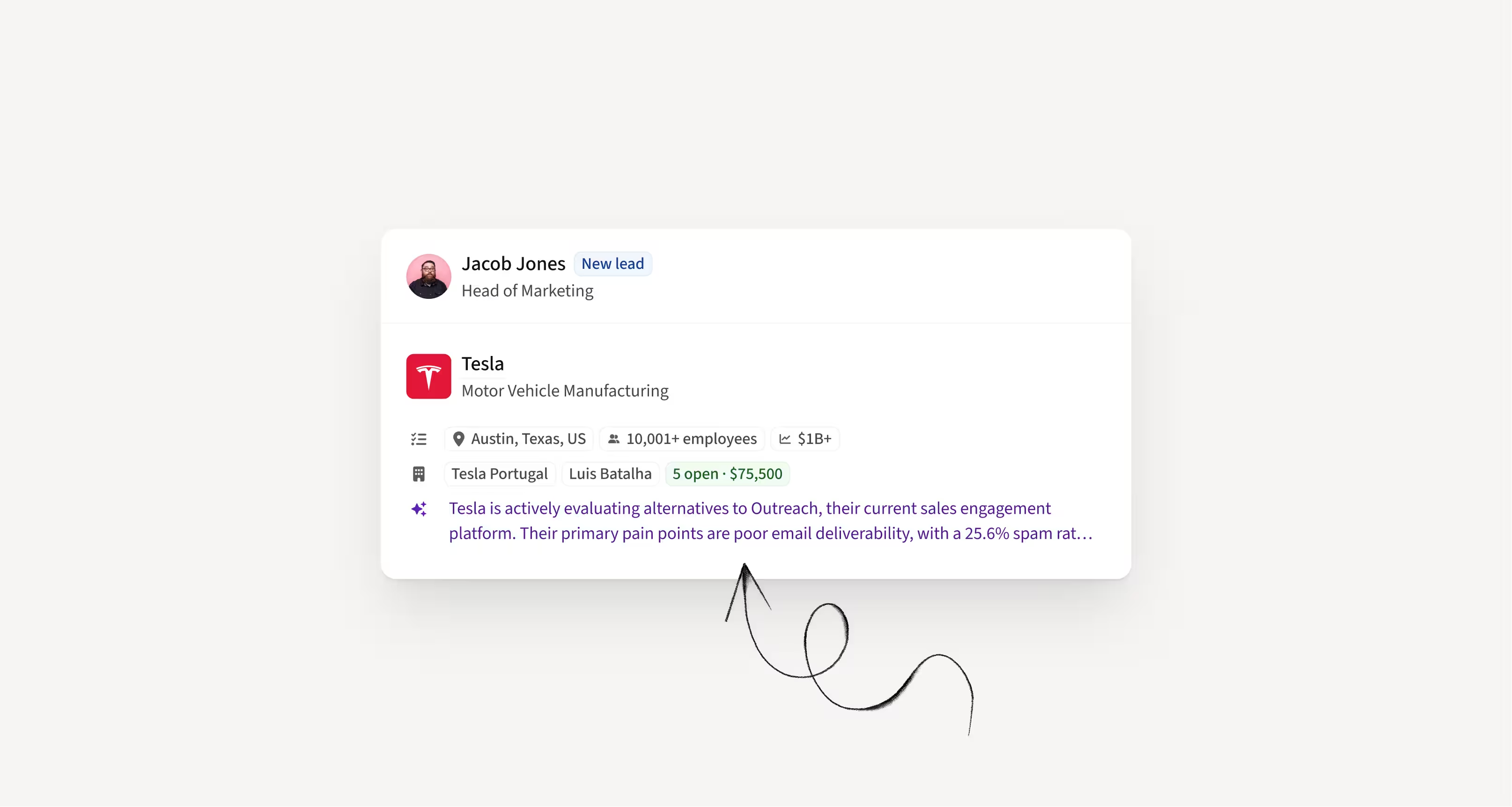
Generate Duo sequences with the latest Account Insights
Duo Copilot now uses Account Insights when generating recommended sequences, so suggestions are based on real company context, not just lead data.
You can also clearly see whether you are targeting a new account or one your team has already engaged.
How this helps you:
- Generate more relevant AI sequences
- Quickly see if an account is new or already active
- Make faster decisions with clearer context
Get notified in Slack when a lead is interested
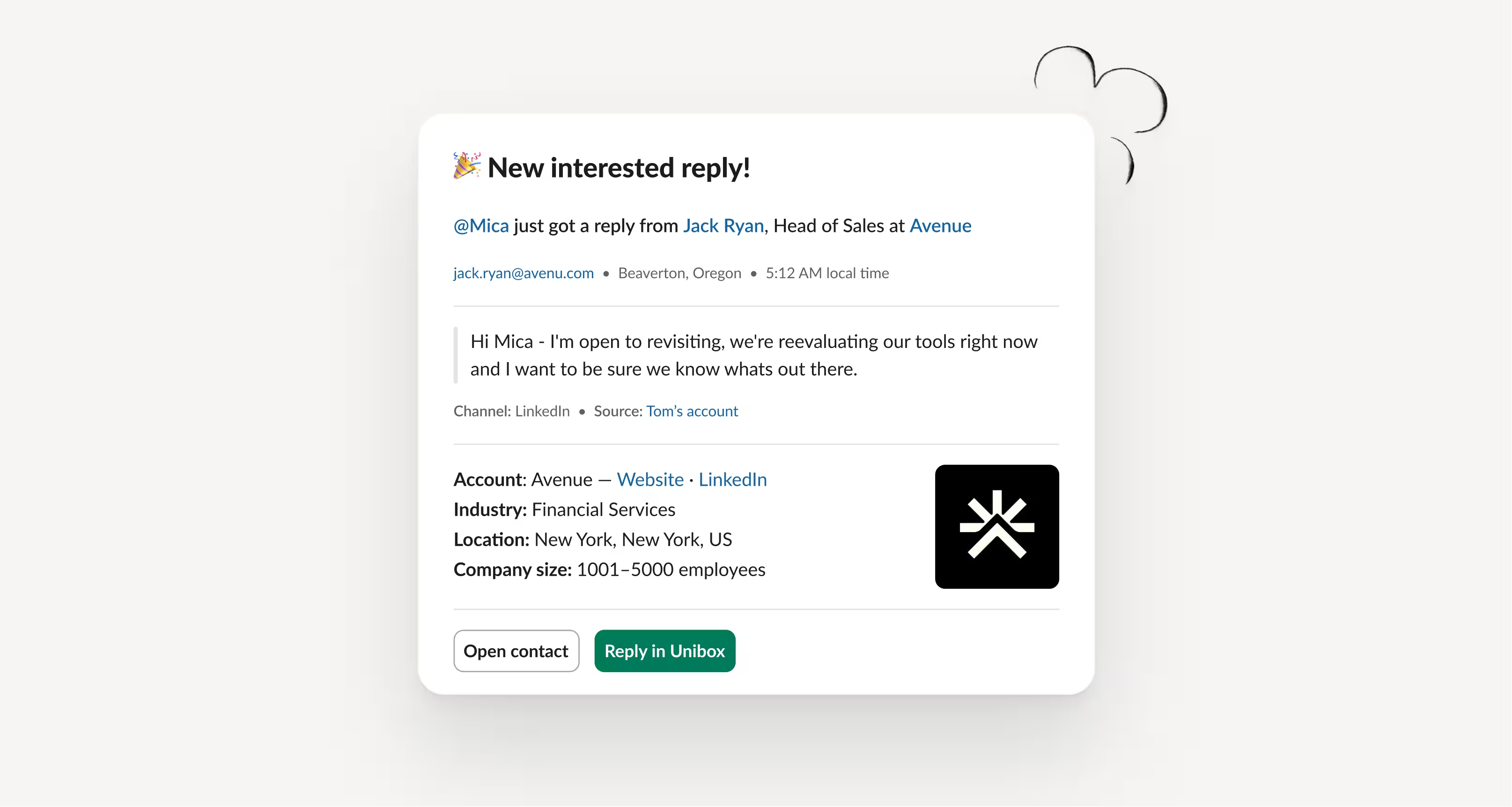
Amplemarket’s Slack integration now notifies your team whenever a lead replies as interested or a call is logged as interested.
Simply connect your Slack workspace and turn on Interested lead notifications in Engagement settings.
How this helps you:
- React instantly when a lead shows buying intent
- Keep your team aligned in real time
- Never miss high-intent replies or calls
Execute manual tasks in browser tabs
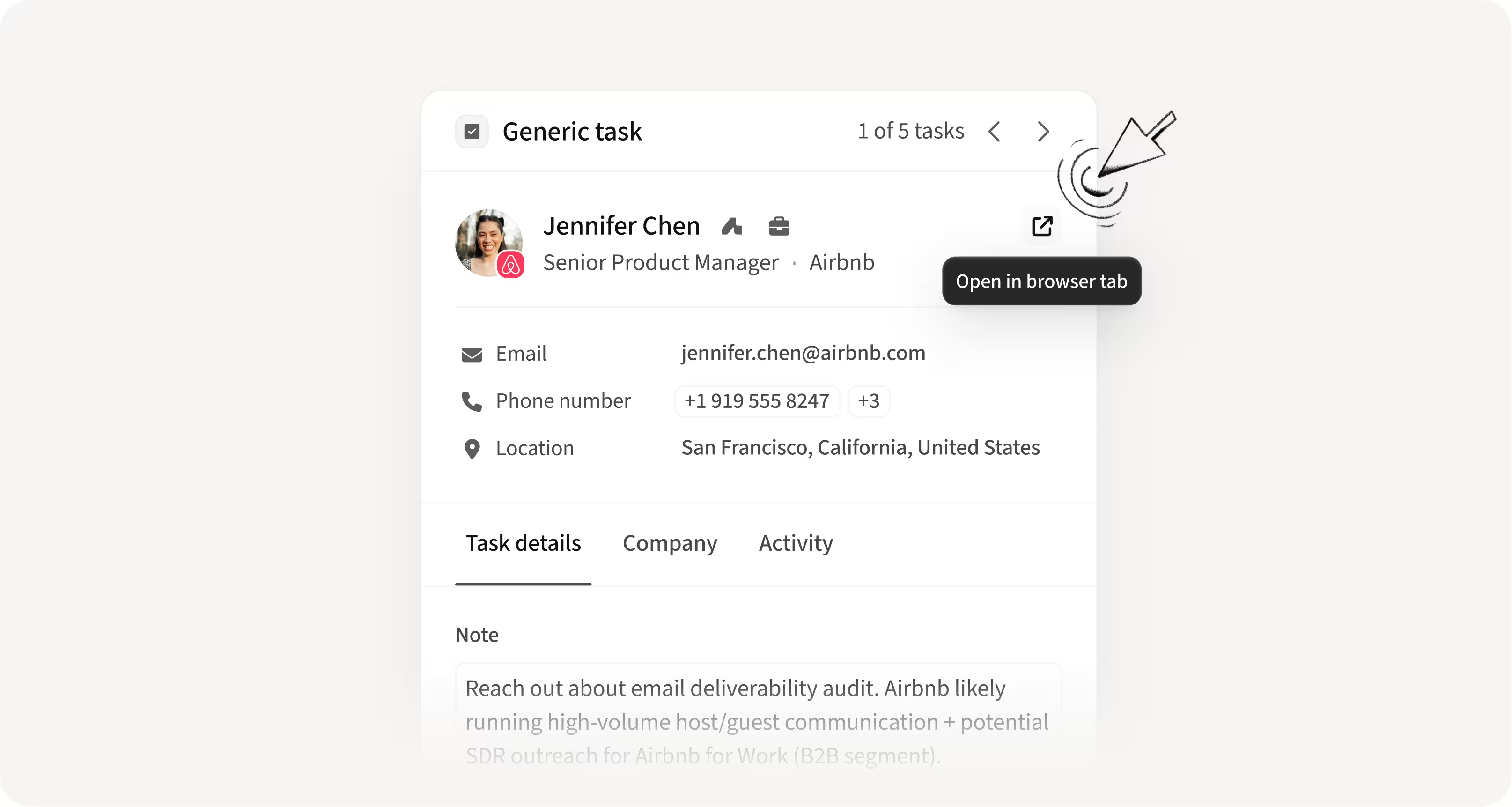
Manual tasks now open in regular browser tabs instead of extension popups, making them compatible with AI assistants like Claude.
You can now use AI assistance while executing manual tasks, including bulk email steps.
How this helps you:
- Use AI assistants to complete manual tasks faster
- Process bulk email steps more efficiently
- Remove friction from high-volume task execution
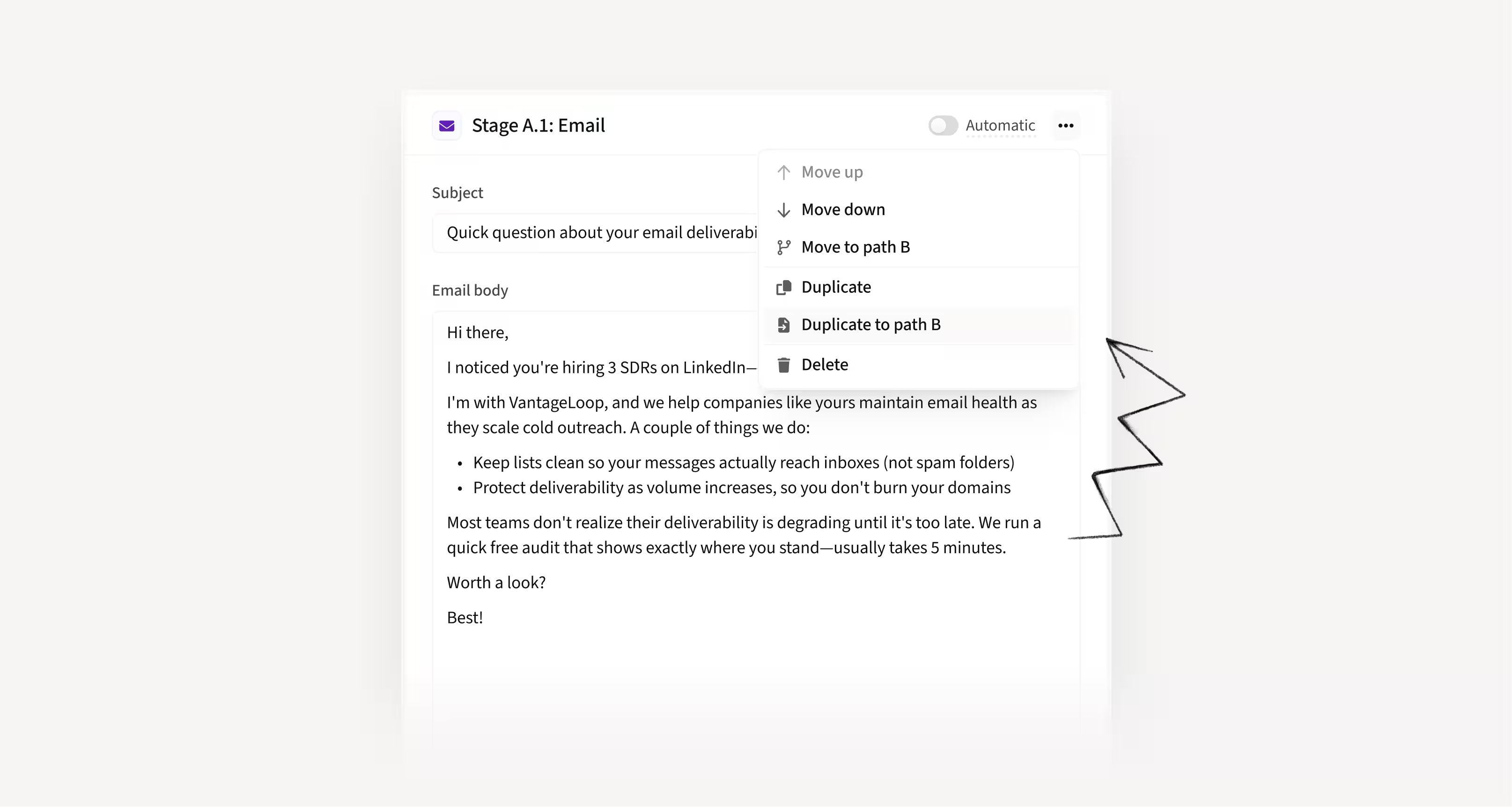
Duplicate stages in A/B sequences
You can now duplicate any stage in a sequence with one click, including copying stages across A and B paths.
This removes the need to manually rebuild similar branches when testing variations.
How this helps you:
- Build A/B sequences faster
- Avoid recreating similar stages from scratch
- Test variations with less manual work
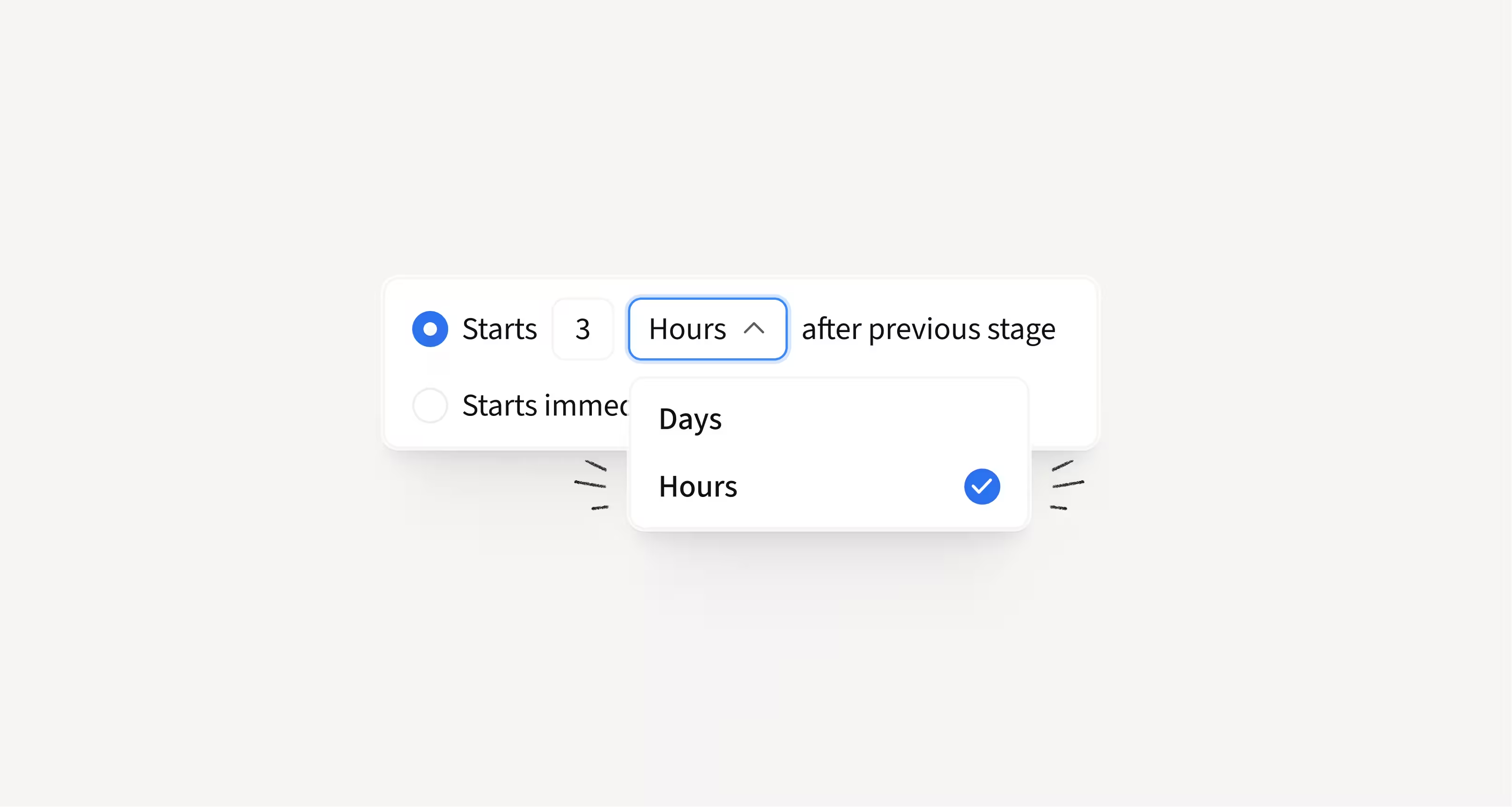
Set wait times in hours between sequence steps
You can now define delays in hours, not just days, between any two stages in a sequence.
This gives you more control over how quickly prospects move from one touchpoint to the next, including email, social, and call steps. We also added a clear “send immediately” option to remove workarounds.
How this helps you:
- Engage high-intent leads faster
- Fine-tune timing between touches
- Launch immediate steps without clunky fixes
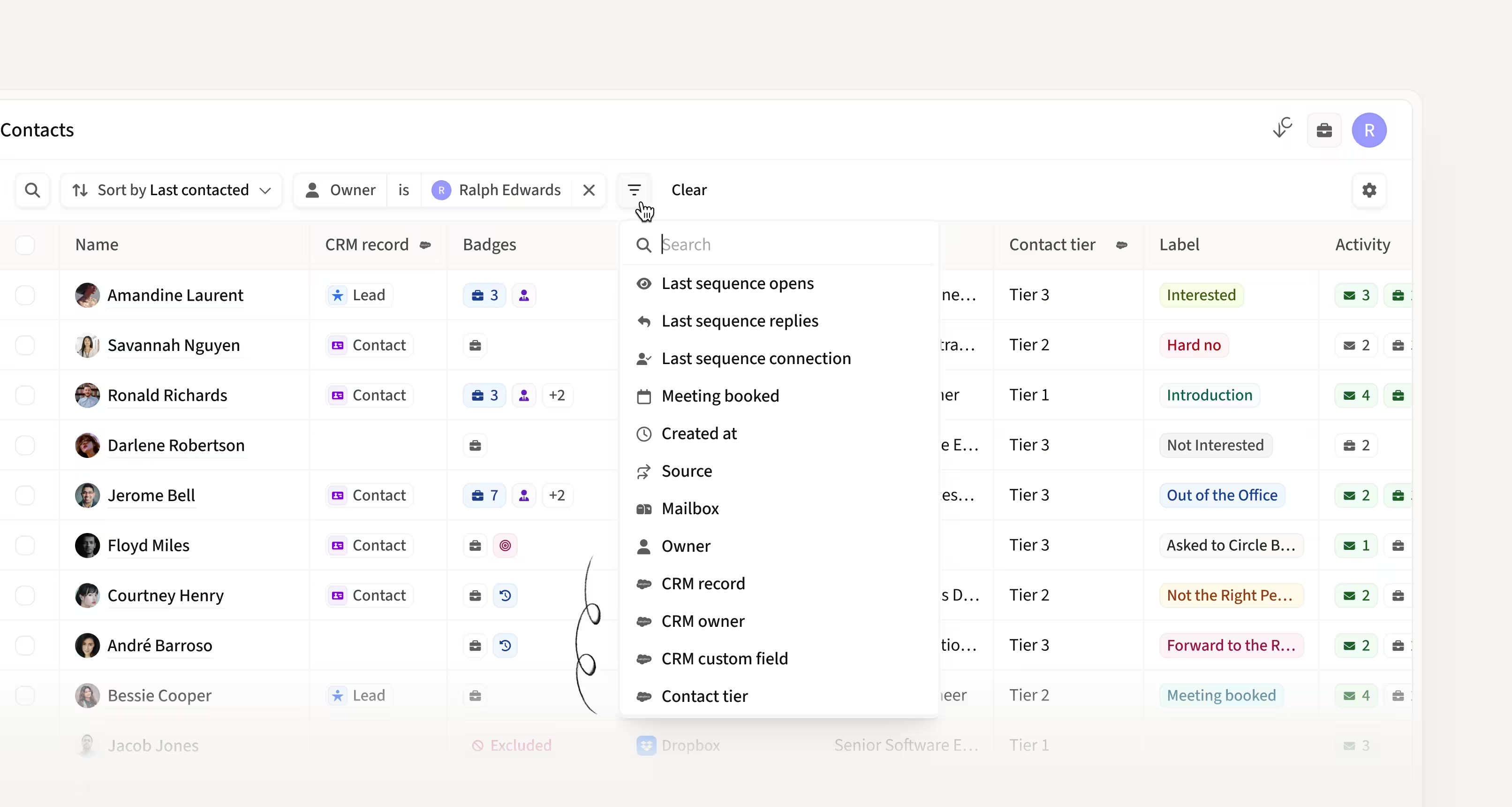
Use custom CRM fields directly in Contact Listing
Custom CRM fields are now available as columns in the Contact Listing. You can add them, filter and sort by them, and rearrange columns based on how your team works.
This makes CRM context accessible exactly where reps manage and prioritize contacts.
How this helps you:
- Filter and prioritize contacts using your own CRM fields
- Reduce context switching between tools
- Customize your contact view to match your workflow
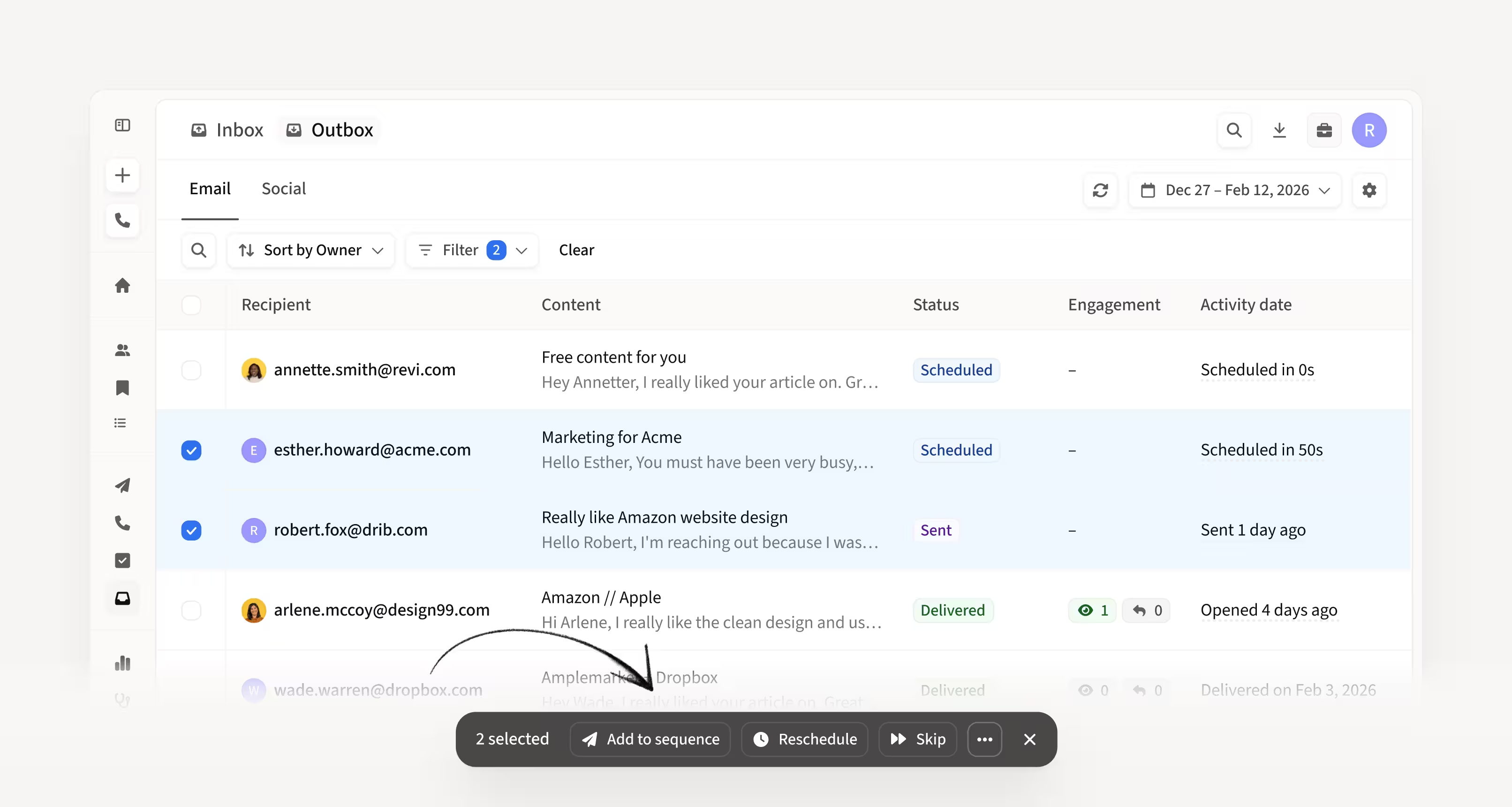
Add leads to sequences directly from the Outbox
You can now add leads to new or existing sequences directly from the Outbox.
This makes it easy to reshuffle bounced, skipped, or stalled leads without leaving the page.
How this helps you:
- Move leads into new sequences in seconds
- React quickly to bounced or delayed emails
- Manage outreach without switching views
Use web search to inform Duo Copilot sequences
Duo Copilot can now pull context from web searches before generating sequences, giving recommendations based on real online information about a company.
You can prompt Duo to investigate things like integrations, product initiatives, or public signals and tailor sequences accordingly.
How this helps you:
- Generate more personalized sequences with real web context
- Let Duo adapt messaging based on actual company info
- Get clearer insight into what sources are informing suggestions
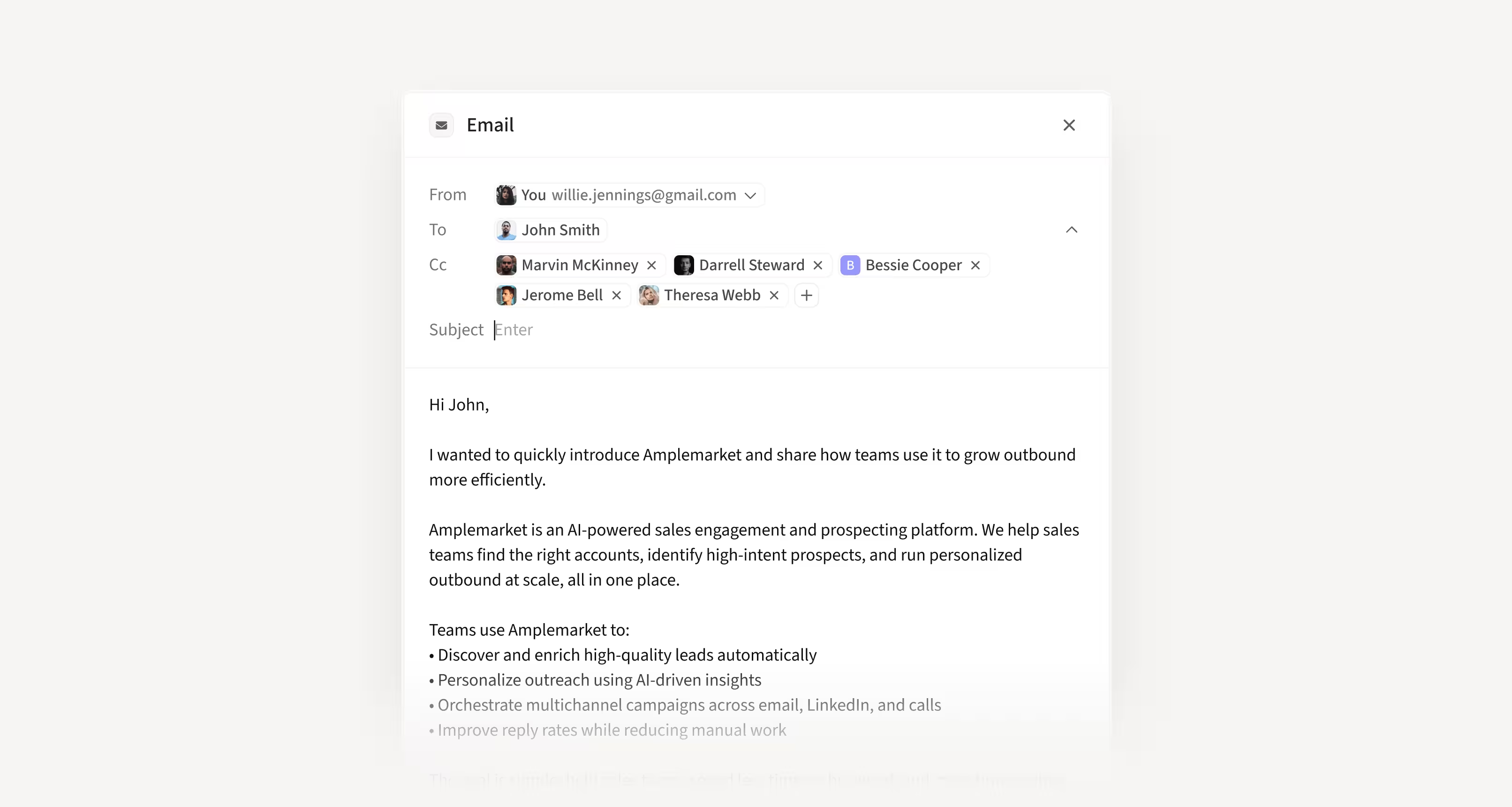
Send one-off emails from Contact Details
You can now send one-off emails directly from the Contact Details page using the new Send email button.
The email is sent immediately, logged in the Prospect Hub, and visible in the Outbox without needing to create a task or switch tools.
How this helps you:
- Send quick emails without leaving Amplemarket
- Avoid creating manual tasks first
- Keep all activity automatically logged and tracked
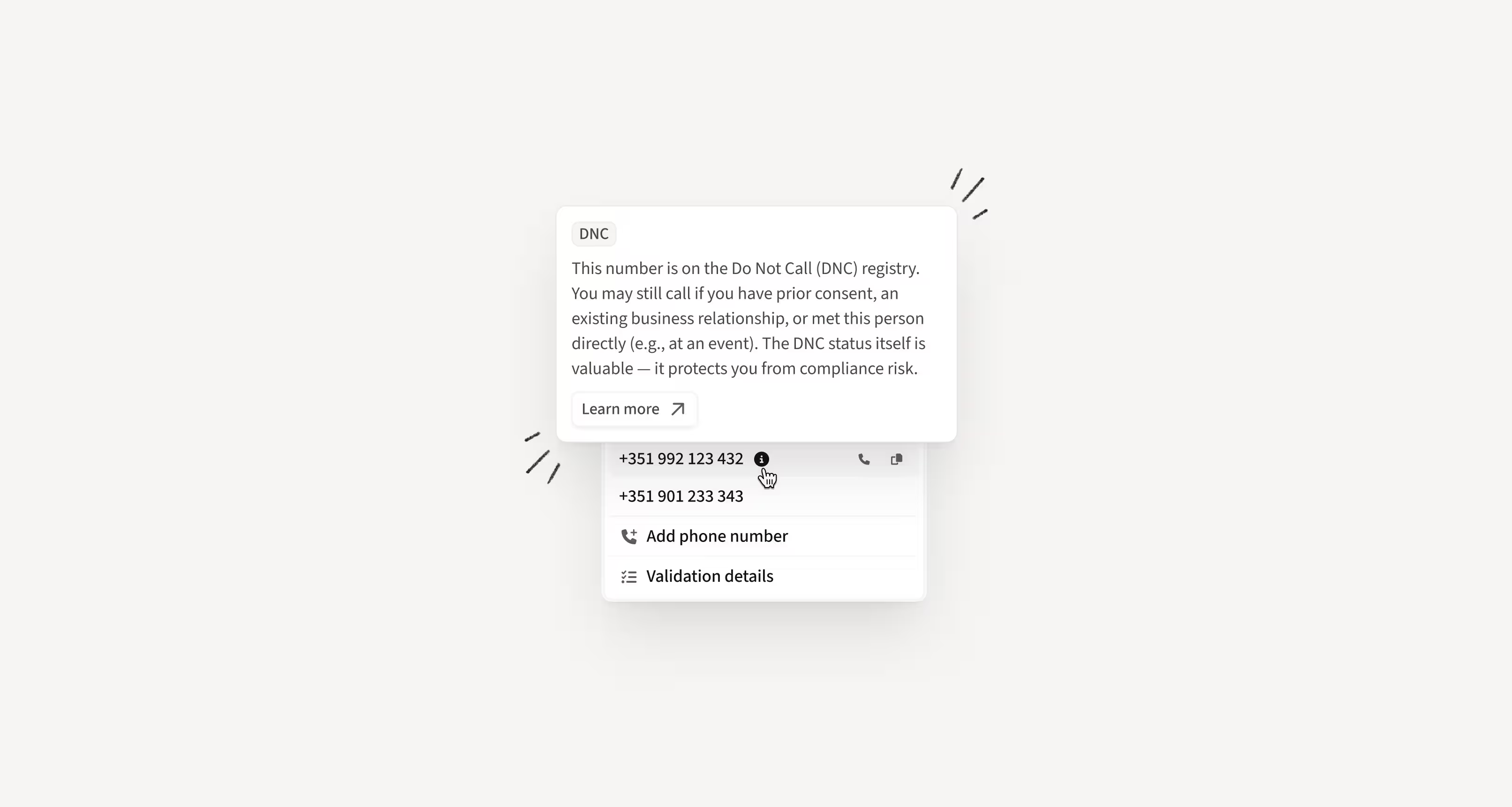
See Do Not Call status before placing calls
Phone numbers registered on US Do Not Call lists are now flagged across the platform, including Searcher, Lists, Dialer, Contact Details, and exports.
This gives you visibility before placing a call, without needing to check external tools. Admins can enable or disable this setting in Safety.
How this helps you:
- Avoid accidentally calling DNC-registered prospects
- Make informed decisions without leaving your workflow
- Reduce compliance risk while staying in control
Currently available for US phone numbers.
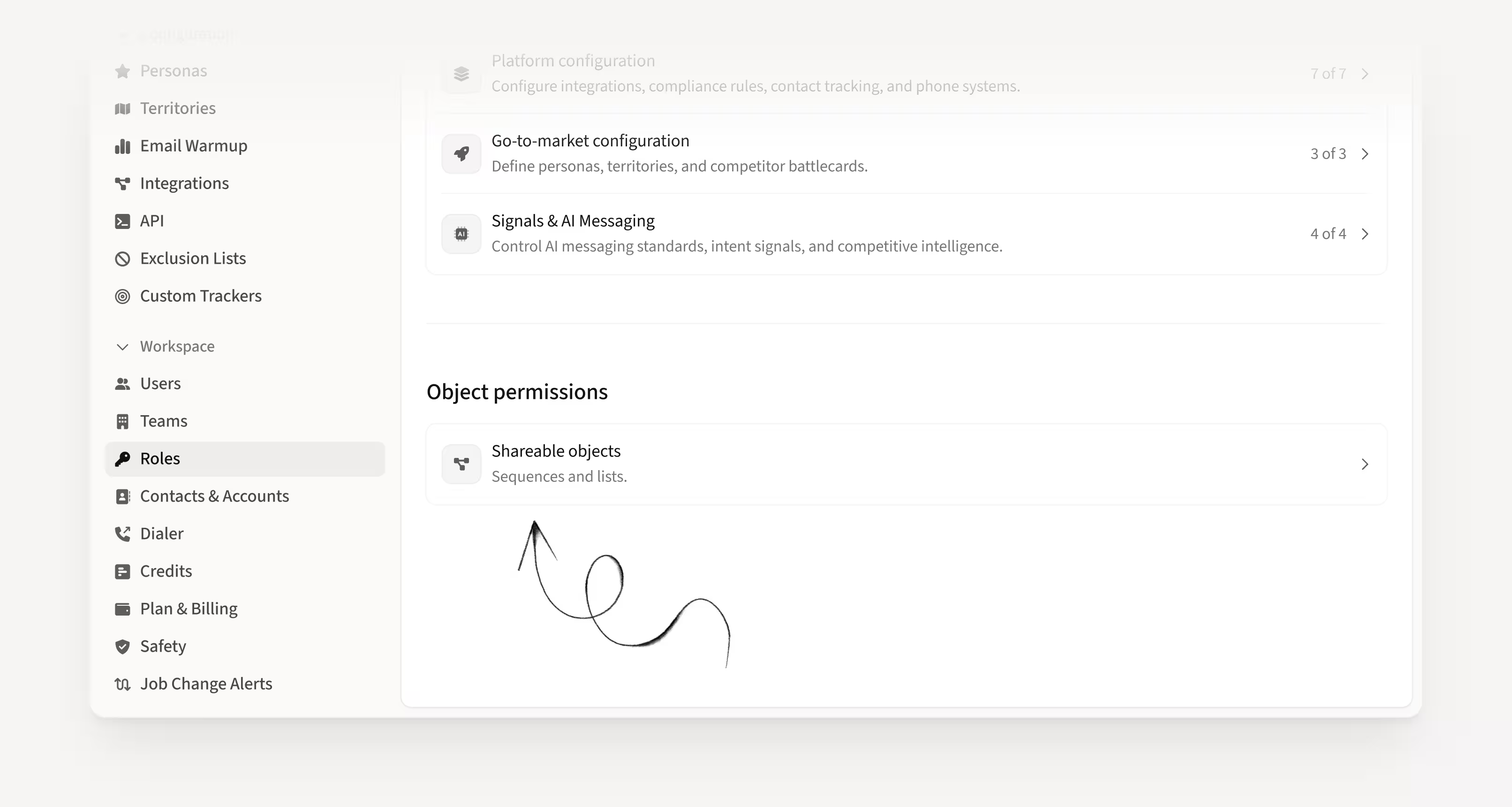
Control who can view, edit, and create sequences
You can now define sequence permissions by role, including who can view, edit, or add leads to sequences owned by other users.
You can also control whether specific roles are allowed to create new sequences.
How this helps you:
- Access and manage sequences when teammates are out
- Let teammates add leads without giving full edit access
- Restrict junior roles from creating sequences
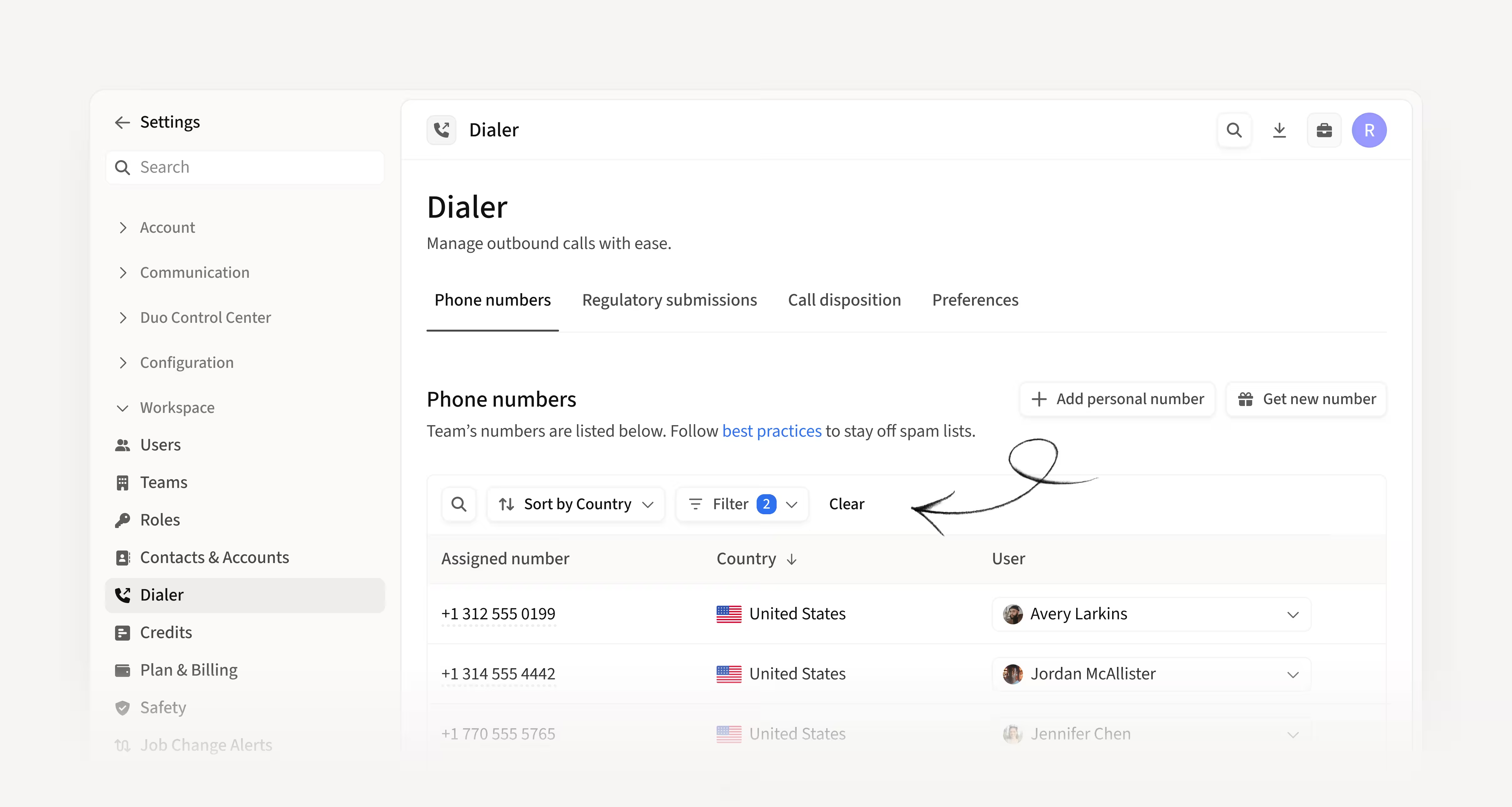
Manage Dialer numbers more easily across countries
The Dialer Overview now automatically filters to show only the countries where you and your team own phone numbers. You can also sort numbers by country to review them more easily.
This makes it simpler to understand who owns which numbers across regions.
How this helps you:
- Quickly see numbers by country
- Manage multi-region teams more efficiently
- Reduce confusion when assigning and reviewing numbers
Share or unshare lead lists directly from the list
You can now share or unshare a Lead List directly from inside the list view, without going back to the main Lists page.
This removes extra steps when adjusting access.
How this helps you:
- Share lists faster
- Update access without switching views
- Reduce friction in day-to-day list management
Hope these updates make your experience with Amplemarket even better!
Have feedback? Submit it here.
Questions? You can always reach out to support@amplemarket.com